FASHION
AI Walking Effect: Your Photo Walks Toward the Camera
The subject walks toward a steady camera with natural footfalls and a confident street-style pace. Start with one photo and make your own 10-second vertical edit.
- 130 credits
- 10 s video
- 1 photo
Reference clip
Reference clip. Your render stars you and may differ.
More trends
More Fashion scenes to star in
Pimp Walk Entrance
Sofa Outfit Change
Arena Walkout (Lil Yachty Caption)
Gimme Purr Gimme Meow
Bonito Bonito Baby
I'm So In Love With You
iPhone Kupi Dance
Cat Human
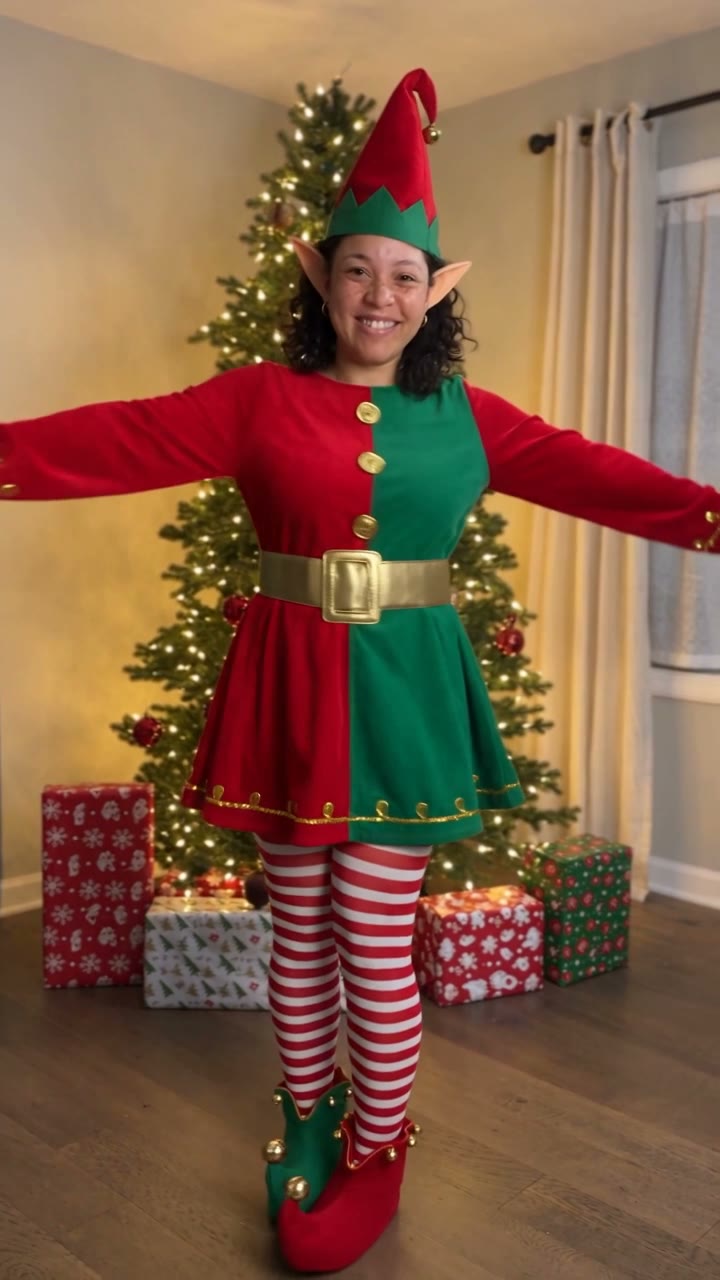
AI Elf Dance
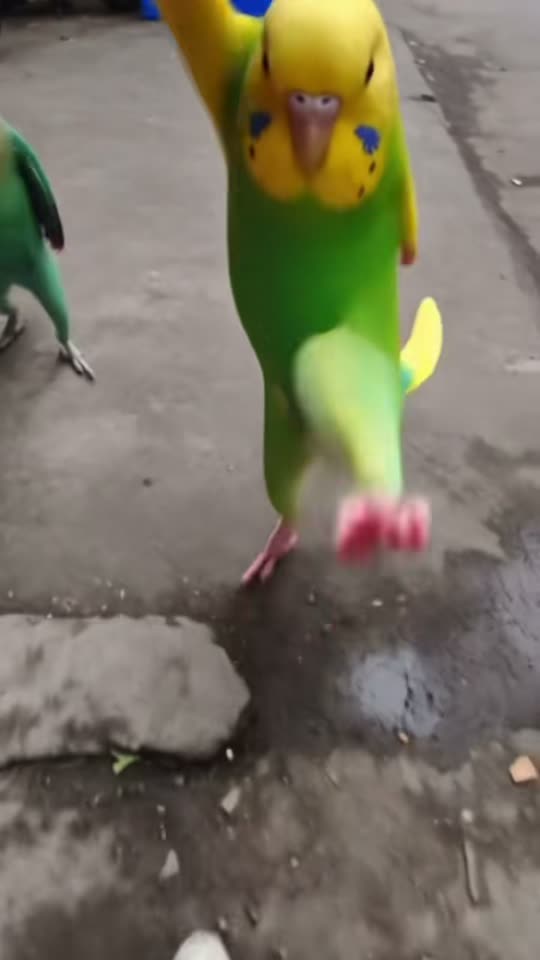
Bing Bing Bing Kicking
- 01Upload your photoClear face, good light.
- 02We render in 3–8 minNo prompt to write.
- 03Download or share9:16 vertical, no watermark.
The AI walking effect is a photo-to-motion template that animates one standing still into a short runway-like approach. ViralVideoAI places the uploaded subject on a sunlit city walkway with clean architectural lines, walks them toward a steady camera with natural footfalls, and tightens the frame on the same face and outfit for a close payoff — 10 seconds, 9:16 vertical, 130 credits. Outfit silhouette and body proportions stay consistent across the walk.
About $5.55 per render on our best-value plan. See plans
Also called AI model walk · walking photo effect · photo to walking video · AI runway walk · photo animé marche IA · AI 行走 效果 · AI ウォーキング 動画
Example
What the AI Walking Effect video looks like
The reference shows the pacing and framing of AI Walking Effect. Your render uses your uploaded one photo to create a new clip.
Input
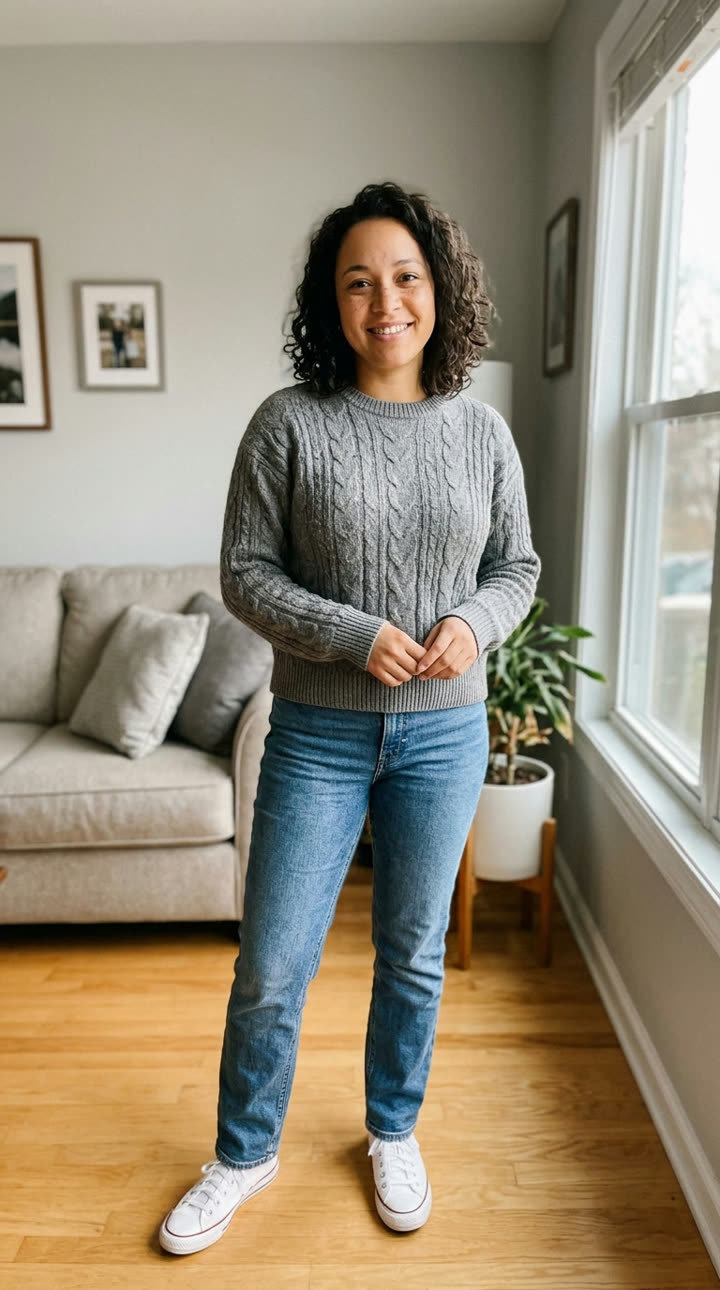
Reference clip
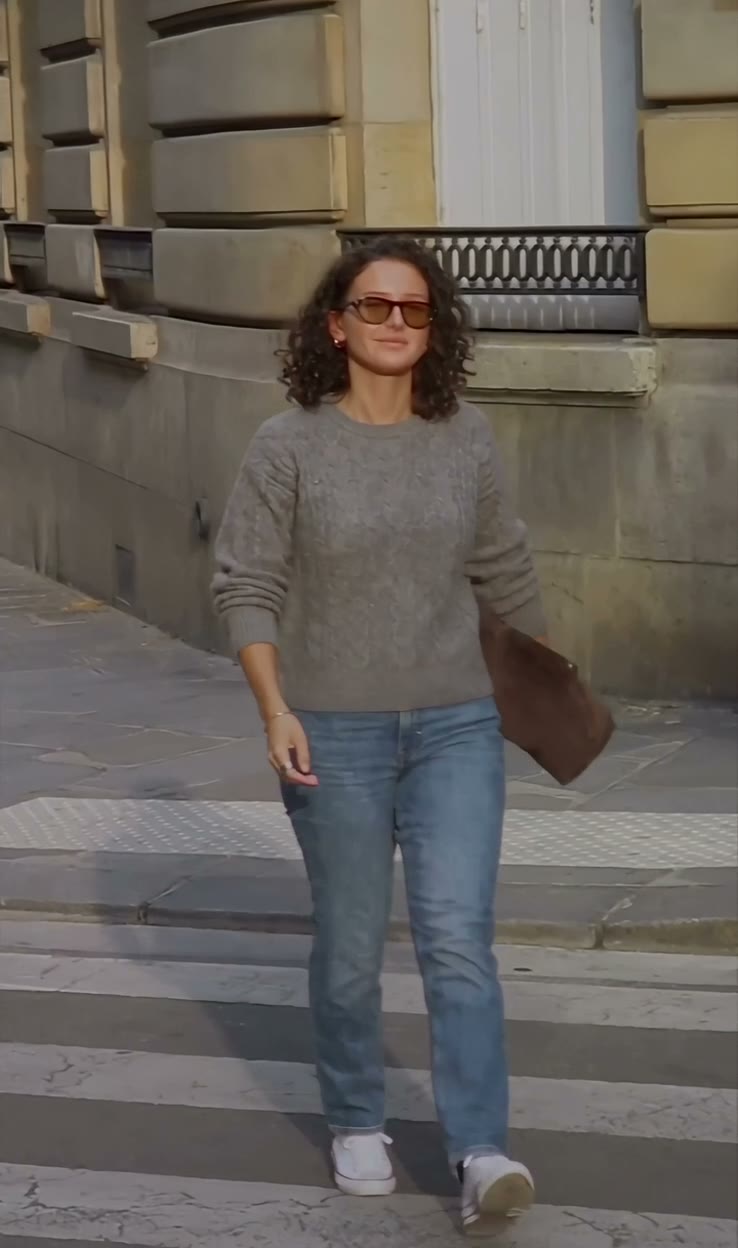
Reference footage illustrates the format. Your output is newly generated and may differ from this example.
What is the AI Walking Effect trend?
The AI walking effect is a photo-to-video motion template that converts a single full-body standing photo into a short runway-like walk. The hallmark of the format is identity preservation across motion — face, outfit silhouette and body proportions must stay recognizable from the first step to the final close framing.
Step by step
How to make the AI Walking Effect video on ViralVideoAI
Make AI Walking Effect in three steps, directly in your browser.
Choose your source photo
Use one full-body standing photo with both legs and shoes visible, taken in daylight.
Generate the video
Upload one photo and confirm the 130-credit price. The generator builds a 10-second 9:16 video in a sunlit city walkway with clean architectural lines.
Review and share
Check identity, motion and the final frame: A closer framing captures the same face and outfit before the walk ends. Add any named track through a licensed music library.
Which photo works best?
Best source image for this effect:
- Use one full-body standing photo with both legs and shoes visible, taken in daylight.
- Use images you own or have permission to use. For two-person effects, both adults must consent.
- Avoid heavily filtered faces, cropped limbs and readable private information. Review the result before sharing.
Where did the AI Walking Effect trend start?
Photo-to-motion research matured in 2024–2025 as diffusion video models learned to keep identity across frames. By late 2025, "walking from a photo" demos circulated among AI tool early adopters; mainstream template apps shipped one-tap walking effects in October 2026. ViralVideoAI published its independent 10-second interpretation on November 5, 2026, sized at 9:16 for direct TikTok, Reels and Shorts posting.
Open-source diffusion video models begin to preserve identity across short motion clips.
Early "walking from a photo" demos spread among AI tool creators and researchers.
Mainstream template apps ship one-tap walking effect filters.
ViralVideoAI publishes its independent 10-second 9:16 walking effect template.
One-tap version
Which AI Walking Effect version do you get?
The one-tap flow writes and runs the prompt for you, so there is nothing to copy or edit. You get the version below.
AI Walking Effect
10 s · 9:16 · one photo
10 s · 9:16 · 130 credits
How many credits does it cost?
The one-tap generator currently runs the AI Walking Effect version for 130 credits. The Generate button confirms the price before you spend anything. A failed render returns its credits. See pricing.
What happens in the AI Walking Effect video, second by second?
The AI Walking Effect edit has three clear beats:
| Beat | Visual action |
|---|---|
| Setting | a sunlit city walkway with clean architectural lines |
| Action | The subject walks toward a steady camera with natural footfalls and a confident street-style pace. |
| Payoff | A closer framing captures the same face and outfit before the walk ends. |
AI Walking Effect: framing and identity tips
The walking effect animates a still portrait into a runway-like approach. It works best when the original image already shows the complete outfit and body proportions. Use one full-body standing photo with both legs and shoes visible, taken in daylight.
- Keep the main subject easy to recognize in the first frame.
- Check face, limbs, clothing and vehicle details in the preview.
- Leave space for platform captions above the bottom controls.
Caption, sound and hashtags
Caption idea: “My AI Walking Effect version.” The generated audio is original light runway beat; add a named song only through your platform’s licensed library and label AI media where required.
The displayed trend clip is a format reference. Generated results are new AI visuals based on your uploaded photo; no third-party recording is included.
FAQ
AI Walking Effect trend questions
What photo works best for the walking effect?
One full-body standing photo in daylight, with both legs and shoes visible and the whole outfit in frame. A plain background helps, but is not required. Avoid heavy filters, cropped limbs and sitting or crouching poses — the template needs the complete body geometry to animate a walk.
Will my outfit stay the same across the walk?
The outfit silhouette, main color and footwear style stay recognizable from the first step to the close framing. Fine details like text, small prints and jewelry may vary slightly between frames, which is normal for diffusion video. Review the preview before sharing.
Can two people walk together?
This template is tuned for one subject. For a two-person outfit or couple edit, try the Sofa Outfit Change trend (two-photo overhead rotation) or the Boyfriend Picks You Up Every Day trend instead.
Does the result look like the viral "AI model walk" clips?
Yes — the format is a direct descendant of the viral photo-to-walking demos from late 2025, now packaged as a 10-second 9:16 vertical video with a sunlit city walkway, a steady approach and a closer frame at the end.
Make your own AI Walking Effect video
Add one photo and tap once. No prompt to write. 130 credits.
3–8 minNo watermarkRefund if render failsSecure checkout by Stripe