MEME
Cutting the Branch AI Meme: The Mistake, the Fall, the Splash
The subject comically saws the branch between themselves and the trunk, then notices the mistake. Start with one photo and make your own 10-second vertical edit.
- 130 credits
- 10 s video
- 1 photo
Reference clip
Reference clip. Your render stars you and may differ.
More trends
More Meme scenes to star in
Drink Fly Bump
I Just Beat the Case
Car Falling From Sky
Careless Whisper Car Meme
Grandpa Handles Dinner
Single Camel
Bruno Window Serenade
Spiderman Pointing Meme
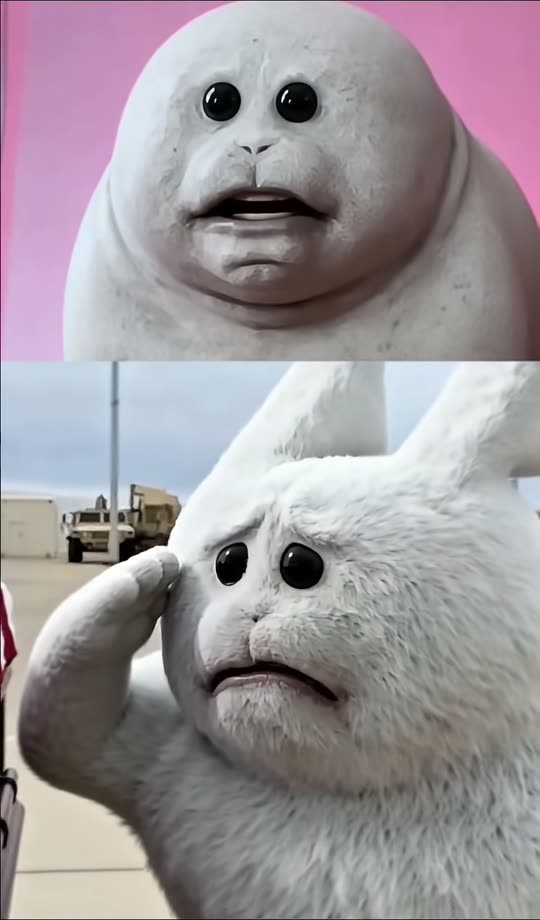
Permission to Cry Sir
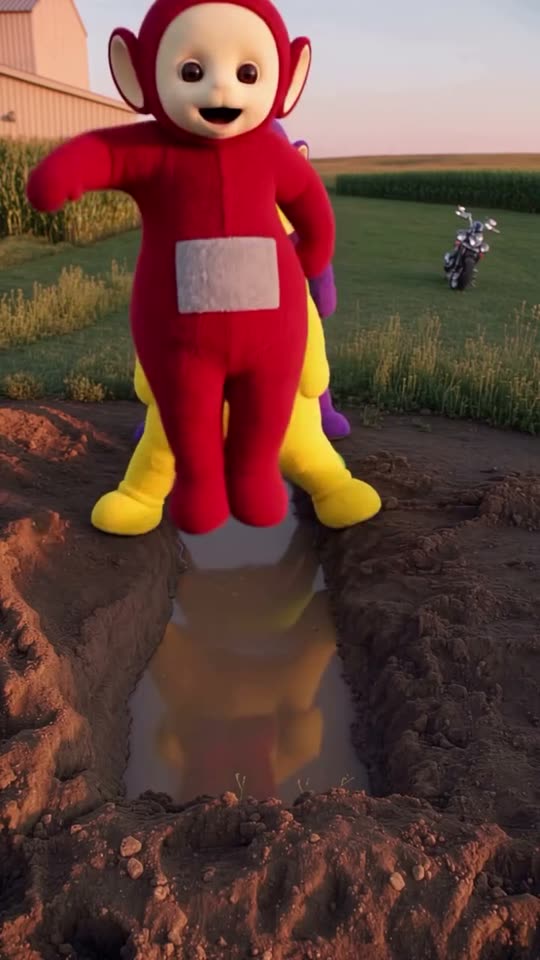
Teletubbies Mud Fall
- 01Upload your photoClear face, good light.
- 02We render in 3–8 minNo prompt to write.
- 03Download or share9:16 vertical, no watermark.
Cutting the Branch is a visual-meme AI template built on the self-defeating "sawing the branch you sit on" joke. ViralVideoAI turns one full-body adult or pet portrait into a 10-second 9:16 cartoon-style clip: the subject sits on a wide branch over a calm river, saws between themselves and the trunk, notices the mistake, and lands in shallow water with a playful splash. 130 credits per render; failed renders refund their credits automatically.
About $5.55 per render on our best-value plan. See plans
Also called sawing off the branch meme · branch fall AI · cutting branch you sit on · AI self-defeat meme · cortando la rama meme IA · 木の枝 切る ミーム AI
Example
What the Cutting the Branch video looks like
The reference shows the pacing and framing of Cutting the Branch. Your render uses your uploaded one photo to create a new clip.
Input

Reference clip
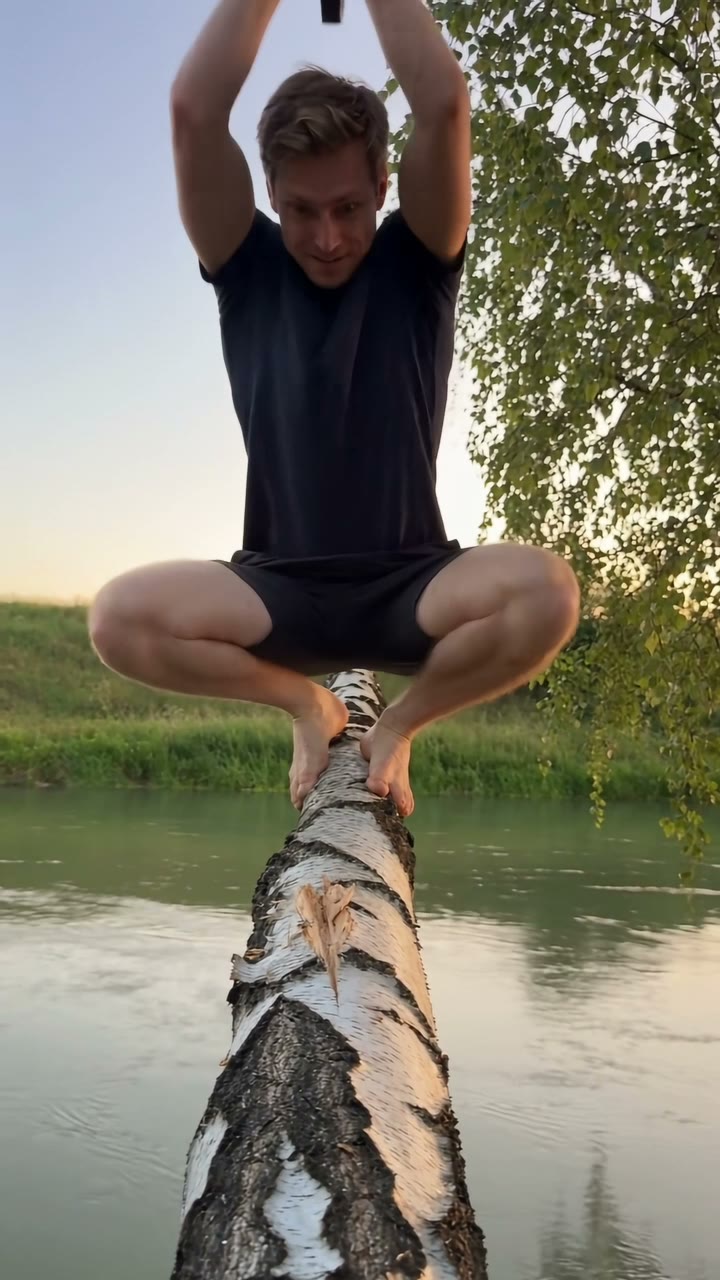
Reference footage illustrates the format. Your output is newly generated and may differ from this example.
What is the Cutting the Branch trend?
Cutting the Branch is a classic self-defeat meme ("sawing off the branch you sit on") rendered as a short AI video. The format is slapstick, not stunt: the fall is cartoon-style, the water is shallow and the landing is harmless — the joke is the delayed realization, not the impact.
Step by step
How to make the Cutting the Branch video on ViralVideoAI
Make Cutting the Branch in three steps, directly in your browser.
Choose your source photo
Use one clear full-body adult or pet portrait; keep limbs visible for the action.
Generate the video
Upload one photo and confirm the 130-credit price. The generator builds a 10-second 9:16 video in a broad tree branch over a calm river.
Review and share
Check identity, motion and the final frame: The branch dips and the subject lands in shallow water with a playful splash. Add any named track through a licensed music library.
Which photo works best?
Best source image for this effect:
- Use one clear full-body adult or pet portrait; keep limbs visible for the action.
- Use images you own or have permission to use. For two-person effects, both adults must consent.
- Avoid heavily filtered faces, cropped limbs and readable private information. Review the result before sharing.
Where did the Cutting the Branch trend start?
The "sawing the branch you sit on" image is centuries old — it appears in medieval European moralist art, in Nasreddin Hodja stories and in many 20th-century political cartoons. The meme returned to short-form video in 2024 as creators used it to illustrate corporate self-sabotage and relationship exits. AI photo-to-video tools gave it a one-tap format in late October 2026; ViralVideoAI published its independent 10-second version on November 5, 2026, with a cartoon-style splash and an explicit "do not try this" disclaimer.
Short-form "cutting the branch" clips circulate as a visual metaphor for self-sabotage.
AI template apps ship one-photo cutting-the-branch effects with cartoon-style physics.
ViralVideoAI publishes an independent 10-second 9:16 cartoon-style version with a harmless shallow-water splash.
One-tap version
Which Cutting the Branch version do you get?
The one-tap flow writes and runs the prompt for you, so there is nothing to copy or edit. You get the version below.
Cutting the Branch
10 s · 9:16 · one photo
10 s · 9:16 · 130 credits
How many credits does it cost?
The one-tap generator currently runs the Cutting the Branch version for 130 credits. The Generate button confirms the price before you spend anything. A failed render returns its credits. See pricing.
What happens in the Cutting the Branch video, second by second?
The Cutting the Branch edit has three clear beats:
| Beat | Visual action |
|---|---|
| Setting | a broad tree branch over a calm river |
| Action | The subject comically saws the branch between themselves and the trunk, then notices the mistake. |
| Payoff | The branch dips and the subject lands in shallow water with a playful splash. |
Cutting the Branch: framing and identity tips
The old cutting-the-branch joke visualizes self-defeating decisions. The punchline is the delayed realization before a harmless cartoon-style splash. Use one clear full-body adult or pet portrait; keep limbs visible for the action.
- Keep the main subject easy to recognize in the first frame.
- Check face, limbs, clothing and vehicle details in the preview.
- Leave space for platform captions above the bottom controls.
Caption, sound and hashtags
Caption idea: “My Cutting the Branch version.” The generated audio is original light comic effects; add a named song only through your platform’s licensed library and label AI media where required.
Fictional slapstick scene only. The output is a cartoon-style AI video. Never attempt to saw a tree branch while seated on it; that is a serious injury risk and in some jurisdictions illegal to film on protected trees.
FAQ
Cutting the Branch trend questions
Will the fall look painful?
No. The fall is cartoon-style — a soft dip of the branch, a short drop, a playful splash. The water is clearly shallow and the landing reads as harmless. The clip is a self-defeat meme, not a stunt.
What photo should I use?
One clear full-body portrait with both arms and legs visible, in even light. The generator needs the limbs to animate the sawing motion and the splash. Avoid tight crops and photos with cropped feet.
Can I use a pet photo?
Yes — a cat or dog on the branch gives the meme an extra absurdity layer. Use a full-body pet portrait with the whole body in frame.
Can I add a caption like "my boss / my ex"?
Yes, but add it at the posting step on TikTok, Reels or Shorts. ViralVideoAI does not burn caption text into the clip so you can reuse the same render with different captions.
Make your own Cutting the Branch video
Add one photo and tap once. No prompt to write. 130 credits.
3–8 minNo watermarkRefund if render failsSecure checkout by Stripe