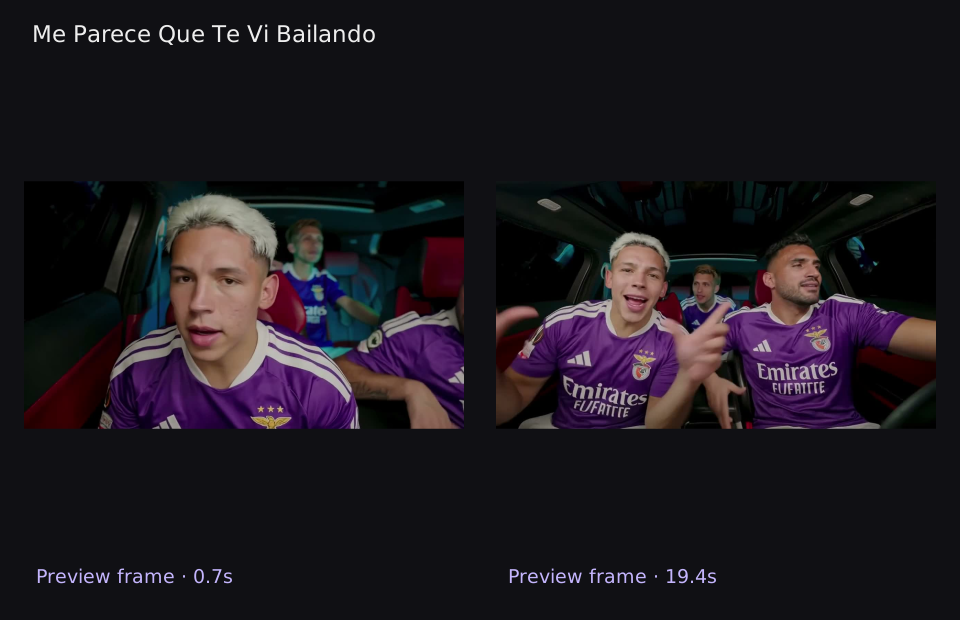
Three uploaded adults perform an original cumbia-style car scene at night. The camera favors the front-left lead while the front-right and rear passengers react; each person keeps the clothing colors from their own photo. Also called Jersey swap crew AI · Me parece que te vi bailando cumbia.
ViralVideoAI editorial guide · Updated
What the Me Parece Que Te Vi Bailando AI video looks like
Look for the defining reveal: Let the front-right friend answer with a small rhythmic gesture. Check its relationship to the setup rather than judging only a poster frame.
Watch the playable effect preview above, then compare it with the generation sequence below. Preview: 29.9 s · 1280×720. Your preset: 15 s · 720p · 9:16.
How to make Me Parece Que Te Vi Bailando AI on ViralVideoAI
Uploads and generation run in the panel above. Sign in to keep task progress and the completed download associated with your account.
1. Upload 3 role photos
Slot 1: Lead — front left. Slot 2: Friend — front right. Slot 3: Friend — rear seat. Use one chest-up photo per adult, with a clear face and visible shirt. Order matters: lead front left, friend front right, then rear passenger. Plain jerseys reduce distorted lettering.
2. Generate the selected scene
Confirm the 130-credit task charge and start once. The preset uses five ordered phases over 15 seconds; the progress state keeps the current task visible.
3. Review, download and add your soundtrack
Watch the main action in motion: Let the front-right friend answer with a small rhythmic gesture. Check identity and body or object boundaries, download the MP4, then add captions or a platform-licensed sound in your editor.
Which photo works best
Use one chest-up photo per adult, with a clear face and visible shirt. Order matters: lead front left, friend front right, then rear passenger. Plain jerseys reduce distorted lettering.
- JPG, PNG or WebP · up to 10 MB per file. Use the original image rather than a compressed screenshot.
- Use your own images or obtain permission from every adult shown.
Origin of the Me Parece Que Te Vi Bailando Trend
The supplied music trail links the hook to DJ Tao’s “JUANO DSKT | DJ TAO SESSIONS #33”, published on YouTube on 9 July 2026. The recognizable scene is a nighttime car performance with three people in football shirts. Later TikTok remakes personalized the crew and club colors rather than changing the seated performance format.
Historical audience figures below are reported research snapshots, not live counters or usage of this generator. Social-platform dates and counts have not all been independently verified. Individual posts, hashtag totals and search estimates measure different populations. Research review: . View linked original post.
| Post or snapshot date | Attributed historical note |
|---|---|
| 2026-07-09 | Reported YouTube snapshot for DJ TAO SESSIONS #33: 10,164,695 views and 63,714 likes as of 16 November. |
| 2026-07-18 | Reported @christolaba car-clip post: 1.5 million views and 187,400 likes by 16 November; a separate @joaacoo.17_ lyrics edit dated 9 September was reported at 662,900 views and 24,000 likes. |
| 2026-11-16 | Reported #meparecequetevibailandocumbia total: 225 TikTok videos and 20.3 million views. A Vélez shirt remake dated 26 October was reported at 3,045 likes. |
Original posts and further reading
What happens, second by second
The table specifies the five intended phases of this preset. It describes generation direction, not an exact transcription of the preview; gesture timing and fine detail can vary.
| Preset time | Intended scene action |
|---|---|
| 0–3 s | Establish all three adults in their assigned car seats. |
| 3–6 s | Move toward the front-left lead for the opening gesture. |
| 6–9 s | Let the front-right friend answer with a small rhythmic gesture. |
| 9–12 s | Include the rear-seat friend without merging the front bodies. |
| 12–15 s | Return to all three for a coordinated final head movement. |
Me Parece Que Te Vi Bailando generator specifications
| Parameter | Configured requirement |
|---|---|
| Input Required | 3 separate photos: Lead — front left; Friend — front right; Friend — rear seat. JPG/PNG/WebP, up to 10 MB each. |
| Output Format | 9:16 vertical MP4, 720p, 15 seconds. No watermark. |
| Audio Included | New scene-appropriate audio is requested. A particular commercial recording or exact lyric synchronization is not included; add a licensed sound in your posting app. |
| Prompt Needed | None. Scene direction and timing are preconfigured. |
| Generation Time | Allow several minutes; queue and provider load vary. A 15-second clip does not mean a 15-second render. |
| Pricing / Credits | 130 credits per generation. One-time entry pack: $8.99; Starter: $29/month. No free trial. |
What to check before generating again
These are practical review checks, not measured failure rates. A source-image correction can improve guidance, while precise motion and anatomy remain generation-dependent.
| Visible problem | Useful next step |
|---|---|
| Two faces occupy the same seat | Upload three separate faces in the labeled order. |
| A shirt logo becomes unreadable | Use a plain shirt or judge color and pattern rather than exact sponsor text. |
| The rear friend disappears | Choose a rear-role portrait with a clear face and check the wider closing shot. |
Which caption and hashtags fit
Caption idea: “Same seats. Our crew.” Keep it editable so you can change its wording without rerendering the scene.
- Search labels: Jersey swap crew AI · Me parece que te vi bailando cumbia.
- Suggested tags: #meparecequetevibailando #aivideo. Use the platform’s AI disclosure where required.
- Keep captions away from faces, reveal gestures and app-interface overlays.
Pricing / What’s included
The preset creates one personalized video with the scene, length and photo roles described above. Review the current plans and packs before generating. Follow task progress in your account and download the completed result.
Me Parece Que Te Vi Bailando AI questions
What is the Me Parece Que Te Vi Bailando AI trend?
Me Parece Que Te Vi Bailando turns three separate adult portraits into a night-car cumbia performance with your crew. Its defining scene is: Let the front-right friend answer with a small rhythmic gesture. The uploaded subject fills the role named in the panel.
Which photo should I use for Me Parece Que Te Vi Bailando?
Use one chest-up photo per adult, with a clear face and visible shirt. Order matters: lead front left, friend front right, then rear passenger. Plain jerseys reduce distorted lettering.
Which person or object goes in each upload slot?
Photo 1: Lead — front left. Photo 2: Friend — front right. Photo 3: Friend — rear seat. Use a separate file for each role; a group photo does not assign individual seats or reveal positions.
How is ViralVideoAI.app different from using Kling or Runway directly for this trend?
ViralVideoAI.app provides a preconfigured Me Parece Que Te Vi Bailando workflow: labeled photo roles, scene order, timing and output format are already selected. In a general-purpose workflow, you choose those directions and settings yourself. Prompt and keyframe controls in Kling or Runway vary by product and mode; manual keyframe tuning is not universally required.
Does the download include the exact trending song?
The preset requests newly generated scene audio. It does not license or promise the commercial recording heard in a circulating edit. Download the MP4, then select the available licensed sound inside TikTok, Reels or Shorts and align it to the reveal.
Is generation free and how much does it cost?
130 credits per generation. One-time entry pack: $8.99; Starter: $29/month. No free trial.
Is this a 1080p export or a still-image filter?
This page runs a 15-second 720p video preset in 9:16. The preview file has its own measured dimensions, which may differ from the generation preset.
What if two faces occupy the same seat?
Upload three separate faces in the labeled order. Compare the opening, transition and finish before deciding whether a new source photo addresses the problem.
What if a shirt logo becomes unreadable?
Use a plain shirt or judge color and pattern rather than exact sponsor text. Compare the opening, transition and finish before deciding whether a new source photo addresses the problem.
What if the rear friend disappears?
Choose a rear-role portrait with a clear face and check the wider closing shot. Compare the opening, transition and finish before deciding whether a new source photo addresses the problem.
Will a failed video use my credits?
Service-side failed tasks return the task charge automatically. A completed creative variation is a separate case; inspect the result before starting a second task. Keep the task identifier if you need support.
Can I change the scene, duration or cast in this template?
This page uses 3 personalized roles and the fixed 15-second scene listed in the specification table. Uploading another photo changes identity guidance, not the selected storyboard. Choose a related template for another composition.
Other AI video templates
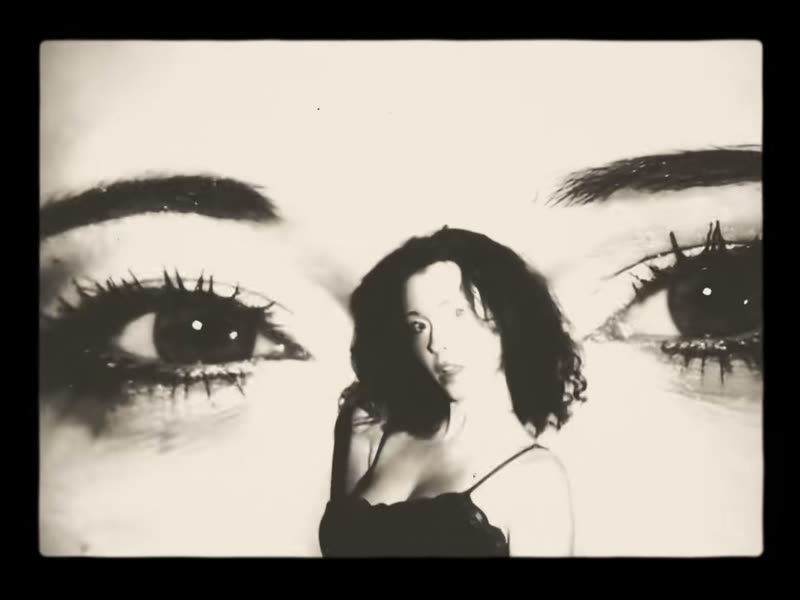
Laisse Tomber Les Filles
Giant eyes projector trend · Eyes background trend
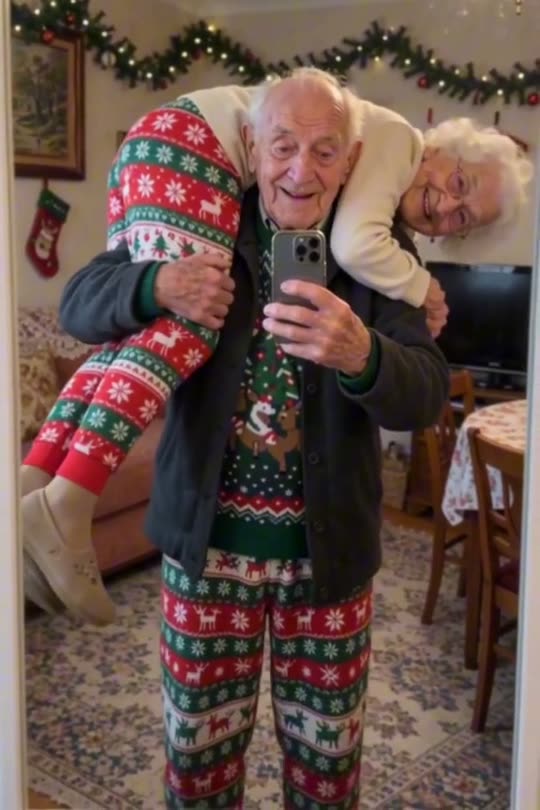
Me and My Girlfriend
Four arms mirror selfie · Behind hug mirror illusion
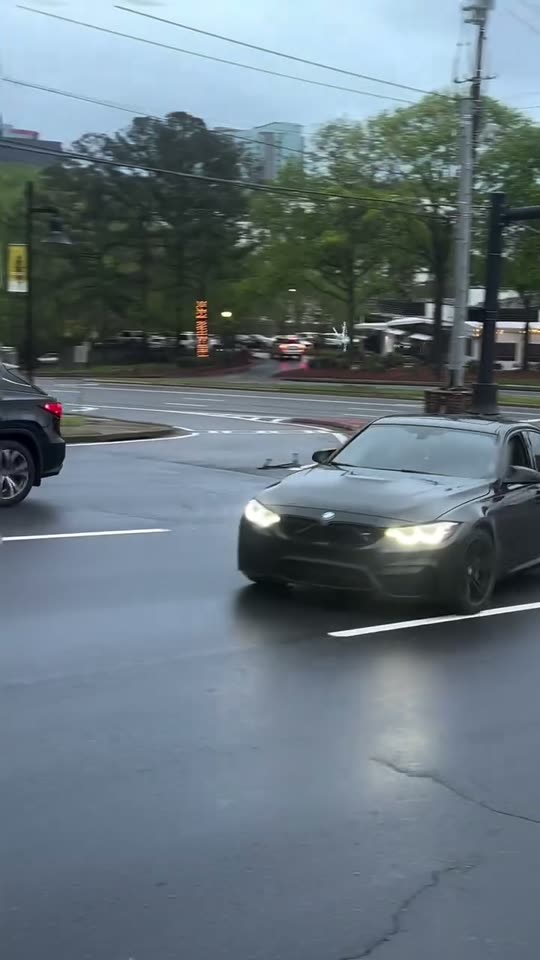
Car Drift
Drift car traffic light trend · Car drifting intersection
What If You Fly
What if you fall what if you fly · Desk to clouds AI flight
GTA 5 Goodbye
Goodbye GTA 5 AI · Sunset pier farewell
James Bond Reveal
007 reveal AI · Spy tuxedo reveal