DANCE
Strike a Pole AI Video: The Two-Photo Pose Trend, Explained
Two people take the lead in a stylized pose sequence built around the "Strike a Pole" hook.
- 130 credits
- 10 s video
- 2 photos
The result
A real ViralVideoAI render. Yours stars you.
- 01Upload 2 photosClear face, good light.
- 02We render in 3–8 minNo prompt to write.
- 03Download or share9:16 vertical, no watermark.
Strike a Pole is a two-photo AI video trend in which a lead and a partner cycle through a short series of stylized poses, ending on one held frame that reads at phone size. It emerged on competitor template app Starrd in late October 2026 and travels under the "strike a pose" family of pose-switch trends. On ViralVideoAI the format is a 10-second 9:16 render from two separate adult portraits, 130 credits, refund on failure.
Also called Strike a Pose AI · two-person pose trend · Starrd pose video · pose switch AI · duo pose template
Example
What the Strike a Pole video looks like
Study the framing and timing of the Strike a Pole reference before making your own edit.
Result, 10 s, with sound
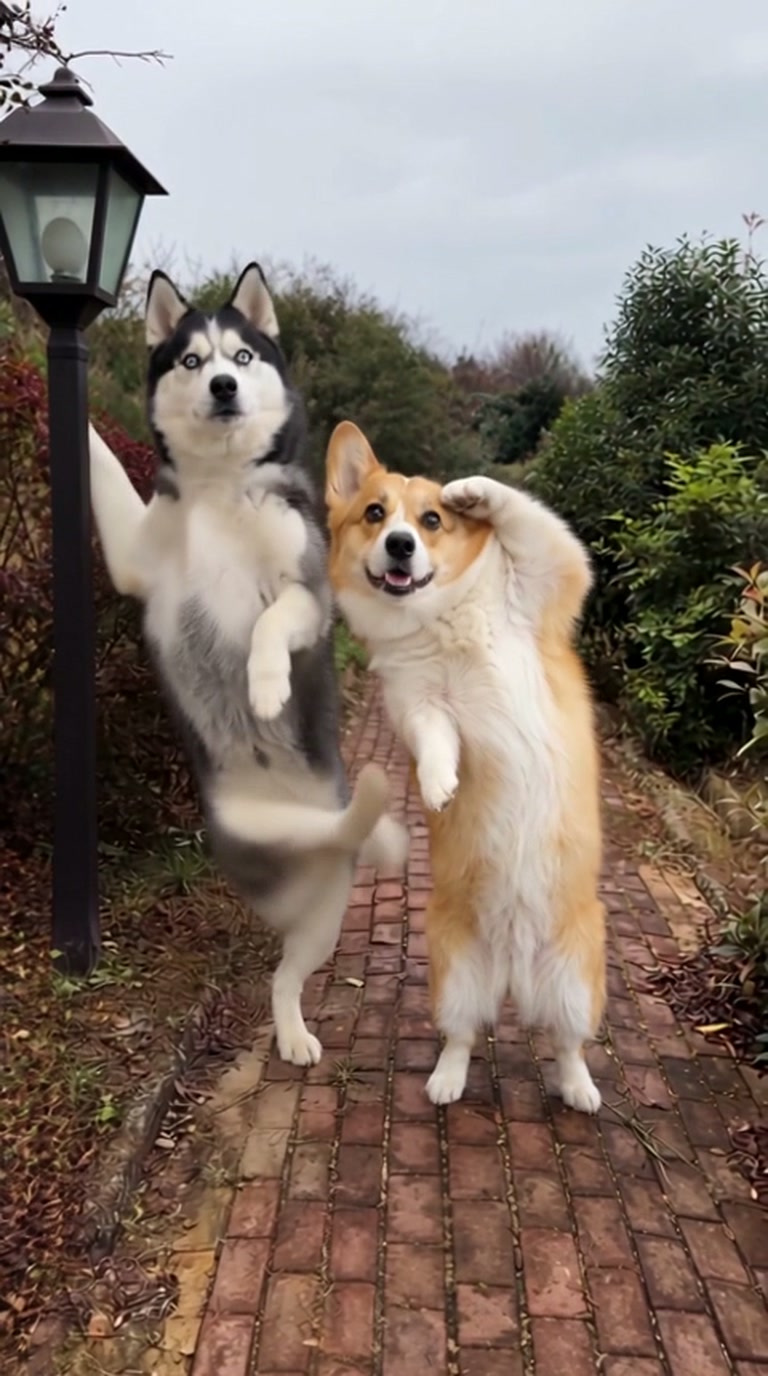
Reference media and the "Strike a Pole" name are credited to the Starrd template app. ViralVideoAI generates its own 9:16 video from your two photos; results differ from the Starrd reference.
What is the Strike a Pole trend?
Strike a Pole is a two-person AI pose-switch meme: two separate adult portraits are composed into one short vertical clip that cycles through staged poses and freezes on a readable final frame. The format depends on each subject being distinct from the other — matching lighting beats busy backgrounds here.
Step by step
How to make the Strike a Pole video on ViralVideoAI
Upload your photo, generate a new clip and review the result before sharing.
Prepare the source photo
Use two separate portraits of adults with clear faces and visible bodies. Put the intended lead first; avoid cropped limbs or heavy filters.
Generate your video
Confirm the 130-credit price and start a new vertical render. The two-person composition is the important detail: keep both subjects distinct, give the camera a readable full-body silhouette and let the pose change carry the beat.
Review before posting
Check the likeness, motion and final frame. The final pose holds long enough to read on a phone screen.
Which photo works best?
Source-photo checklist:
- Use two separate portraits of adults with clear faces and visible bodies. Put the intended lead first; avoid cropped limbs or heavy filters.
- Use photos you own or have explicit permission to use. Never upload a child or a non-consenting adult.
- Review faces, hands and fine details at phone size before sharing. AI results differ from the reference clip.
Where did the Strike a Pole trend start?
The format surfaced in late October 2026 on the Starrd template app under the "Strike a Pole" name — a wordplay on the Madonna-era "strike a pose" idiom reframed as a two-photo AI video. It belongs to the broader family of pose-switch and pose-sequence edits that climb short-video platforms whenever a template app ships a new one.
Strike a Pole template surfaces on Starrd as a two-photo pose-switch format.
Guide published on ViralVideoAI for creators planning their own version.
One-tap version
Which Strike a Pole version do you get?
The one-tap flow writes and runs the prompt for you, so there is nothing to copy or edit. You get the version below.
Strike a Pole
10 s · 9:16 · two portraits
10 s · 9:16 · 130 credits
How many credits does it cost?
The one-tap generator currently runs the Strike a Pole version for 130 credits. The Generate button confirms the price before you spend anything. A failed render returns its credits. See pricing.
What happens in the Strike a Pole video, second by second?
The reference reads as three visual beats:
| Beat | What happens |
|---|---|
| Setup | Two people take the lead in a stylized pose sequence built around the "Strike a Pole" hook. |
| Movement | The two-person composition is the important detail: keep both subjects distinct, give the camera a readable full-body silhouette and let the pose change carry the beat. |
| Finish | The final pose holds long enough to read on a phone screen. |
How to make a stronger Strike a Pole edit
A recognizable opening frame, a clean subject and a deliberate payoff make the format understandable even with sound off.
- Use two separate portraits of adults with clear faces and visible bodies. Put the intended lead first; avoid cropped limbs or heavy filters.
- Check the first frame at phone size: the subject and setting should be obvious.
- Keep captions clear of the face and the bottom interface area.
Caption, sound and hashtags
Caption idea: "My take on Strike a Pole." Add any song through your platform's licensed music library and disclose AI-generated visuals where the platform requires it.
Pose-based templates in short-video apps belong to their respective publishers. This page is an editorial guide, not a reproduction of the Starrd generator.
FAQ
Strike a Pole trend questions
What is the Strike a Pole trend?
Two people take the lead in a stylized pose sequence built around the "Strike a Pole" hook. The two-person composition is the important detail: keep both subjects distinct, give the camera a readable full-body silhouette and let the pose change carry the beat.
Can I generate this effect on ViralVideoAI?
Yes. Upload two portraits and generate a new video for 130 credits. AI results vary from the reference clip, and failed renders refund their credits automatically.
What photo works best?
Use two separate portraits of adults with clear faces and visible bodies. Put the intended lead first; avoid cropped limbs or heavy filters.
How many photos does Strike a Pole need?
The referenced Starrd template asks for two photos, one for each person in the scene. On ViralVideoAI the same two-photo input runs for 130 credits.
Is "Strike a Pole" the same as "Strike a Pose"?
They refer to the same pose-switch idea in search — "Strike a Pole" is the Starrd template name specifically; "strike a pose" is the broader Madonna-era idiom many creators still use when they describe the clip.
Can I do a solo version?
The template is designed for two people. For a solo pose edit, use a dance- or portrait-oriented template instead; see the related trends below.
Can I post my own version?
Yes, subject to the rights in your photos, video and soundtrack, and the rules of your posting platform. See the disclaimer for the specific rights involved in this trend.
More trends
More Dance scenes to star in
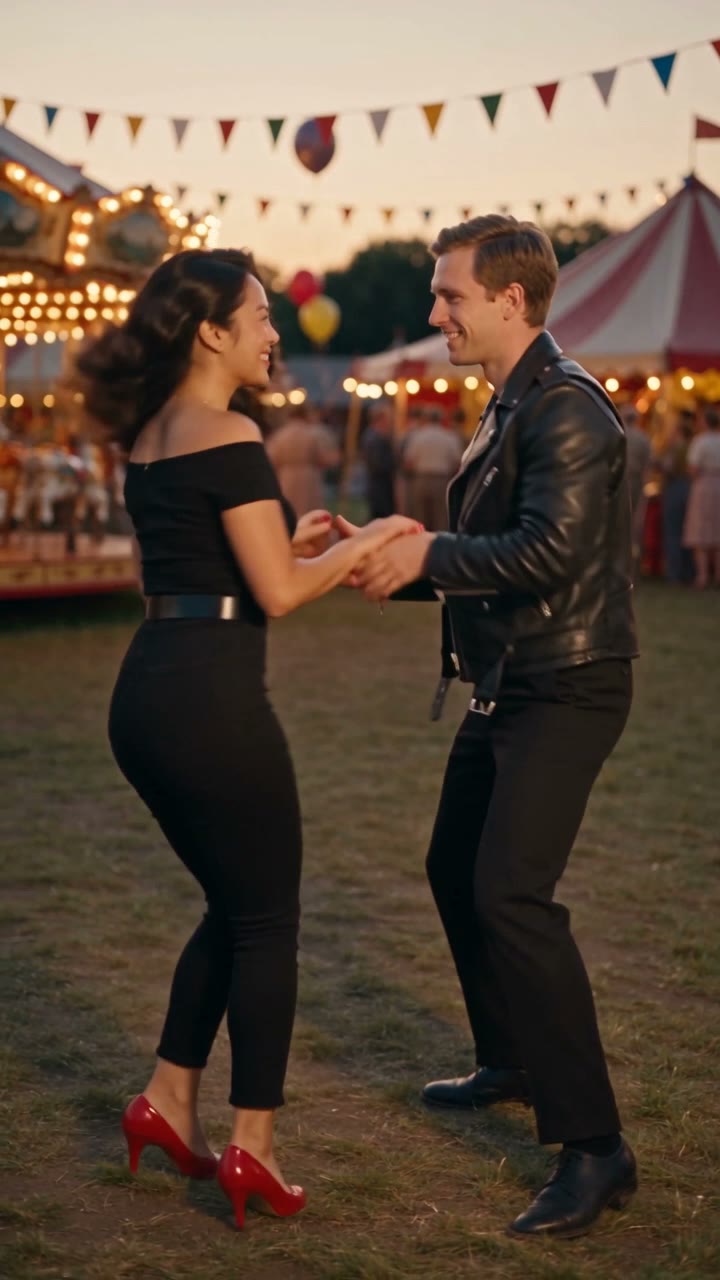
Grease Dance
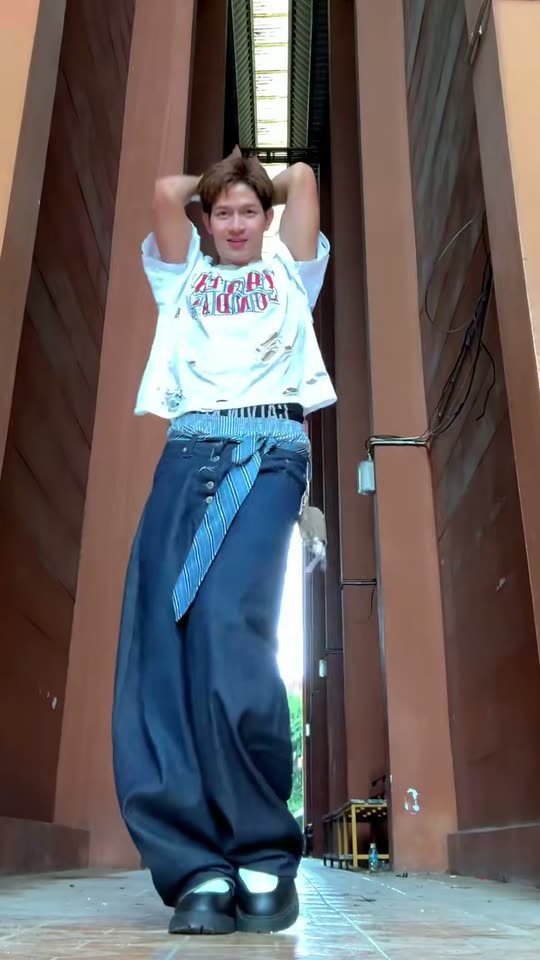
LISA Tarantino Dance
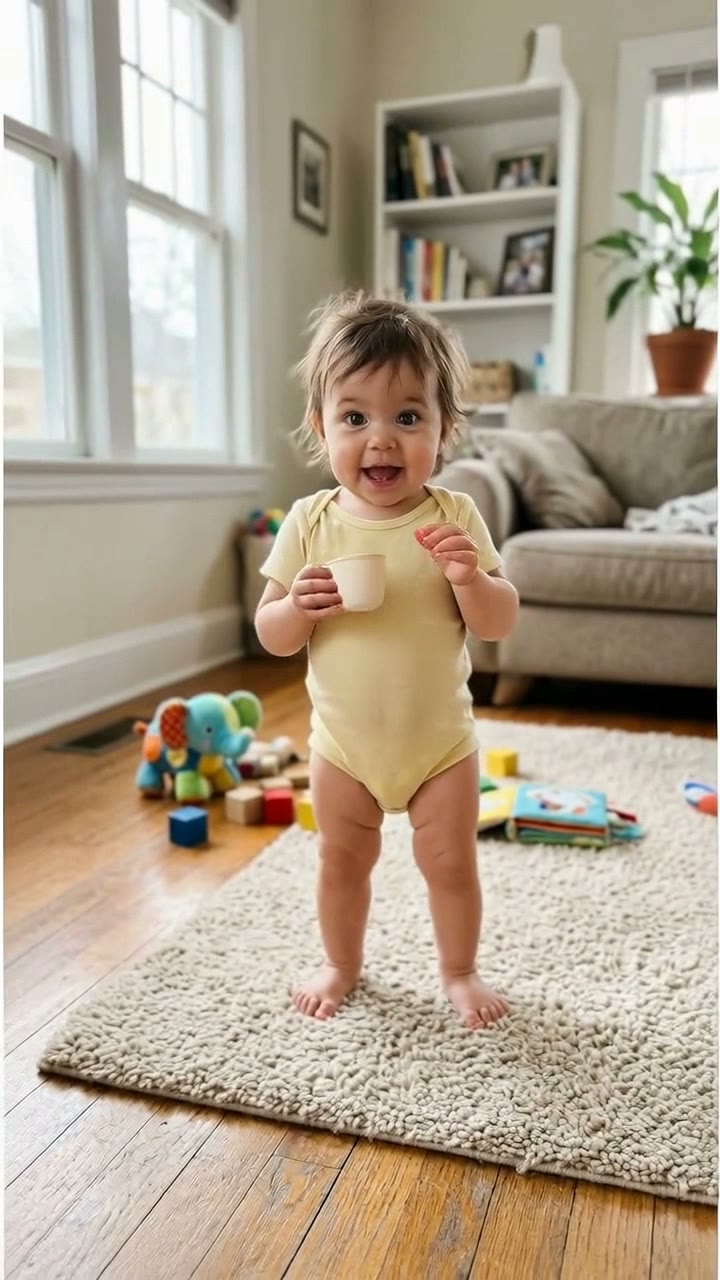
Bonito Bonito Baby
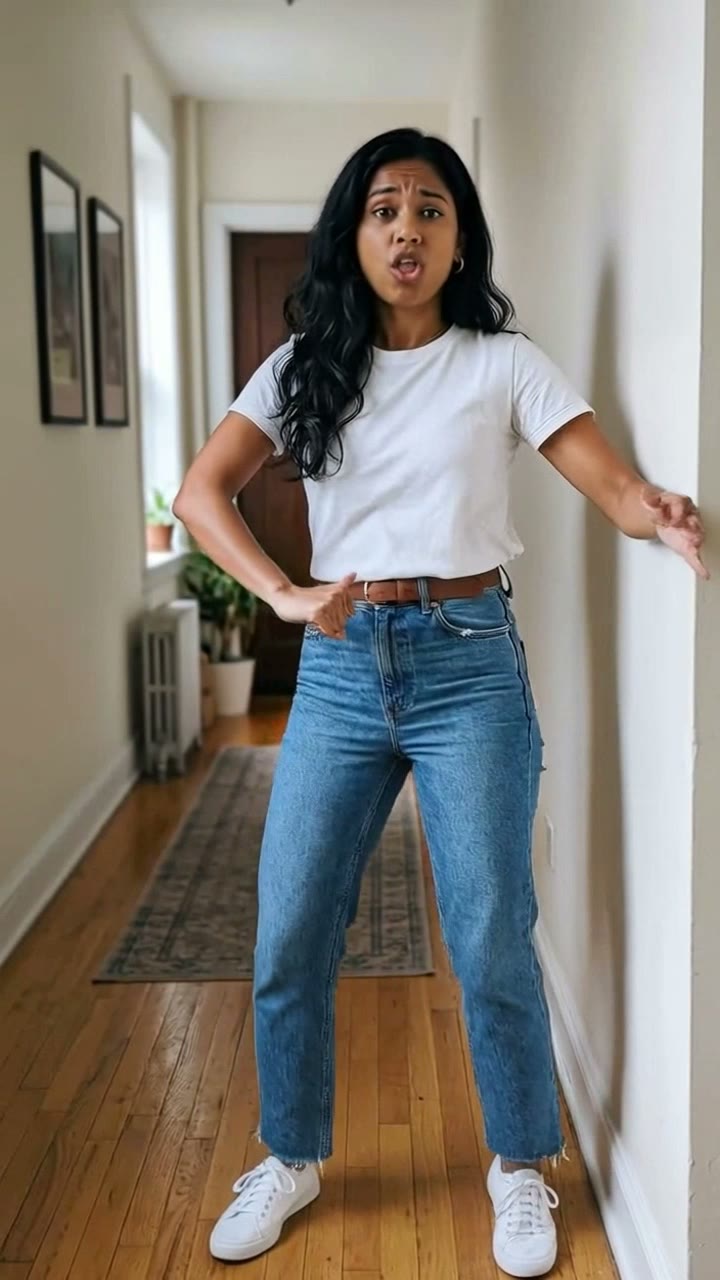
I'm So In Love With You
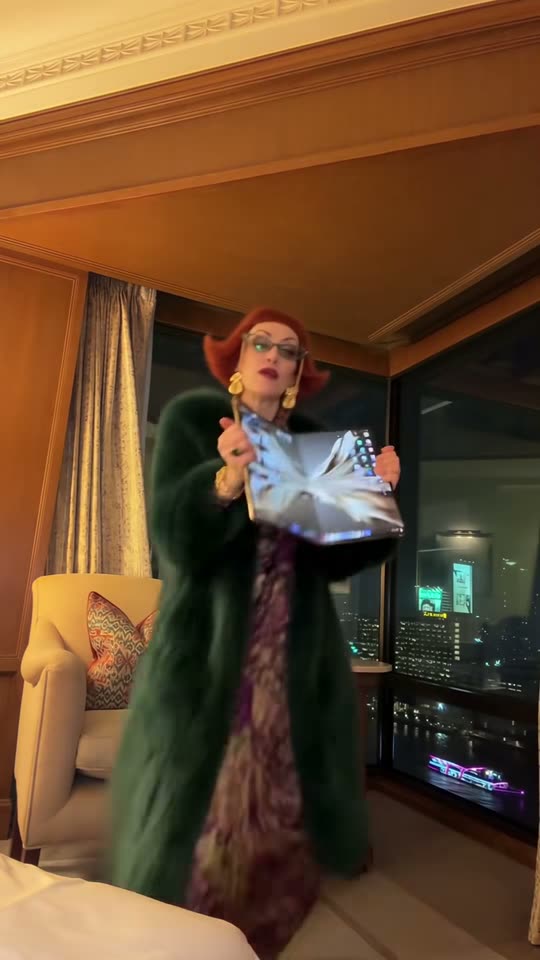
iPhone Kupi Dance
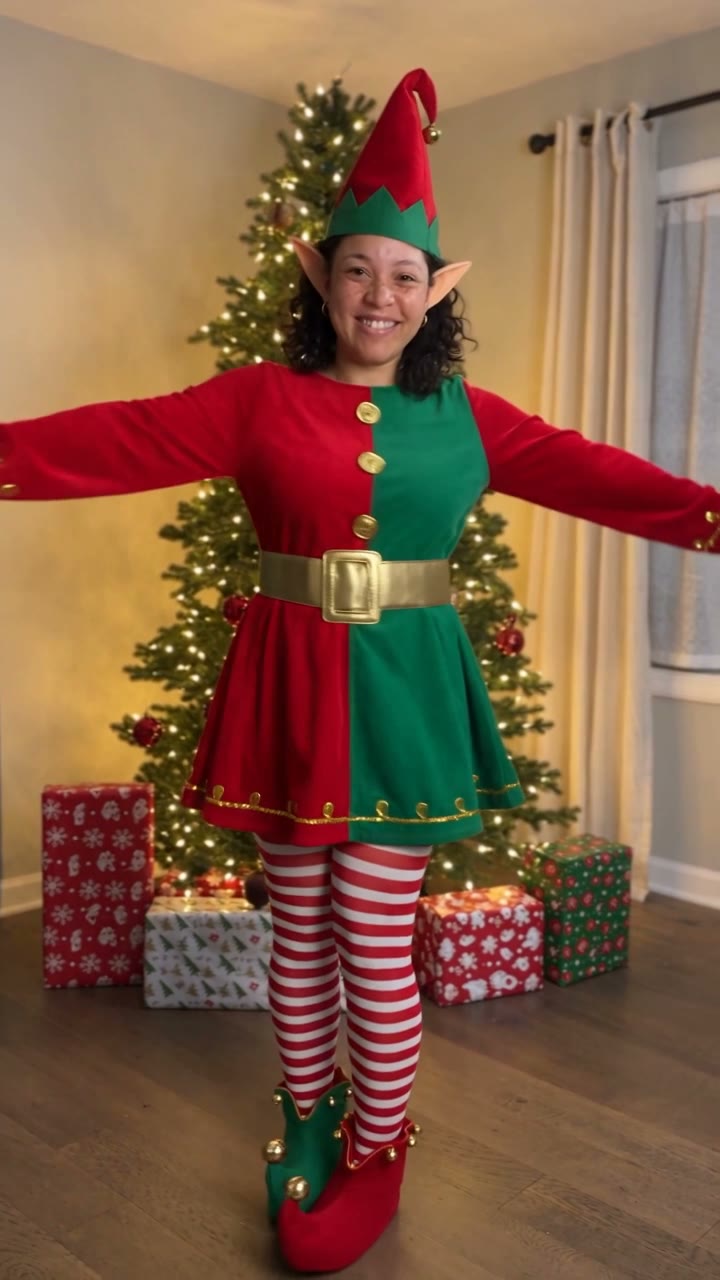
AI Elf Dance
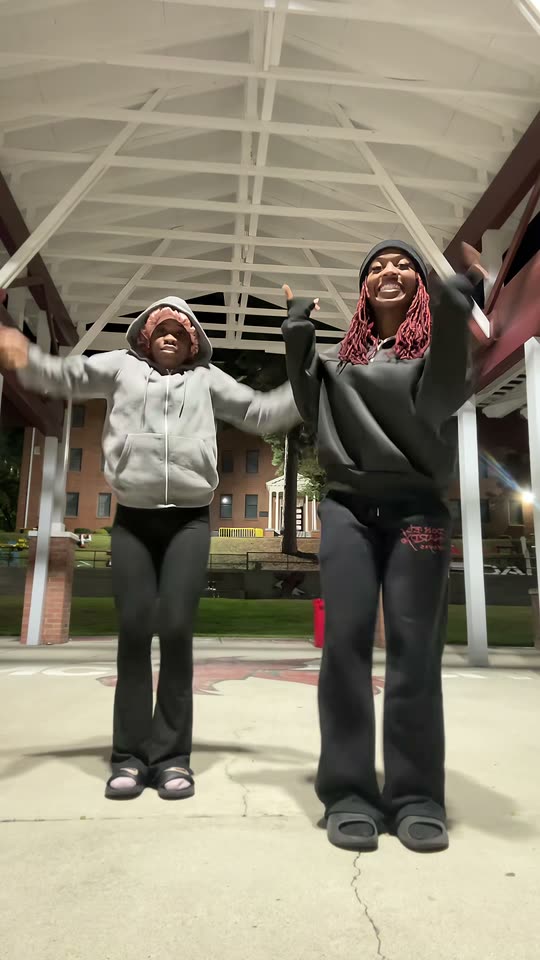
Puerto Rican Mami Dance
Window Dance
Talk Dirty Dance AI
Pray For Me Slow Mo
Make your own Strike a Pole video
Add 2 photos and tap once. No prompt to write. 130 credits.
3–8 minNo watermarkRefund if render failsSecure checkout by Stripe