PHOTO
Tim Burton Girls AI Trend: The Gothic Storybook Portrait, Moving
Recast a selfie as an eerie, storybook-inspired gothic girl portrait with dramatic eyes and sculpted shadows.
- 130 credits
- 10 s video
- 1 photo
The result
A real ViralVideoAI render. Yours stars you.
- 01Upload your photoClear face, good light.
- 02We render in 3–8 minNo prompt to write.
- 03Download or share9:16 vertical, no watermark.
Tim Burton Girls is an AI portrait trend in which one selfie is restyled into an eerie, storybook-inspired gothic character with elongated eyes, pale skin and dark clothing — the visual language of Corpse Bride, Edward Scissorhands and Nightmare Before Christmas. The original filter produces a still image; on ViralVideoAI it becomes a 10-second 9:16 moving portrait video for 130 credits, with your own likeness preserved and no specific film character copied.
Also called Tim Burton AI filter · Tim Burton style selfie · Corpse Bride AI portrait · gothic AI portrait · Burtonesque girl AI
Example
What the Tim Burton Girls video looks like
Study the framing and timing of the Tim Burton Girls reference before making your own edit.
Result, 10 s, with sound
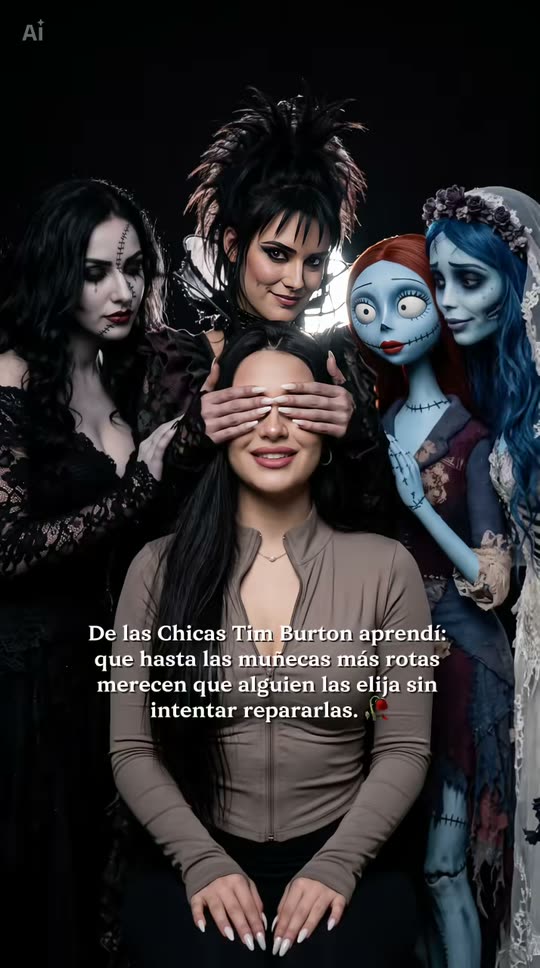
Reference media from circulating Tim Burton style AI portrait filters on short-video platforms. ViralVideoAI generates a new 9:16 moving portrait video from your own selfie; it does not reproduce any specific Tim Burton film character.
What is the Tim Burton Girls trend?
The Tim Burton Girls AI trend is a stylized gothic-portrait filter that reinterprets a selfie in the broader visual language of Tim Burton's animated and live-action worlds — elongated features, high-contrast lighting, muted palette, theatrical shadows. ViralVideoAI adapts the still look into a short moving portrait so the stylization reads with subtle motion.
Step by step
How to make the Tim Burton Girls video on ViralVideoAI
Upload your photo, generate a new clip and review the result before sharing.
Prepare the source photo
Start with one sharp, front-facing selfie in even light. Keep hairline and facial outline visible so the stylization has a stable base.
Generate your video
Confirm the 130-credit price and start a new vertical render. This is a still-image transformation adapted here as a moving portrait, not a dance video. The visual language is elongated features, dark clothing and a theatrical, illustrated mood; preserve the person's identity instead of copying a film character.
Review before posting
Check the likeness, motion and final frame. A single stylized portrait is the finished asset, breathing slightly for a few seconds.
Which photo works best?
Source-photo checklist:
- Start with one sharp, front-facing selfie in even light. Keep hairline and facial outline visible so the stylization has a stable base.
- Use photos you own or have explicit permission to use. Never upload a child or a non-consenting adult.
- Review faces, hands and fine details at phone size before sharing. AI results differ from the reference clip.
Where did the Tim Burton Girls trend start?
The Tim Burton girl / Tim Burton style AI portrait filter spread across short-video platforms in late 2026 as users ran their selfies through generative tools tuned to Burton-style line work and palette. The format is usually described as a still image, with video adaptations like ViralVideoAI's moving-portrait version appearing afterwards.
Tim Burton style AI portrait filter trends on short-video platforms, mostly as still images.
ViralVideoAI publishes a moving-portrait adaptation and a guide to its photo requirements.
One-tap version
Which Tim Burton Girls version do you get?
The one-tap flow writes and runs the prompt for you, so there is nothing to copy or edit. You get the version below.
Tim Burton Girls
10 s · 9:16 · one photo
10 s · 9:16 · 130 credits
How many credits does it cost?
The one-tap generator currently runs the Tim Burton Girls version for 130 credits. The Generate button confirms the price before you spend anything. A failed render returns its credits. See pricing.
What happens in the Tim Burton Girls video, second by second?
The reference reads as three visual beats:
| Beat | What happens |
|---|---|
| Setup | Recast a selfie as an eerie, storybook-inspired gothic girl portrait with dramatic eyes and sculpted shadows. |
| Movement | This is a still-image transformation adapted here as a moving portrait, not a dance video. The visual language is elongated features, dark clothing and a theatrical, illustrated mood; preserve the person's identity instead of copying a film character. |
| Finish | A single stylized portrait is the finished asset, breathing slightly for a few seconds. |
How to make a stronger Tim Burton Girls edit
A recognizable opening frame, a clean subject and a deliberate payoff make the format understandable even with sound off.
- Start with one sharp, front-facing selfie in even light. Keep hairline and facial outline visible so the stylization has a stable base.
- Check the first frame at phone size: the subject and setting should be obvious.
- Keep captions clear of the face and the bottom interface area.
Caption, sound and hashtags
Caption idea: "My take on Tim Burton Girls." Add any song through your platform's licensed music library and disclose AI-generated visuals where the platform requires it.
Tim Burton's films and characters are owned by their respective rights holders. This template produces a stylized AI portrait inspired by the broader "Burtonesque" aesthetic — not a reproduction of Corpse Bride, Edward Scissorhands, Wednesday or any other named character.
FAQ
Tim Burton Girls trend questions
What is the Tim Burton Girls trend?
Recast a selfie as an eerie, storybook-inspired gothic girl portrait with dramatic eyes and sculpted shadows. This is a still-image transformation adapted here as a moving portrait, not a dance video. The visual language is elongated features, dark clothing and a theatrical, illustrated mood; preserve the person's identity instead of copying a film character.
Can I generate this effect on ViralVideoAI?
Yes. Upload one photo and generate a new moving portrait video for 130 credits. AI results vary from the reference clip, and failed renders refund their credits automatically.
What photo works best?
Start with one sharp, front-facing selfie in even light. Keep hairline and facial outline visible so the stylization has a stable base.
Is Tim Burton Girls a video trend or a photo trend?
The original filter produces a still portrait. ViralVideoAI adapts the look into a 10-second moving portrait video so the stylization reads with subtle motion.
Will it recreate an exact Tim Burton movie character?
No. The guide focuses on the broad gothic storybook mood — elongated features, dark palette, theatrical shadows — applied to your own likeness. No specific film character is reproduced.
Does it work on men's portraits or only on women's?
The trend is named "Girls" after the filter's most-shared variant, but the gothic storybook look applies to any adult portrait that meets the photo requirements.
Can I post my own version?
Yes, subject to the rights in your photos, video and soundtrack, and the rules of your posting platform. See the disclaimer for the specific rights involved in this trend.
More trends
More Photo scenes to star in
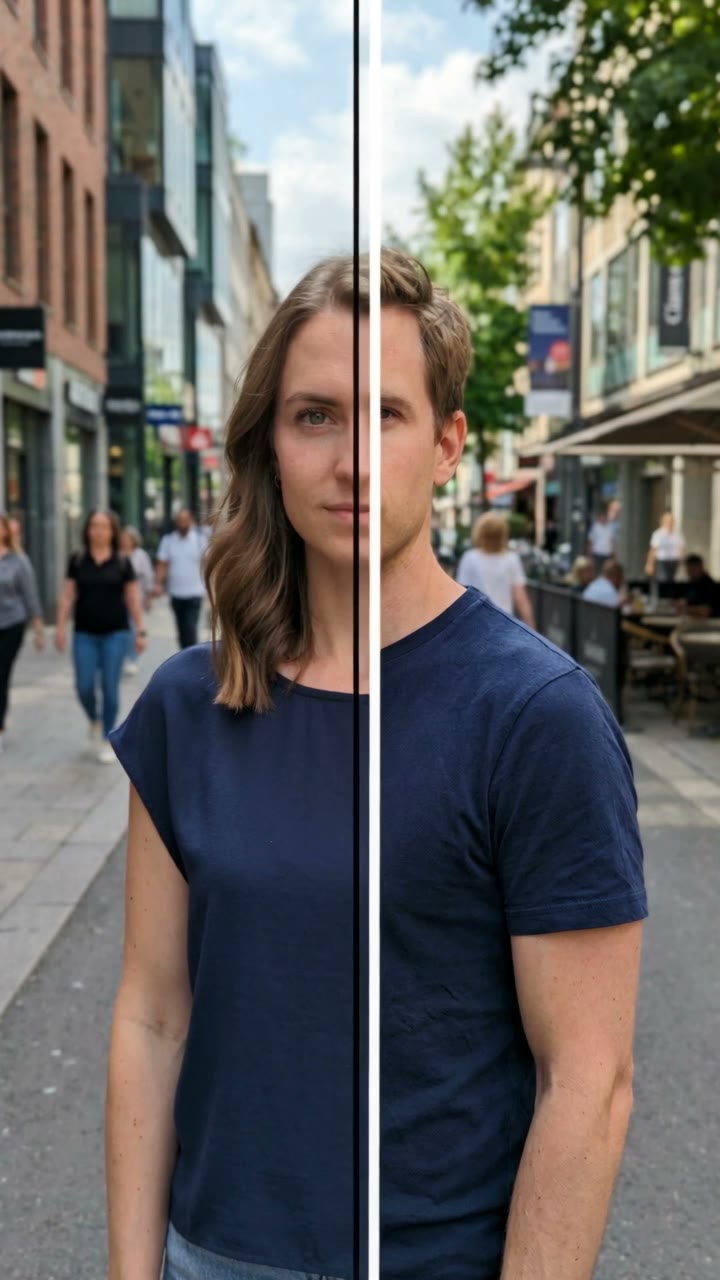
Gender Swap Filter

AI Caricature
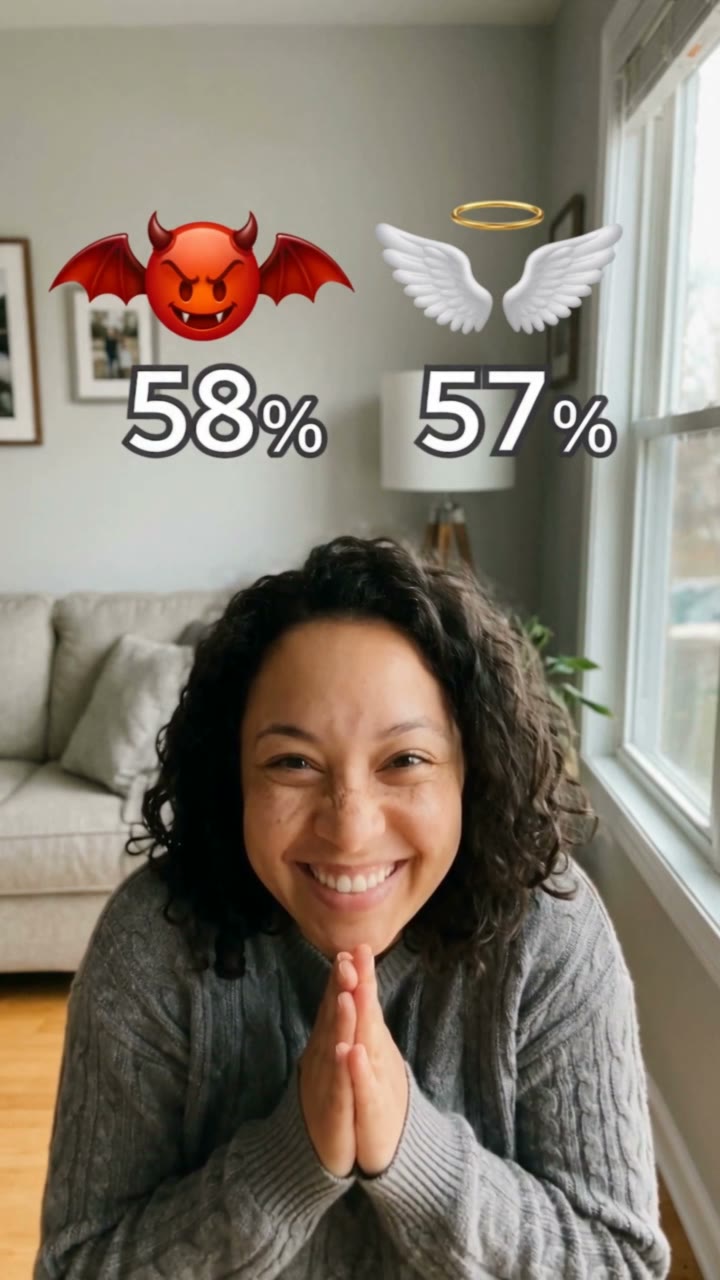
Angel or Devil Filter

Wassup in a Minute
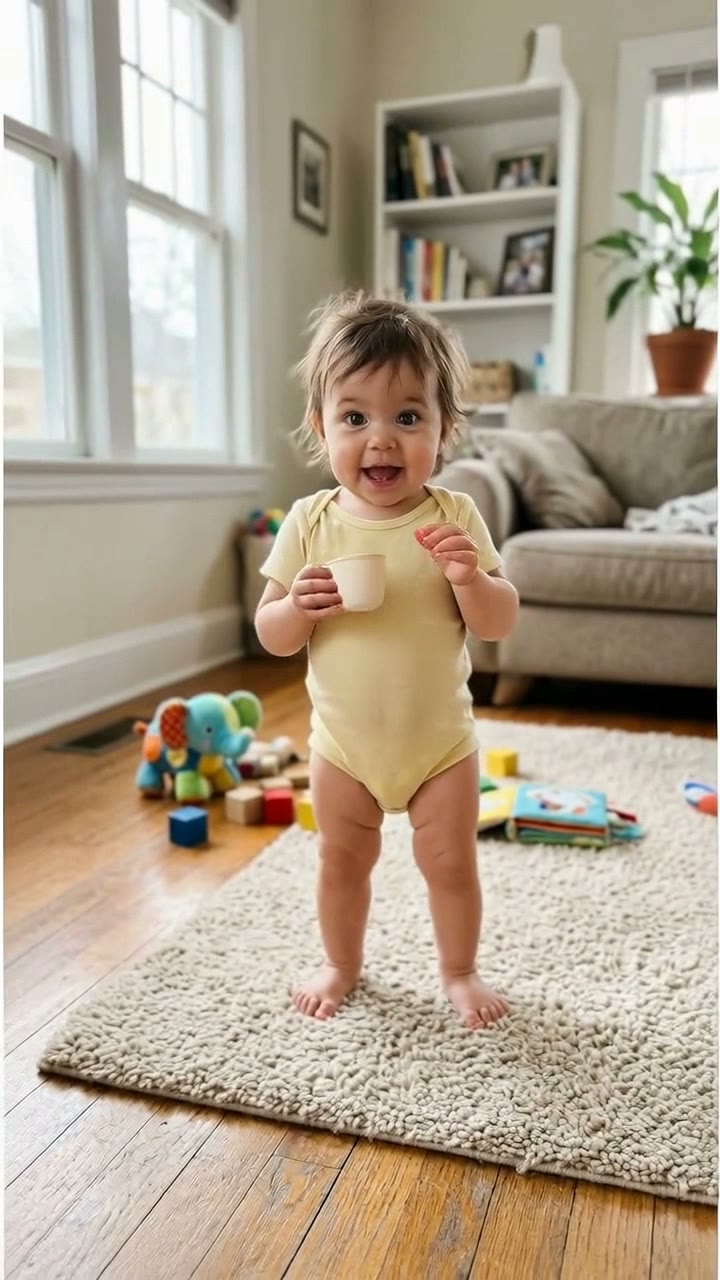
Bonito Bonito Baby
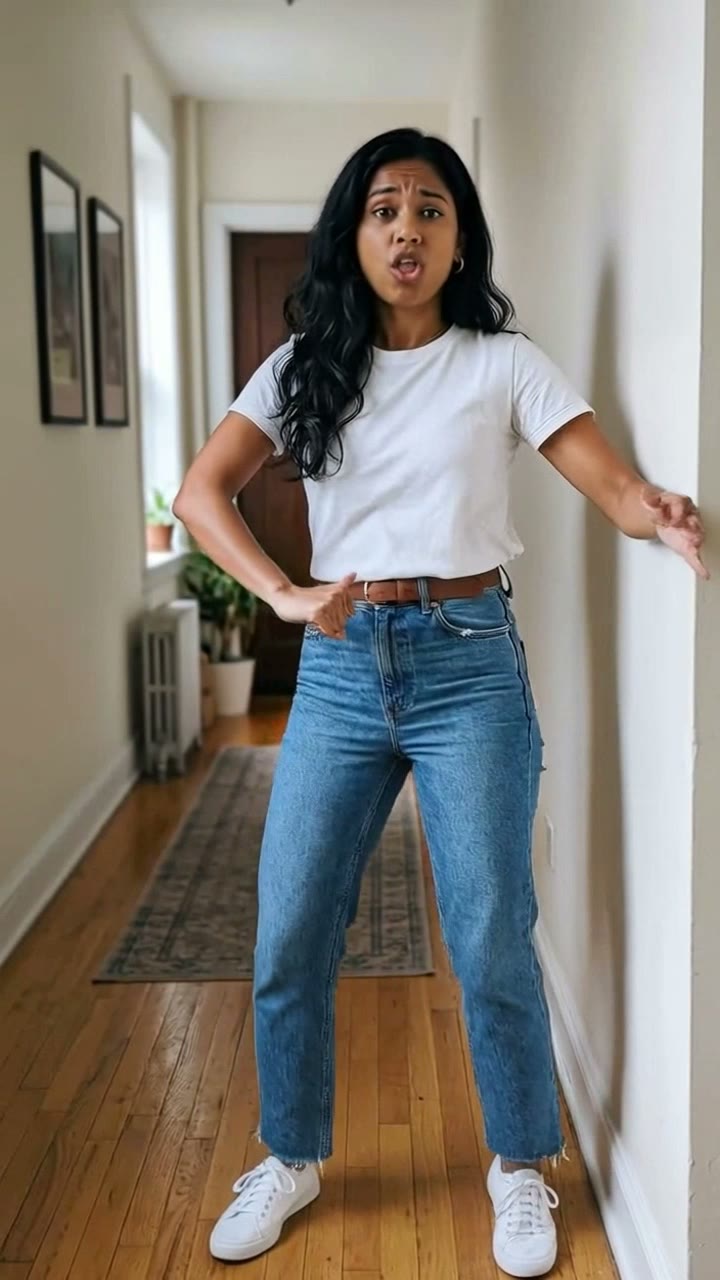
I'm So In Love With You
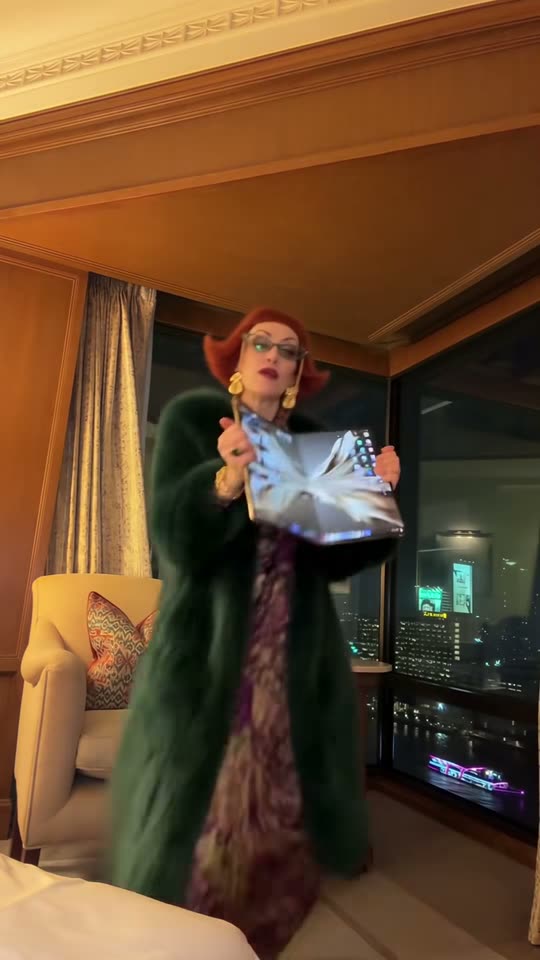
iPhone Kupi Dance

Cat Human

AI Elf Dance

Bing Bing Bing Kicking
Make your own Tim Burton Girls video
Add one photo and tap once. No prompt to write. 130 credits.
3–8 minNo watermarkRefund if render failsSecure checkout by Stripe