DANCE
Turn the Lights Off AI Trend: Your Blue-Club Dance Moment
The subject closes their eyes and dances in place while cool lights pulse softly behind. Start with one photo and make your own 10-second vertical edit.
- 130 credits
- 10 s video
- 1 photo
Reference clip
Reference clip. Your render stars you and may differ.
More trends
More Dance scenes to star in

Stateside Dance
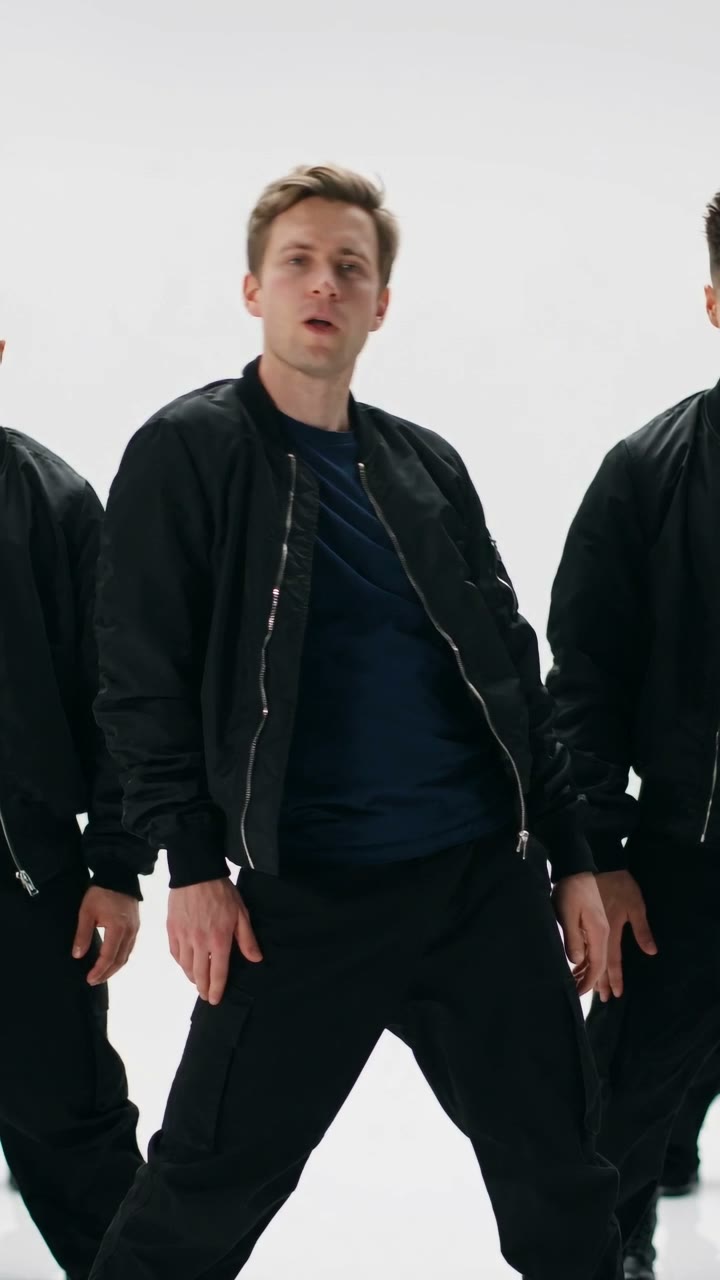
Like JENNIE Dance
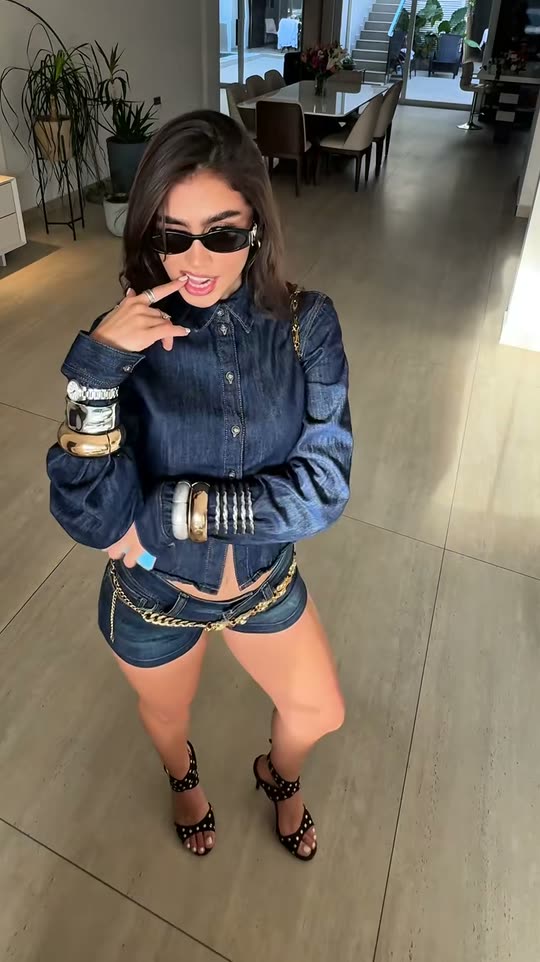
Gimme Purr Gimme Meow
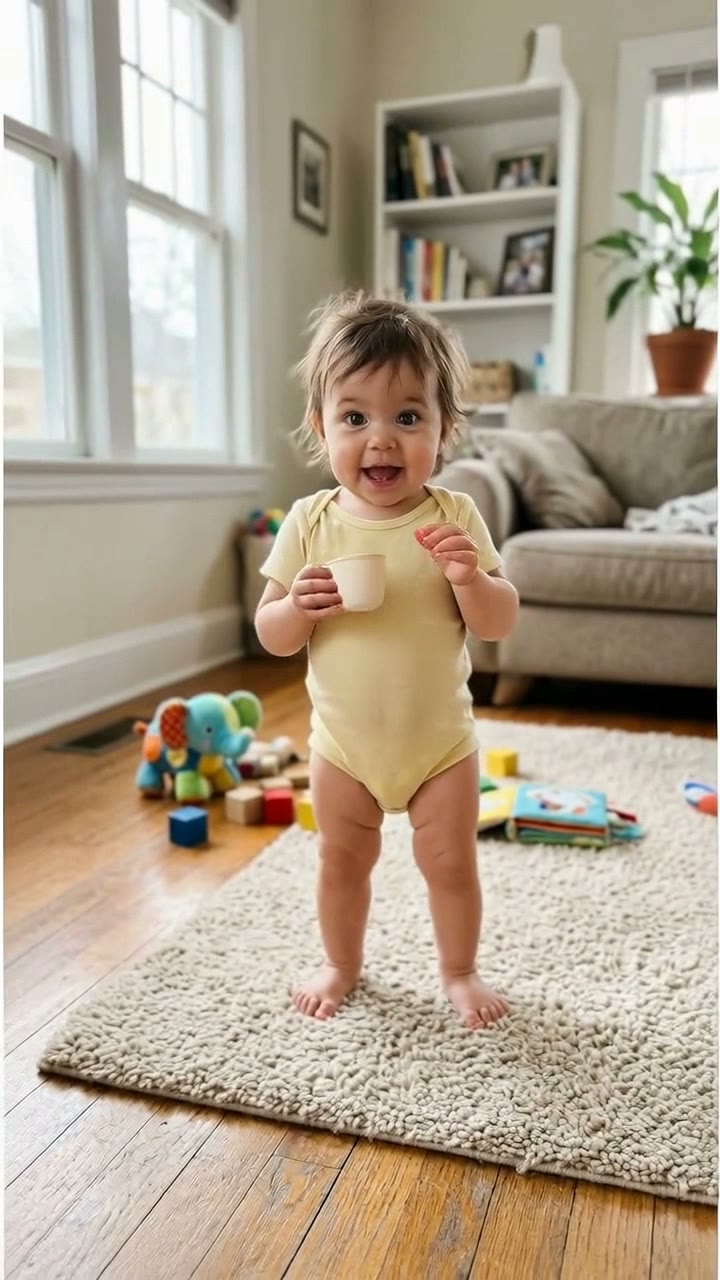
Bonito Bonito Baby
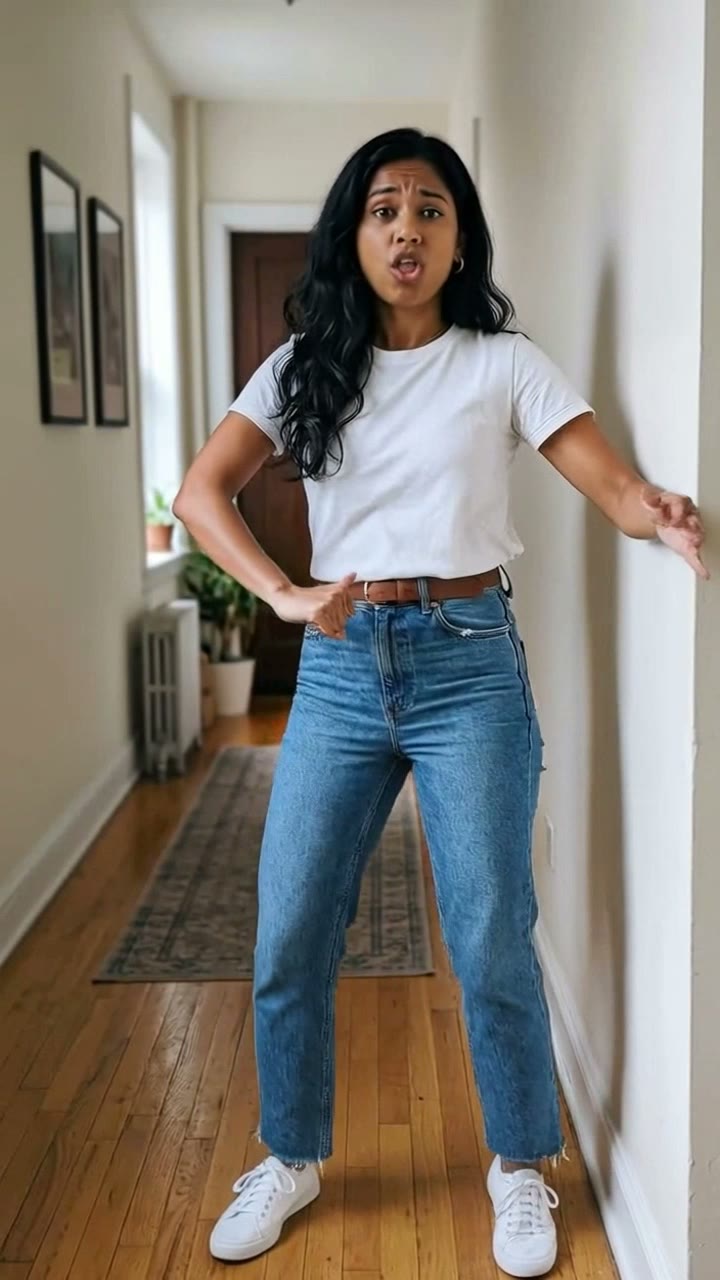
I'm So In Love With You
iPhone Kupi Dance
AI Elf Dance
Puerto Rican Mami Dance
Window Dance
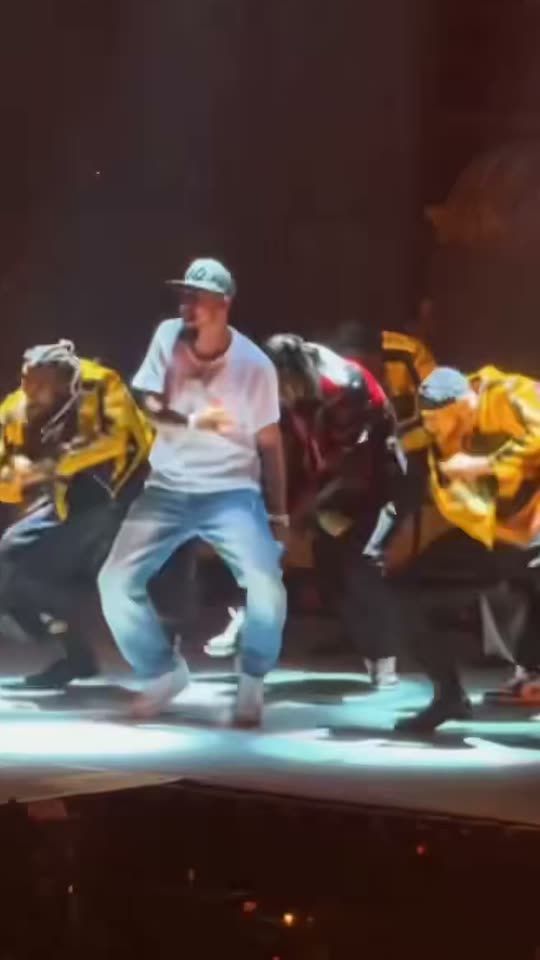
Talk Dirty Dance AI
- 01Upload your photoClear face, good light.
- 02We render in 3–8 minNo prompt to write.
- 03Download or share9:16 vertical, no watermark.
Turn the Lights Off is a club-aesthetic AI trend built around an eyes-closed, in-place dance under pulsing blue lights. ViralVideoAI turns one adult or pet portrait into a 10-second 9:16 vertical video in a clearly fictional blue-lit club — a soft push-in finishes on a contented close-up for 130 credits. No film scene is reproduced, the soundtrack is an original electronic instrumental, and failed renders return their credits.
About $5.55 per render on our best-value plan. See plans
Also called blue club dance AI · turn the lights off meme · club lights video effect · blue nightclub portrait AI · AI blue club selfie · baile luces azules IA · blaue Club-Szene AI · 青いクラブ AI
Example
What the Turn the Lights Off video looks like
The reference shows the pacing and framing of Turn the Lights Off. Your render uses your uploaded one photo to create a new clip.
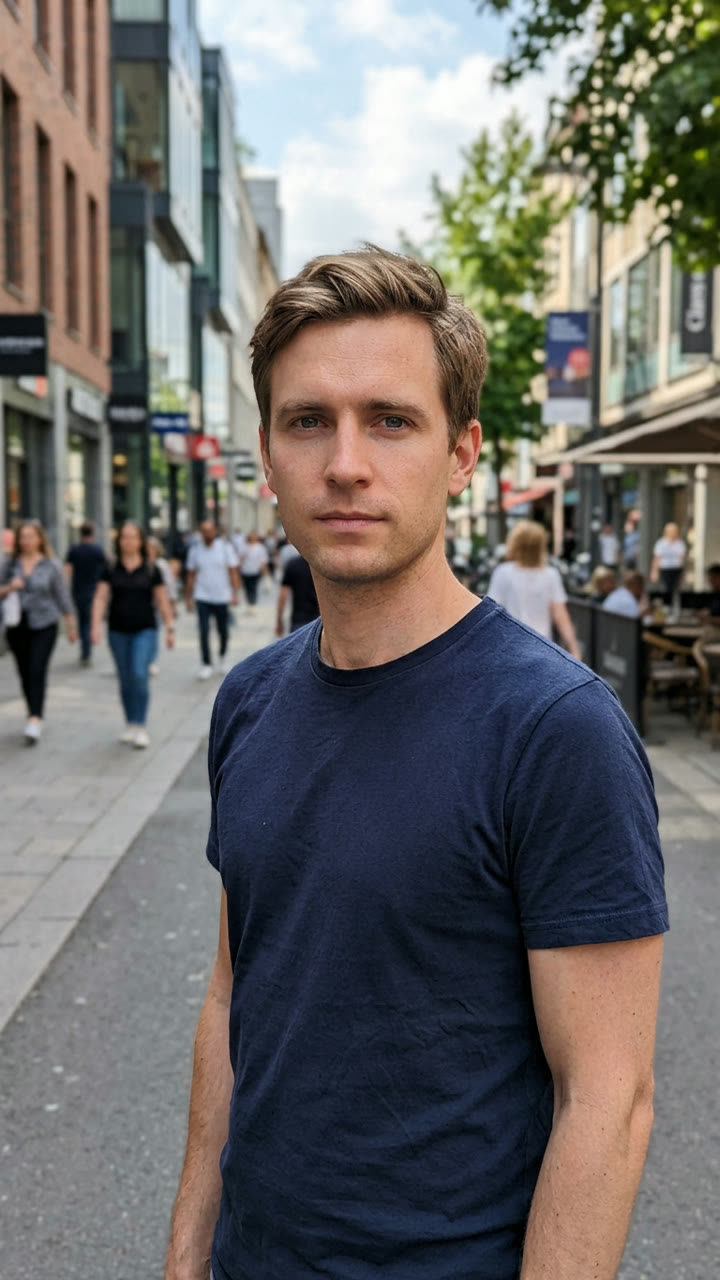
Input
Reference clip
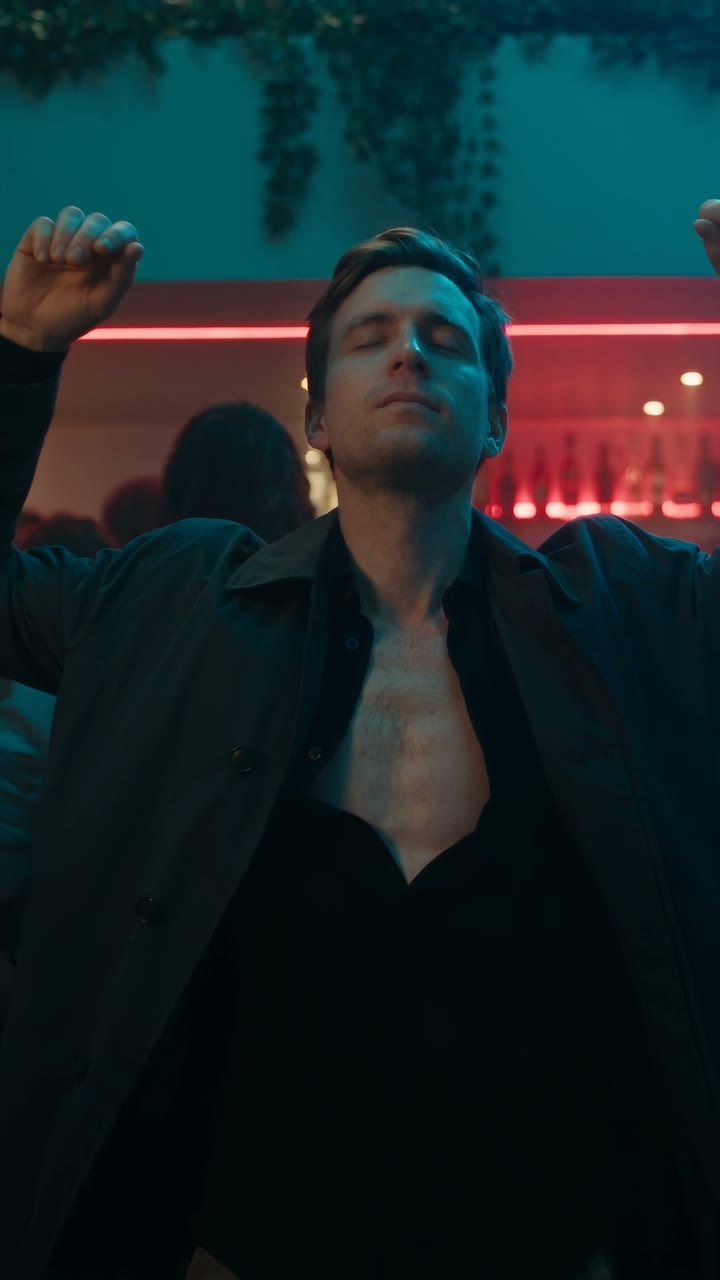
Reference footage illustrates the format. Your output is newly generated and may differ from this example.
What is the Turn the Lights Off trend?
Turn the Lights Off is a short-form AI club trend defined by a single uploaded portrait placed inside a fictional blue-lit club, dancing in place with eyes closed while the background pulses. The format trades energetic choreography for a mood piece: the whole clip holds on the subject and the blue glow, so the "vibe" rather than the dance carries it.
Step by step
How to make the Turn the Lights Off video on ViralVideoAI
Make Turn the Lights Off in three steps, directly in your browser.
Choose your source photo
Use one clear adult or pet portrait with the face visible and no heavy filters.
Generate the video
Upload one photo and confirm the 130-credit price. The generator builds a 10-second 9:16 video in a crowded but clearly fictional blue-lit club.
Review and share
Check identity, motion and the final frame: A slow camera push finds a contented close-up in the blue glow. Add any named track through a licensed music library.
Which photo works best?
Best source image for this effect:
- Use one clear adult or pet portrait with the face visible and no heavy filters.
- Use images you own or have permission to use. For two-person effects, both adults must consent.
- Avoid heavily filtered faces, cropped limbs and readable private information. Review the result before sharing.
Where did the Turn the Lights Off trend start?
"Turn the lights off" captions tie a long-standing nightclub aesthetic to short-form video — blue lighting, slow motion, a bliss-face close-up — and 2025–2026 TikTok and Reels creators used it to pair with lofi and bedroom-pop edits. AI tools made the look accessible from a single photo in late October 2026 as template apps shipped blue-club portrait filters. ViralVideoAI published its independent 10-second interpretation on November 5, 2026, keeping the mood but using an original electronic beat and no reference to a specific film scene.
Blue-lit "turn the lights off" aesthetic clips circulate on TikTok and Reels alongside lofi and bedroom-pop edits.
AI template apps ship blue-club portrait filters that place one uploaded face into a fictional nightclub.
ViralVideoAI publishes an independent 10-second 9:16 version with an original electronic track.
One-tap version
Which Turn the Lights Off version do you get?
The one-tap flow writes and runs the prompt for you, so there is nothing to copy or edit. You get the version below.
Turn the Lights Off
10 s · 9:16 · one photo
10 s · 9:16 · 130 credits
How many credits does it cost?
The one-tap generator currently runs the Turn the Lights Off version for 130 credits. The Generate button confirms the price before you spend anything. A failed render returns its credits. See pricing.
What happens in the Turn the Lights Off video, second by second?
The Turn the Lights Off edit has three clear beats:
| Beat | Visual action |
|---|---|
| Setting | a crowded but clearly fictional blue-lit club |
| Action | The subject closes their eyes and dances in place while cool lights pulse softly behind. |
| Payoff | A slow camera push finds a contented close-up in the blue glow. |
Turn the Lights Off: framing and identity tips
The Turn the Lights Off club meme centers a blissed-out, eyes-closed dance amid blue lighting. The new clip preserves that visual idea without copying a film scene or recording. Use one clear adult or pet portrait with the face visible and no heavy filters.
- Keep the main subject easy to recognize in the first frame.
- Check face, limbs, clothing and vehicle details in the preview.
- Leave space for platform captions above the bottom controls.
Caption, sound and hashtags
Caption idea: “My Turn the Lights Off version.” The generated audio is original electronic club instrumental; add a named song only through your platform’s licensed library and label AI media where required.
No copyrighted film scene or recording is supplied. Add any named song only through your posting platform's licensed music library. The club environment is entirely generated.
FAQ
Turn the Lights Off trend questions
Is this scene from a movie?
No. The club is entirely AI-generated — no film footage, no music video and no specific scene is reproduced. The lighting and framing hint at a general club aesthetic; the result is your own uploaded face dancing in a newly generated blue-lit environment.
What audio does the export have?
An original electronic club instrumental. No copyrighted track is included. If you want a specific song, add it through TikTok Sounds, Instagram Reels audio or YouTube Shorts audio when you upload.
Can my pet star in this one?
Yes. A clear front-facing pet portrait works the same way as a human one — the generator places the pet at the center of the fictional blue-lit club, eyes-closed look included. Keep the face unobstructed in the source photo.
Why does the result look so blue?
That is the entire aesthetic. "Turn the lights off" trend clips lean into a strong blue color grade and low ambient light to sell the mood. If you want a warmer palette, try the Gimme Purr Gimme Meow or Lil Yachty Walkout templates instead.
Make your own Turn the Lights Off video
Add one photo and tap once. No prompt to write. 130 credits.
3–8 minNo watermarkRefund if render failsSecure checkout by Stripe