CHRISTMAS
Baby Riding Reindeer AI Video: A Gentle Santa Scene
Place your baby in a gentle snowy reindeer ride with Santa walking nearby.
- 130 credits
- 10 s video
- 1 photo
The result
A real ViralVideoAI render. Yours stars you.
More trends
More Christmas scenes to star in
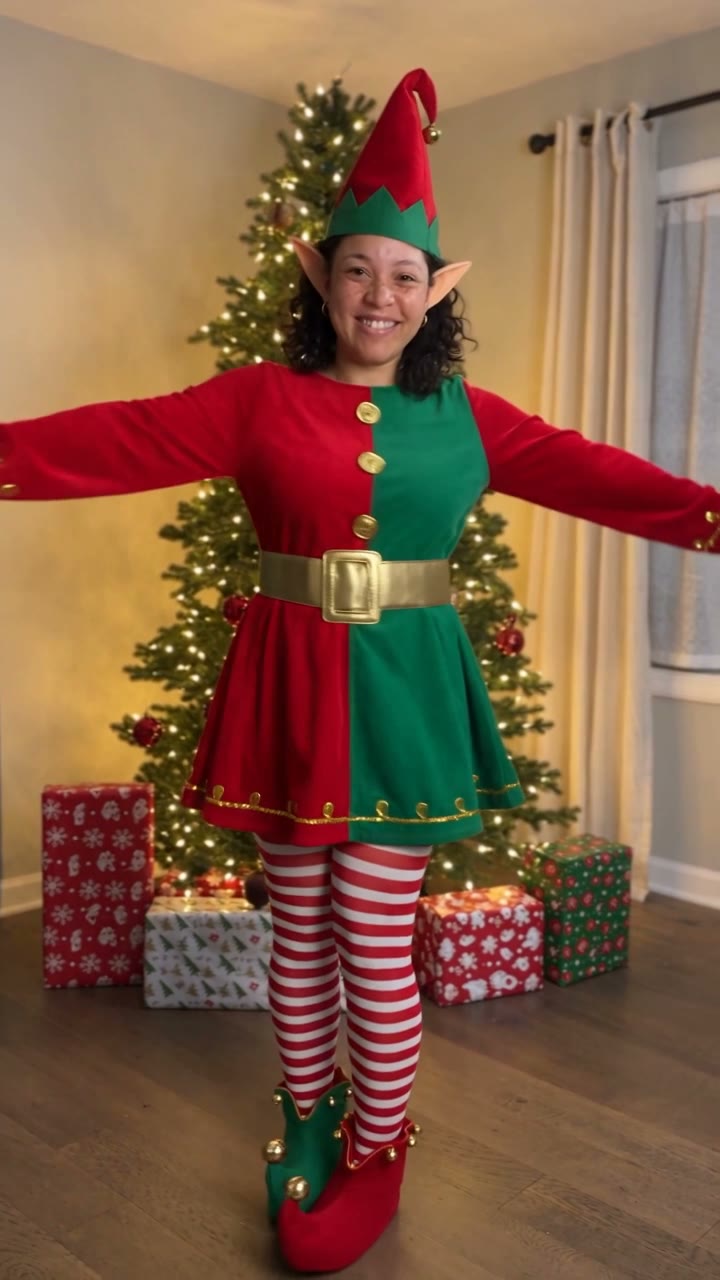
AI Elf Dance
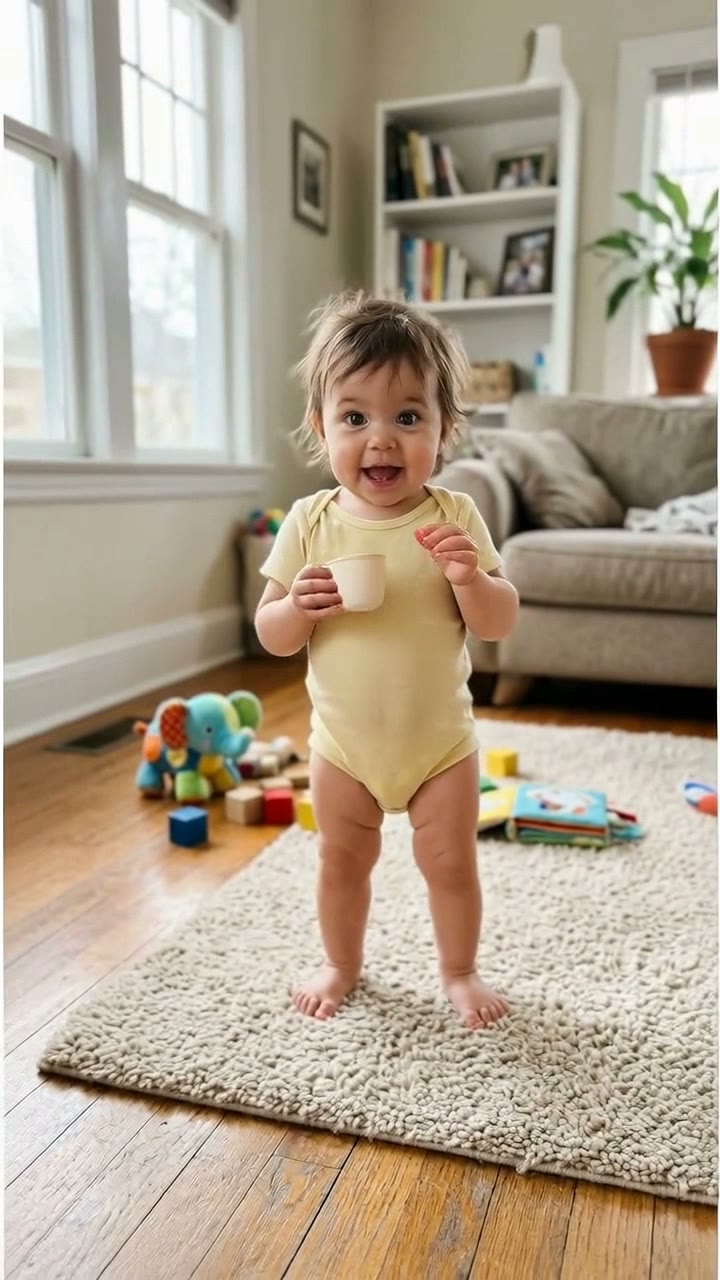
Bonito Bonito Baby
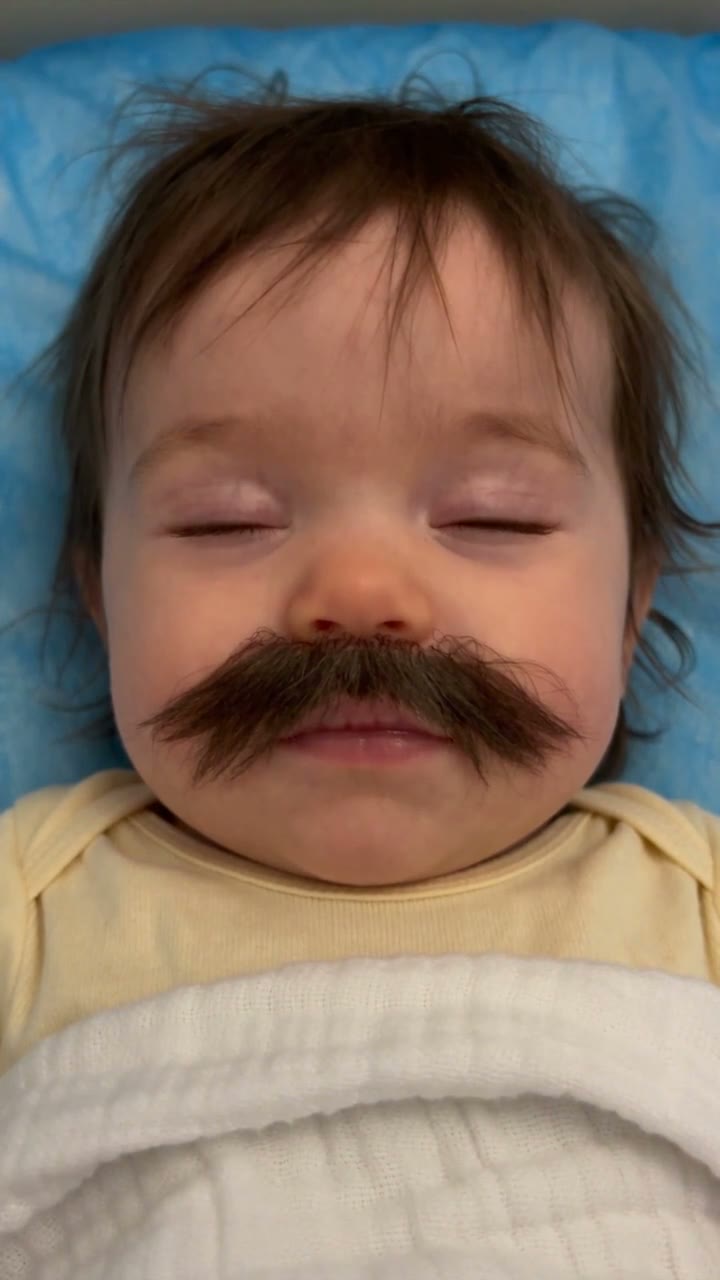
Baby With Mustache
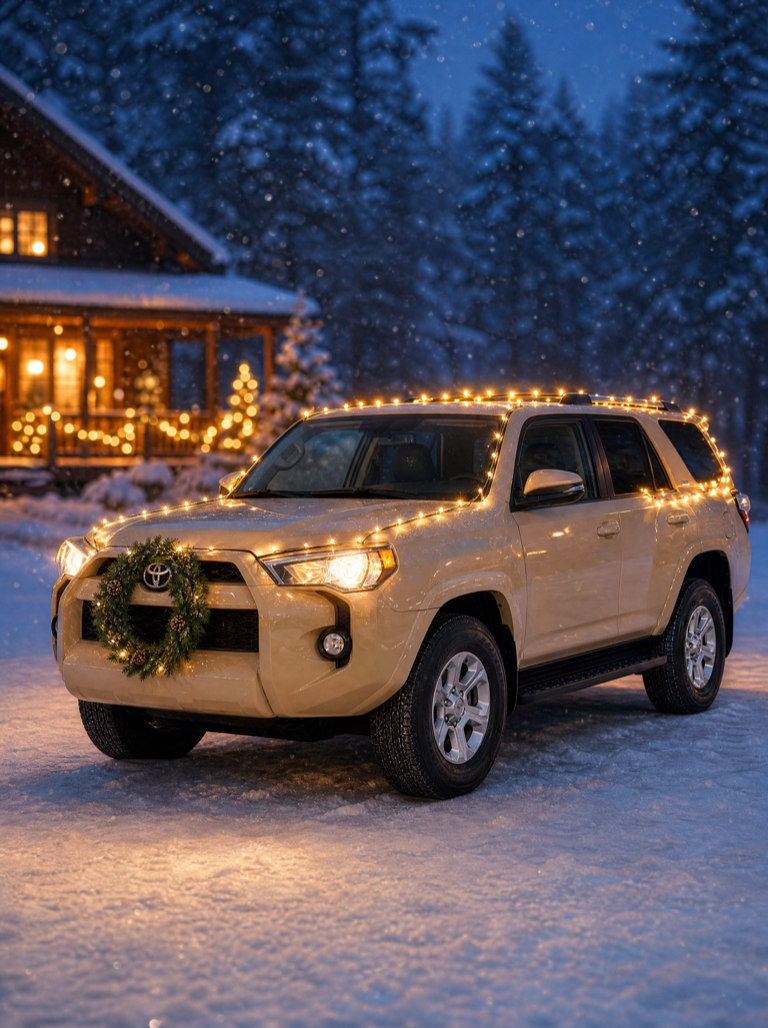
Christmas Car Lights
I'm So In Love With You
iPhone Kupi Dance
Cat Human
Bing Bing Bing Kicking
Choosin' Texas Emo
Mandem in Disguise
- 01Upload your photoClear face, good light.
- 02We render in 3–8 minNo prompt to write.
- 03Download or share9:16 vertical, no watermark.
Baby Reindeer Santa is a Christmas AI video keepsake that places a child from one supplied photo on a calm, slow-walking reindeer while Santa walks nearby in a soft, snowy landscape. The format belongs to the seasonal AI holiday-card category that spread across TikTok, Reels and Shorts during the 2026 Christmas season. On ViralVideoAI it is a 10-second 9:16 fictional scene for 130 credits — uploaded only by a parent or legal guardian, and refunded automatically if the render fails. The reference preview on this page is third-party media; the generated scene is a new render.
Also called Baby riding reindeer AI · baby on reindeer video · Santa and baby AI video · Christmas baby reindeer trend · AI Christmas baby keepsake · bebé con reno navideño IA · bebê e rena de Natal IA · 聖誕寶寶馴鹿 AI
Example
What the Baby Reindeer Santa video looks like
Study the framing and timing of the Baby Reindeer Santa reference before making your own edit.
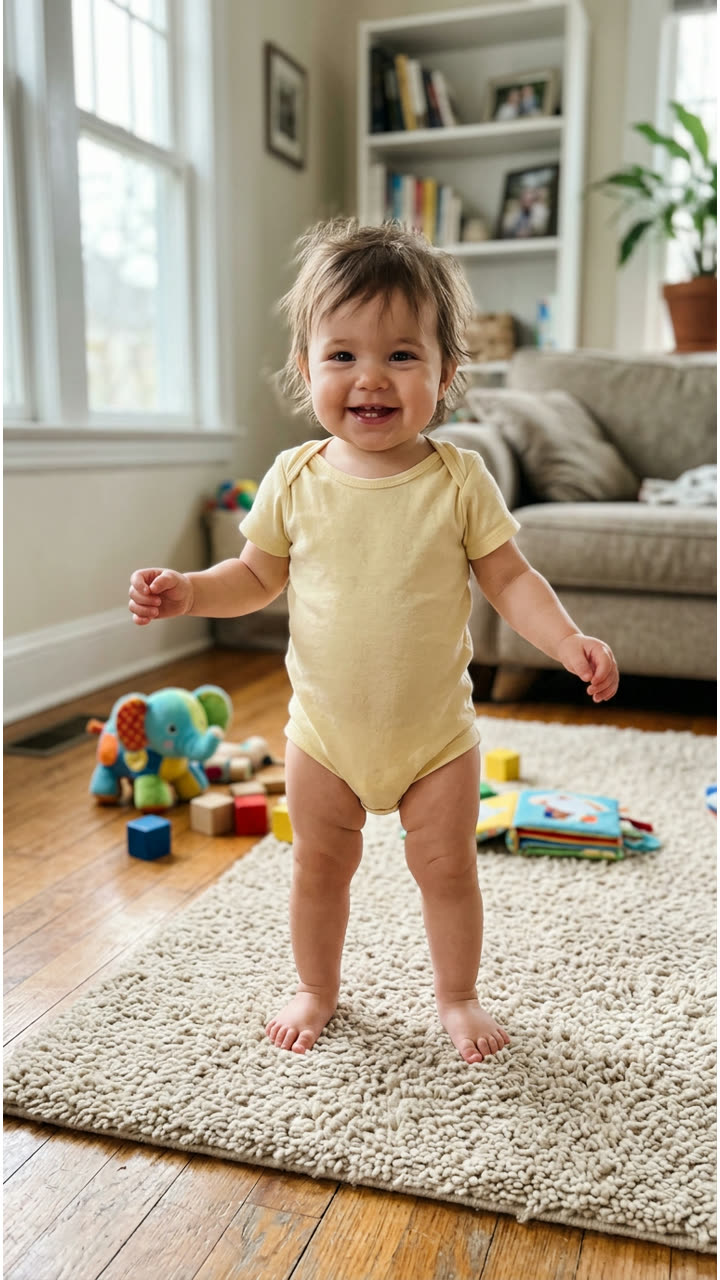
Input
Result, 10 s, with sound
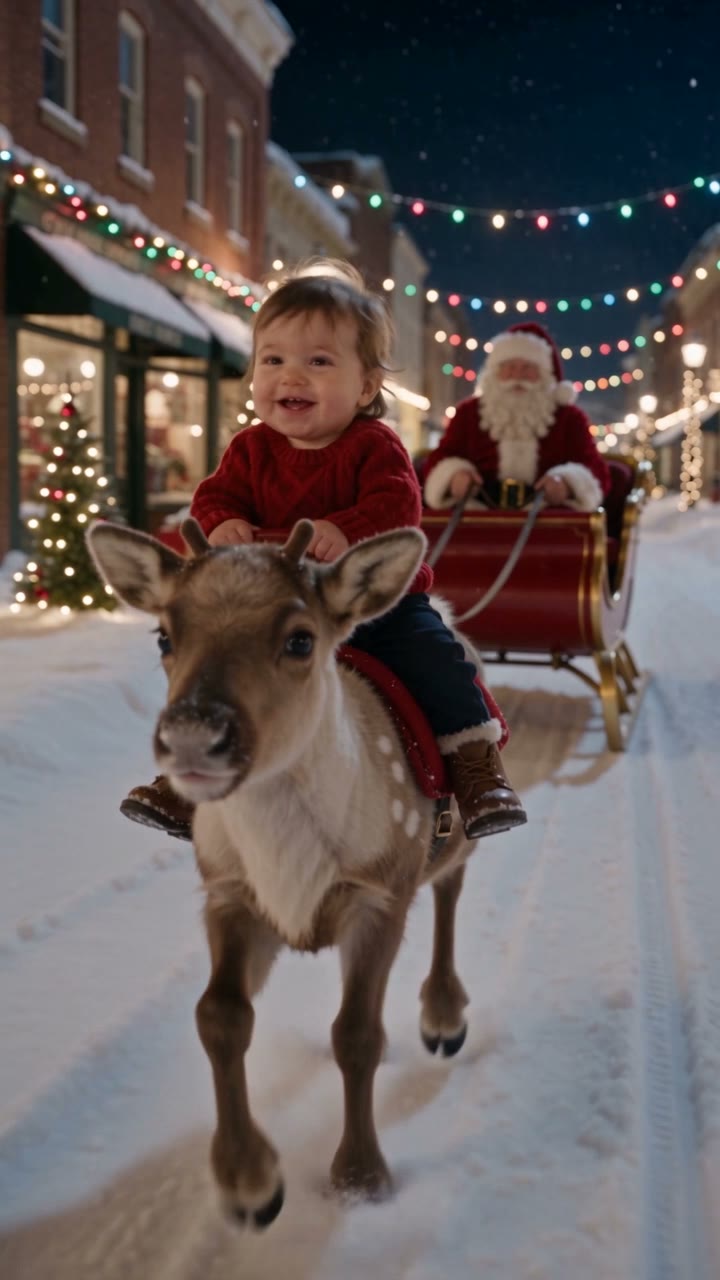
Reference example from MakeViral; ViralVideoAI generates a separate fictional holiday scene from your own photo.
What is the Baby Reindeer Santa trend?
The baby riding reindeer AI video is a short fictional Christmas keepsake: a child from one uploaded photo appears securely seated on a slow-walking reindeer in a snowy outdoor scene, with Santa visible nearby. No real reindeer, Santa or animal interaction is involved, and the child stays seated and visually supported throughout the clip.
Step by step
How to make the Baby Reindeer Santa video on ViralVideoAI
Upload your photo, generate a new clip and review the result before sharing.
Prepare the source photo
A parent or guardian may upload one clear, well-lit photo showing the child’s face and upper body in even light. Avoid images with other children, heavy filters, or faces partly covered by hats or scarves.
Generate your video
Confirm the 130-credit price and start a new vertical render. A calm reindeer moves slowly through snow. The child is securely seated and smiling while Santa walks at the side. The scene is a fictional AI composition — no real animal interaction is implied.
Review before posting
Check the likeness, motion and final frame. The camera comes close for a happy, stable final portrait.
Which photo works best?
Source-photo checklist:
- A parent or guardian may upload one clear, well-lit photo showing the child’s face and upper body in even light. Avoid images with other children, heavy filters, or faces partly covered by hats or scarves.
- Only a parent, guardian or person they explicitly authorize may upload a child photo.
- Review faces, hands and fine details at phone size before sharing. AI results differ from the reference clip.
Where did the Baby Reindeer Santa trend start?
AI Christmas keepsake videos — children on reindeers, in Santa's sleigh, with elves — multiplied across TikTok, Reels and Shorts during the 2026 holiday season as template apps shipped seasonal effects. The reindeer-and-Santa variant stands out for its gentle motion and family-friendly staging rather than any single viral post; this page documents the visible pattern and does not claim to identify the first creator.
AI Christmas keepsake videos (reindeer, sleigh, elves) spread across holiday-themed short-video feeds.
ViralVideoAI publishes the gentle reindeer-and-Santa format ahead of the 2026 holiday season for 130 credits.
One-tap version
Which Baby Reindeer Santa version do you get?
The one-tap flow writes and runs the prompt for you, so there is nothing to copy or edit. You get the version below.
Baby Reindeer Santa
10 s · 9:16 · one photo
10 s · 9:16 · 130 credits
How many credits does it cost?
The one-tap generator currently runs the Baby Reindeer Santa version for 130 credits. The Generate button confirms the price before you spend anything. A failed render returns its credits. See pricing.
What happens in the Baby Reindeer Santa video, second by second?
The reference reads as three visual beats:
| Beat | What happens |
|---|---|
| Setup | Place your baby in a gentle snowy reindeer ride with Santa walking nearby. |
| Movement | A calm reindeer moves slowly through snow. The child is securely seated and smiling while Santa walks at the side. The scene is a fictional AI composition — no real animal interaction is implied. |
| Finish | The camera comes close for a happy, stable final portrait. |
How to make a stronger Baby Reindeer Santa edit
A recognizable opening frame, a clean subject and a deliberate payoff make the format understandable even with sound off.
- A parent or guardian may upload one clear, well-lit photo showing the child’s face and upper body in even light. Avoid images with other children, heavy filters, or faces partly covered by hats or scarves.
- Check the first frame at phone size: the subject and setting should be obvious.
- Keep captions clear of the face and the bottom interface area.
Caption, sound and hashtags
Caption idea: "My take on Baby Reindeer Santa." Add any song through your platform's licensed music library and disclose AI-generated visuals where the platform requires it.
Upload a child photo only if you are the parent or legal guardian, or have their explicit written permission. Review the finished clip and consider carefully before sharing a child’s likeness publicly online. ViralVideoAI generates a fictional AI scene — no real reindeer, Santa or animal is involved.
FAQ
Baby Reindeer Santa trend questions
What is the Baby Reindeer Santa trend?
Place your baby in a gentle snowy reindeer ride with Santa walking nearby. A calm reindeer moves slowly through snow. The child is securely seated and smiling while Santa walks at the side. The scene is a fictional AI composition — no real animal interaction is implied.
Can I generate this effect on ViralVideoAI?
Yes. Upload one photo and generate a new video for 130 credits. AI results vary from the reference clip, and failed renders refund their credits automatically.
What photo works best?
A parent or guardian may upload one clear, well-lit photo showing the child’s face and upper body in even light. Avoid images with other children, heavy filters, or faces partly covered by hats or scarves.
Is a real child riding a reindeer?
No. Both the reindeer ride and the Santa figure are AI-generated. The reindeer walks slowly in the fictional scene and the child stays seated and visually supported throughout the 10-second clip.
Who may upload the baby photo?
A parent, legal guardian or someone they have explicitly authorized to post the child’s likeness. Never upload a photo of someone else’s child — even one that is publicly visible on social media.
Can I use the clip for a Christmas card or print?
The 10-second vertical video is intended for short-video platforms and digital sharing. A still frame exported from the finished clip can be used in a card or print as long as you respect the usage rules of your posting platform.
Does it work with toddlers or only newborns?
The format is tuned for a seated child aged roughly 1–5 who can hold an upright pose. For a newborn, a swaddled portrait photo is better suited to one of our baby-focused templates such as Bonito Bonito or Baby Mustache.
Can I post my own version?
Yes, subject to the rights in your photos, video and soundtrack, and the rules of your posting platform. See the disclaimer for the specific rights involved in this trend.
Make your own Baby Reindeer Santa video
Add one photo and tap once. No prompt to write. 130 credits.
3–8 minNo watermarkRefund if render failsSecure checkout by Stripe