CHRISTMAS
Christmas Car Lights AI Video: Your Car, Snowy and Glowing
Wrap your own car in warm festive lights against a snowy driveway.
- 130 credits
- 10 s video
- 1 photo
The result
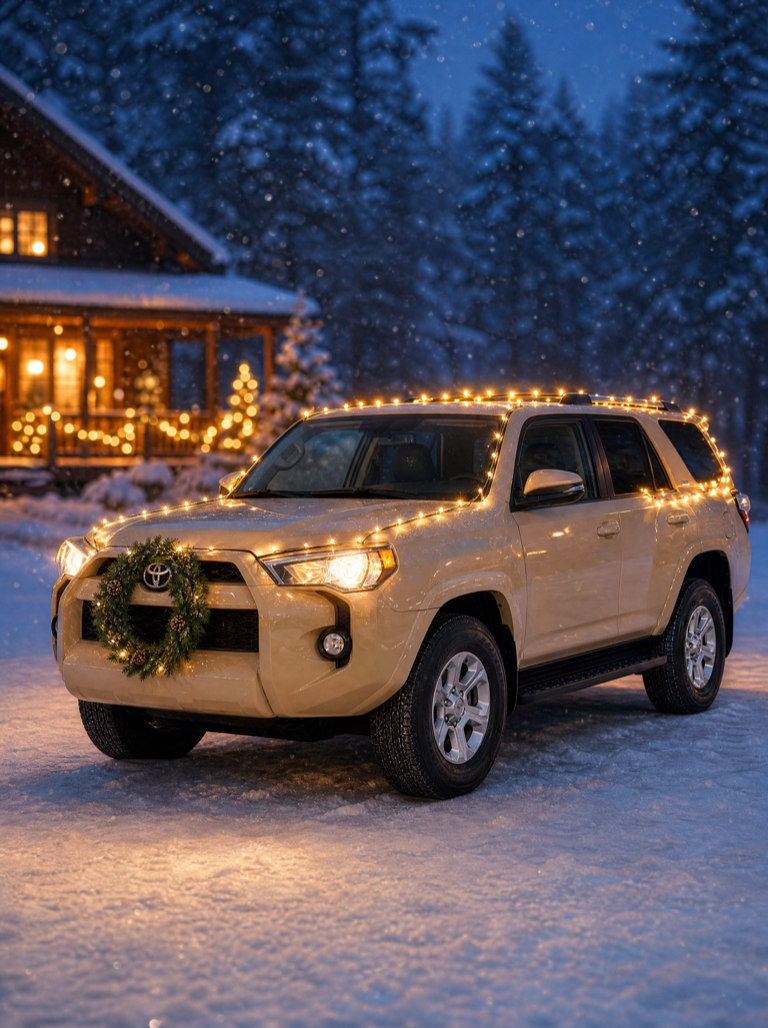 Third-party reference
A real ViralVideoAI render. Yours stars you.
More trends
More Christmas scenes to star in
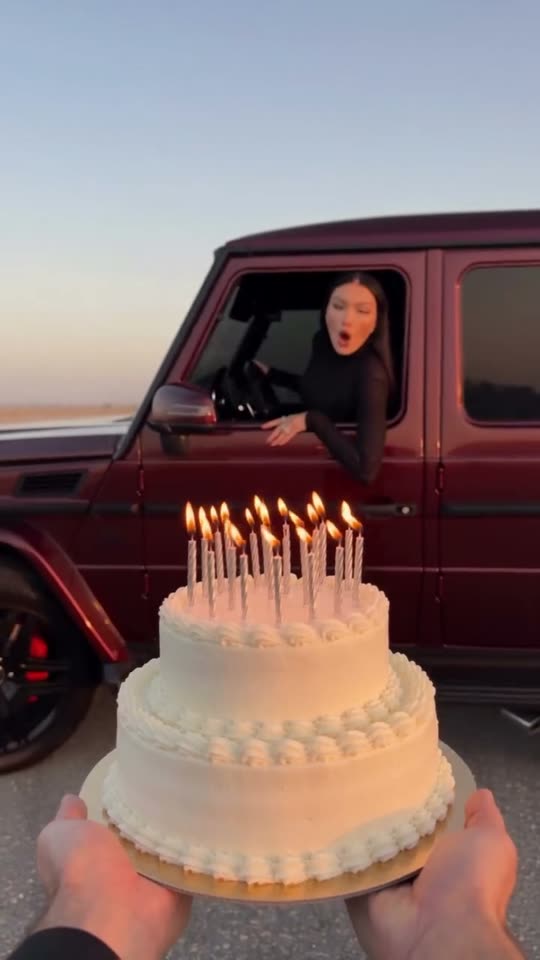
Birthday Car
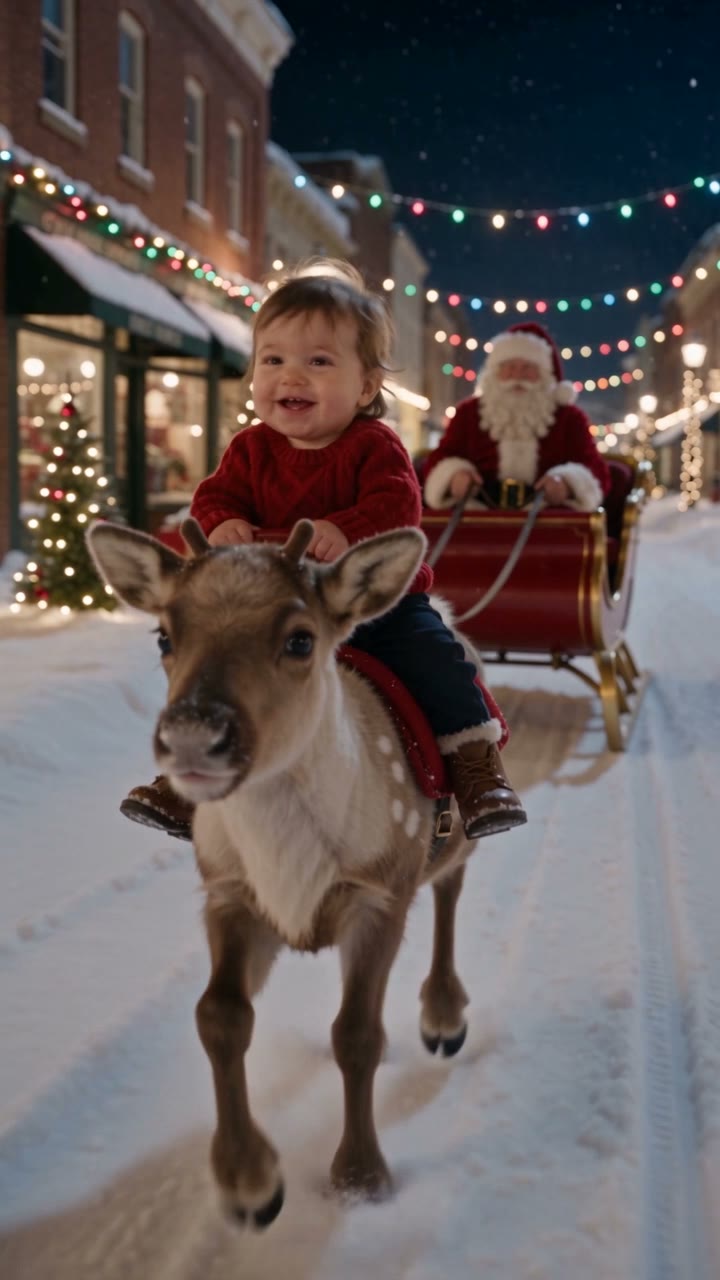
Baby Reindeer Santa

Bonito Bonito Baby
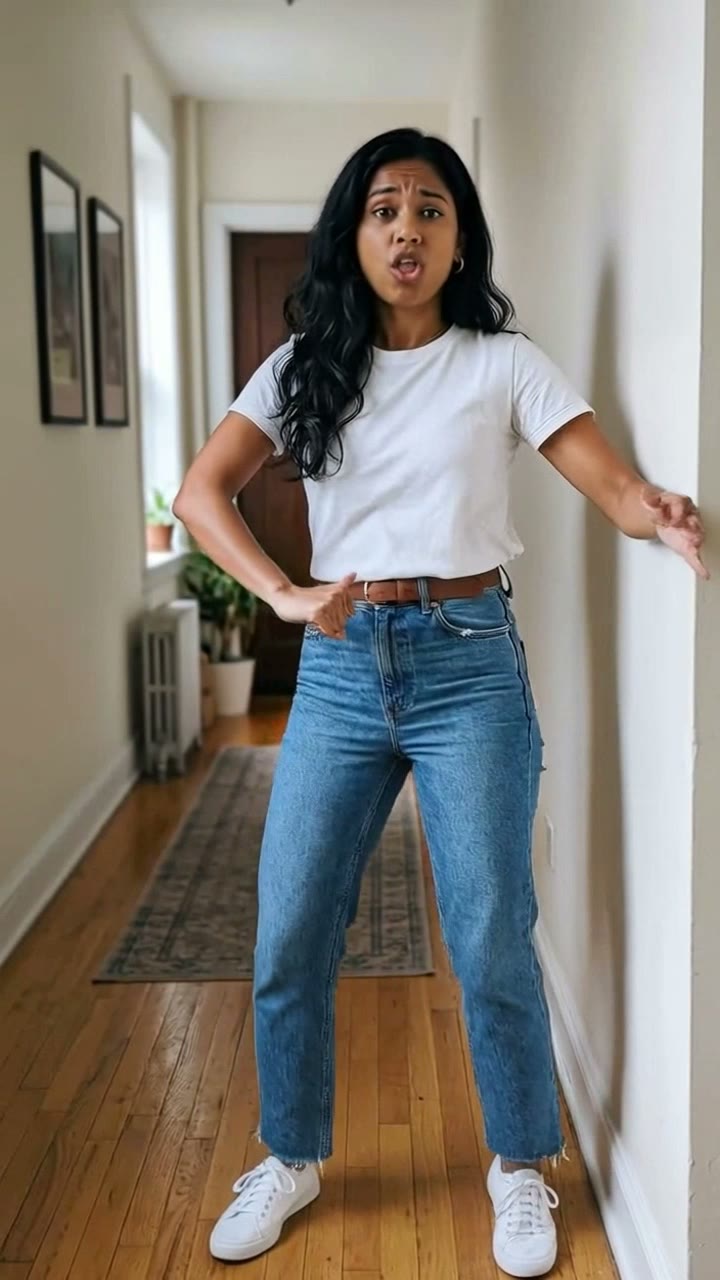
I'm So In Love With You
iPhone Kupi Dance
Cat Human
AI Elf Dance
Bing Bing Bing Kicking

Choosin' Texas Emo
Mandem in Disguise
- 01Upload your photoClear face, good light.
- 02We render in 3–8 minNo prompt to write.
- 03Download or share9:16 vertical, no watermark.
Christmas Car Lights is an AI video adaptation of the Starrd "Christmas Lights" car template — originally a photo set — that turns one front three-quarter photo of a vehicle into a 10-second 9:16 holiday reveal: the car stays recognizable in a snowy driveway while warm string lights switch on and the camera orbits around it. On ViralVideoAI the render costs 130 credits, with failed renders refunded automatically. The source Starrd reference is a photo set; this page documents the moving-video adaptation generated from your own car photo.
Also called Christmas car lights AI · car Christmas lights video · Starrd Christmas Lights template · holiday car reveal AI · snowy car video · navidad coche luces IA · voiture Noël lumières IA · 聖誕車燈 AI
Example
What the Christmas Car Lights video looks like
Study the framing and timing of the Christmas Car Lights reference before making your own edit.
Result, 10 s, with sound
Starrd's "Christmas Lights" reference is a photo set for cars. The ViralVideoAI output is an original moving-video adaptation generated from your own car photo.
What is the Christmas Car Lights trend?
Christmas Car Lights is a holiday vehicle reveal: a familiar car is placed in a quiet snowy driveway, wrapped in warm string lights, and shown with a slow orbital camera as the lights illuminate it. The composition reads as a seasonal holiday card rather than an ad or product shot — the car silhouette, color and wheels from the uploaded photo are preserved.
Step by step
How to make the Christmas Car Lights video on ViralVideoAI
Upload your photo, generate a new clip and review the result before sharing.
Prepare the source photo
Upload one sharp front three-quarter view of the whole car in daylight. Keep the body shape, color and wheels fully visible; the snowy driveway, warm string lights and winter trees are generated.
Generate your video
Confirm the 130-credit price and start a new vertical render. The car remains parked in a quiet snowy driveway as the string lights gradually illuminate; the camera moves from a front three-quarter view toward the side. The vehicle silhouette and color are kept intact.
Review before posting
Check the likeness, motion and final frame. A final wide shot reveals the full glowing vehicle as a complete holiday-card scene.
Which photo works best?
Source-photo checklist:
- Upload one sharp front three-quarter view of the whole car in daylight. Keep the body shape, color and wheels fully visible; the snowy driveway, warm string lights and winter trees are generated.
- Use photos you own or have explicit permission to use. Never upload a child or a non-consenting adult.
- Review faces, hands and fine details at phone size before sharing. AI results differ from the reference clip.
Where did the Christmas Car Lights trend start?
Starrd ships "Christmas Lights" as a car photo template for the 2026 holiday season, pairing an uploaded car with a wintry decorative treatment. ViralVideoAI adapts the same holiday-card idea into a 10-second moving video rather than reproducing Starrd's photo set — the moving camera and the moment the lights switch on are the format's own additions, so the two outputs are documented as adjacent formats, not the same asset.
Starrd releases "Christmas Lights" as a car photo template for the 2026 holiday season.
ViralVideoAI publishes a 10-second moving-video adaptation that orbits the car as the lights come on, for 130 credits.
One-tap version
Which Christmas Car Lights version do you get?
The one-tap flow writes and runs the prompt for you, so there is nothing to copy or edit. You get the version below.
Christmas Car Lights
10 s · 9:16 · one photo
10 s · 9:16 · 130 credits
How many credits does it cost?
The one-tap generator currently runs the Christmas Car Lights version for 130 credits. The Generate button confirms the price before you spend anything. A failed render returns its credits. See pricing.
What happens in the Christmas Car Lights video, second by second?
The reference reads as three visual beats:
| Beat | What happens |
|---|---|
| Setup | Wrap your own car in warm festive lights against a snowy driveway. |
| Movement | The car remains parked in a quiet snowy driveway as the string lights gradually illuminate; the camera moves from a front three-quarter view toward the side. The vehicle silhouette and color are kept intact. |
| Finish | A final wide shot reveals the full glowing vehicle as a complete holiday-card scene. |
How to make a stronger Christmas Car Lights edit
A recognizable opening frame, a clean subject and a deliberate payoff make the format understandable even with sound off.
- Upload one sharp front three-quarter view of the whole car in daylight. Keep the body shape, color and wheels fully visible; the snowy driveway, warm string lights and winter trees are generated.
- Check the first frame at phone size: the subject and setting should be obvious.
- Keep captions clear of the face and the bottom interface area.
Caption, sound and hashtags
Caption idea: "My take on Christmas Car Lights." Add any song through your platform's licensed music library and disclose AI-generated visuals where the platform requires it.
Starrd's "Christmas Lights" reference is a photo set for cars. The ViralVideoAI output is an original moving-video adaptation generated from your own car photo.
FAQ
Christmas Car Lights trend questions
What is the Christmas Car Lights trend?
Wrap your own car in warm festive lights against a snowy driveway. The car remains parked in a quiet snowy driveway as the string lights gradually illuminate; the camera moves from a front three-quarter view toward the side. The vehicle silhouette and color are kept intact.
Can I generate this effect on ViralVideoAI?
Yes. Upload one photo and generate a new video for 130 credits. AI results vary from the reference clip, and failed renders refund their credits automatically.
What photo works best?
Upload one sharp front three-quarter view of the whole car in daylight. Keep the body shape, color and wheels fully visible; the snowy driveway, warm string lights and winter trees are generated.
Does this make a photo or a video?
ViralVideoAI generates a 10-second vertical video with slow camera movement and warm string lights that switch on during the clip. The referenced Starrd "Christmas Lights" template is a photo set rather than a video.
Should my car already have lights?
No. Upload a clean car photo with no decorations. The snowy driveway, warm string lights and winter trees are entirely generated around the vehicle.
What photo angle works best?
A sharp front three-quarter shot of the whole car in daylight, with the body shape, color and wheels fully visible. Interior shots or tightly cropped detail photos do not give the model enough of the vehicle silhouette.
Does it work for any car make or model?
Yes. The format is agnostic to make and model — classic cars, SUVs, EVs and compacts all work. The model preserves the silhouette and color of the car in your photo rather than substituting a different vehicle.
Can I post my own version?
Yes, subject to the rights in your photos, video and soundtrack, and the rules of your posting platform. See the disclaimer for the specific rights involved in this trend.
Make your own Christmas Car Lights video
Add one photo and tap once. No prompt to write. 130 credits.
3–8 minNo watermarkRefund if render failsSecure checkout by Stripe