MEME
Bicep Heart AI Video: Flex, Shape the Heart, Share
Flex one arm, curl the other hand against it and reveal a heart shape to the camera.
- 130 credits
- 10 s video
- 1 photo
The result
A real ViralVideoAI render. Yours stars you.
More trends
More Meme scenes to star in
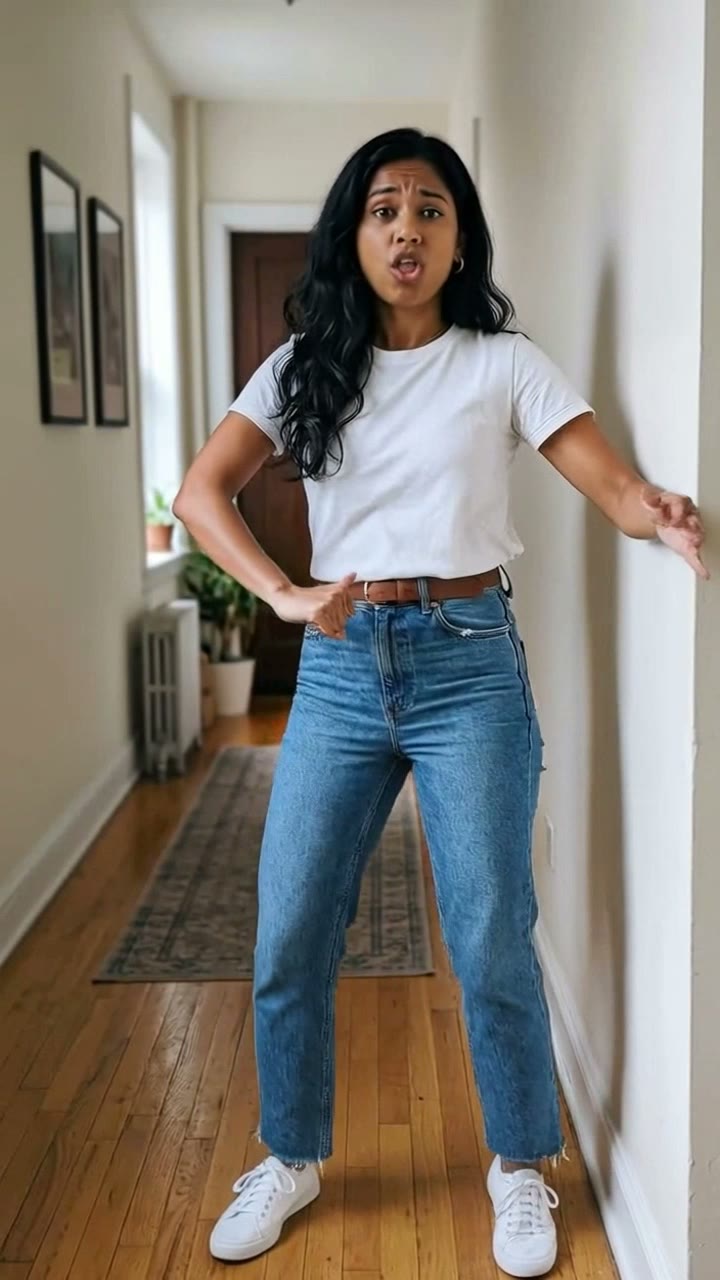
I'm So In Love With You
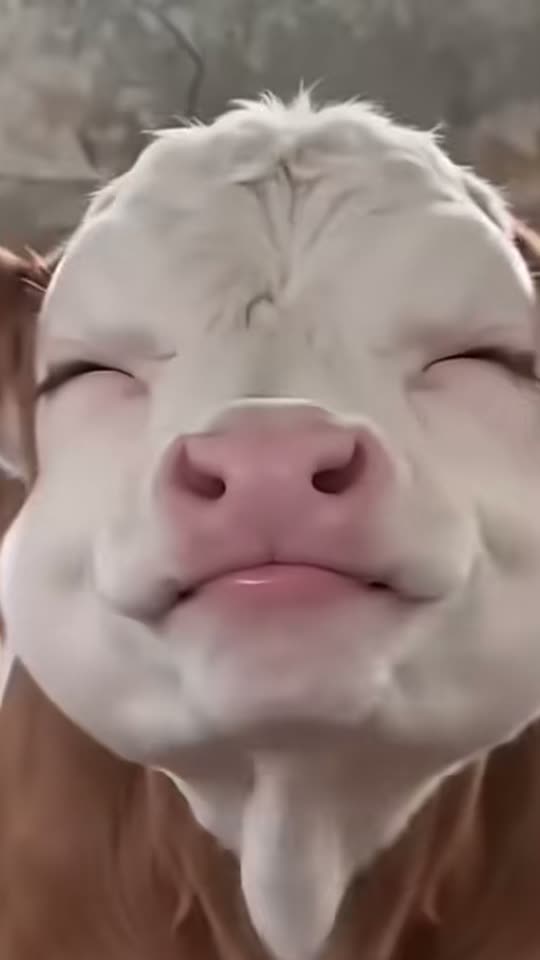
Shaking Head
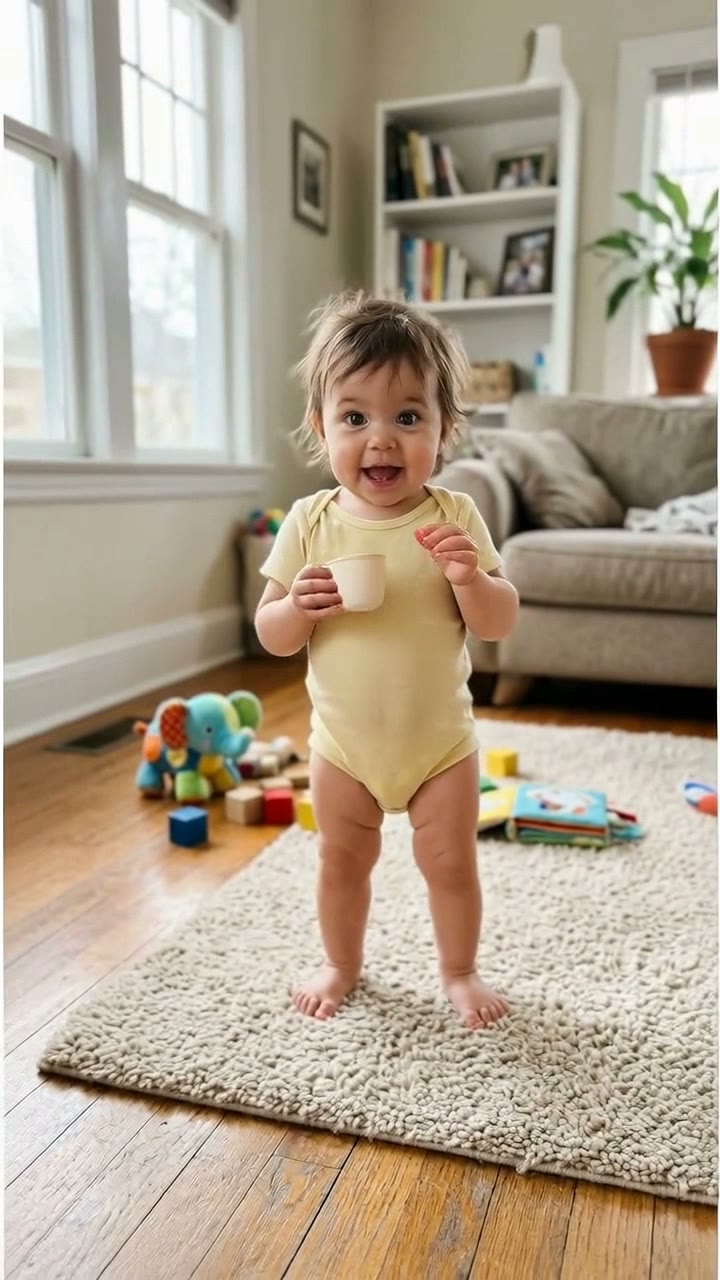
Bonito Bonito Baby
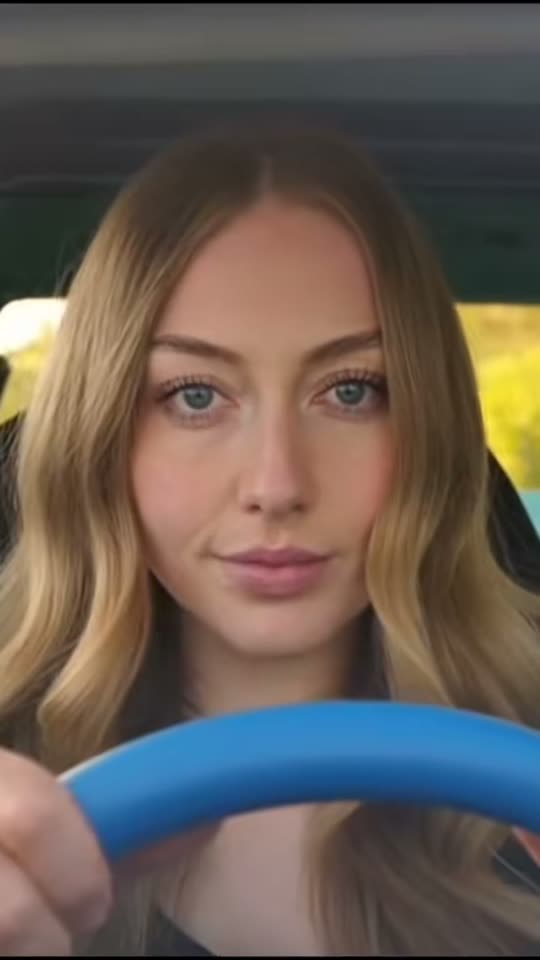
Ali G Driving Scene
Cardo Dinner
Then I Walk In
Kolpaçino Car Scene
Skull Cap Trend
Cat Human
Witch on the Metro
- 01Upload your photoClear face, good light.
- 02We render in 3–8 minNo prompt to write.
- 03Download or share9:16 vertical, no watermark.
Bicep Heart is a camera-facing pose trend that spread on TikTok and X in late October 2026: one flexed bicep forms one side of a heart while the opposite hand curls against it to close the shape. The joke is the silhouette, not the muscle size — small flexes, kids and pets all work on the hashtag. On ViralVideoAI, upload one adult or pet photo and the pose becomes a 10-second 9:16 vertical video for 130 credits, refunded automatically if the render fails. The clip on this page is a credited third-party reference, not your output.
Also called Biceps heart · bicep heart pose · flex heart trend · heart on bicep · send bicep hearts · arm heart flex · coração de bíceps · corazón con bíceps · бицепс сердце
Example
What the Bicep Heart video looks like
Study the framing and timing of the Bicep Heart reference before making your own edit.
Result, 10 s, with sound
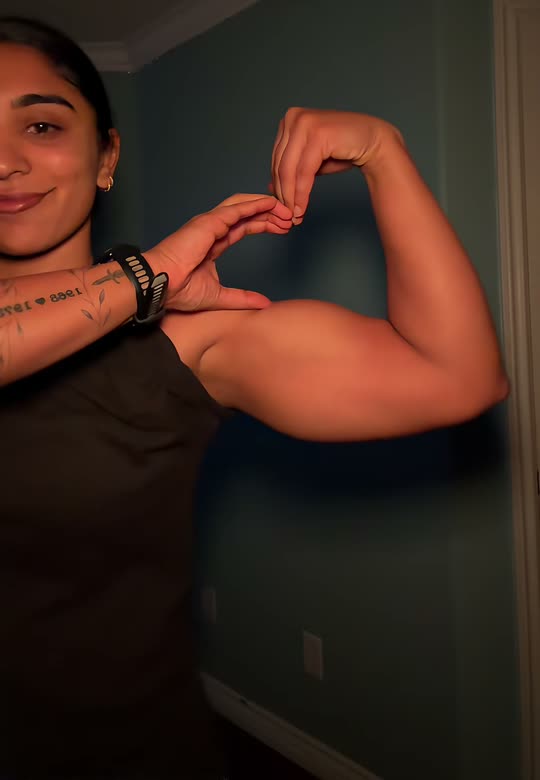
Third-party Bicep Heart reference associated with @kavithageorge on TikTok. The ViralVideoAI output is a separately generated clip from your own photo.
What is the Bicep Heart trend?
The bicep heart is a two-arm pose that reads as a heart from the camera: a flexed bicep forms one curve while the opposite hand presses against it to close the silhouette. Pet variants substitute the front paws for the human hand, keeping the gesture cartoon-friendly rather than anatomically literal.
Step by step
How to make the Bicep Heart video on ViralVideoAI
Upload your photo, generate a new clip and review the result before sharing.
Prepare the source photo
Use one clear adult or pet image with the face and both arms (or both front legs) visible. A tightly cropped selfie or a side angle removes the second arm the model needs to close the heart.
Generate your video
Confirm the 130-credit price and start a new vertical render. A steady chest-up camera lets viewers read both arms while the subject smiles, crosses one hand over the chest and flexes the other. The pose only works if both the bicep and the opposite hand stay inside the frame.
Review before posting
Check the likeness, motion and final frame. The hand and bicep hold the heart silhouette for the final beat.
Which photo works best?
Source-photo checklist:
- Use one clear adult or pet image with the face and both arms (or both front legs) visible. A tightly cropped selfie or a side angle removes the second arm the model needs to close the heart.
- Use photos you own or have explicit permission to use. Never upload a child or a non-consenting adult.
- Review faces, hands and fine details at phone size before sharing. AI results differ from the reference clip.
Where did the Bicep Heart trend start?
The gesture circulated as a gym joke on X through 2026 before short TikTok demonstrations tagged #BicepHeart gathered views in the final week of October 2026. By the end of the month, pet, kid and non-flex variations had expanded the format beyond fitness content — the only requirement is a readable arm-and-hand silhouette on a chest-up frame.
The #BicepHeart hashtag starts surfacing in TikTok trend posts.
Pet, kid and ironic non-flex variations expand the format beyond gym content.
ViralVideoAI publishes a one-photo video version with 130-credit pricing and automatic refund on render failure.
One-tap version
Which Bicep Heart version do you get?
The one-tap flow writes and runs the prompt for you, so there is nothing to copy or edit. You get the version below.
Bicep Heart
10 s · 9:16 · one photo
10 s · 9:16 · 130 credits
How many credits does it cost?
The one-tap generator currently runs the Bicep Heart version for 130 credits. The Generate button confirms the price before you spend anything. A failed render returns its credits. See pricing.
What happens in the Bicep Heart video, second by second?
The reference reads as three visual beats:
| Beat | What happens |
|---|---|
| Setup | Flex one arm, curl the other hand against it and reveal a heart shape to the camera. |
| Movement | A steady chest-up camera lets viewers read both arms while the subject smiles, crosses one hand over the chest and flexes the other. The pose only works if both the bicep and the opposite hand stay inside the frame. |
| Finish | The hand and bicep hold the heart silhouette for the final beat. |
How to make a stronger Bicep Heart edit
A recognizable opening frame, a clean subject and a deliberate payoff make the format understandable even with sound off.
- Use one clear adult or pet image with the face and both arms (or both front legs) visible. A tightly cropped selfie or a side angle removes the second arm the model needs to close the heart.
- Check the first frame at phone size: the subject and setting should be obvious.
- Keep captions clear of the face and the bottom interface area.
Caption, sound and hashtags
Caption idea: "My take on Bicep Heart." Add any song through your platform's licensed music library and disclose AI-generated visuals where the platform requires it.
Third-party Bicep Heart reference associated with @kavithageorge on TikTok. The ViralVideoAI output is a separately generated clip from your own photo.
FAQ
Bicep Heart trend questions
What is the Bicep Heart trend?
Flex one arm, curl the other hand against it and reveal a heart shape to the camera. A steady chest-up camera lets viewers read both arms while the subject smiles, crosses one hand over the chest and flexes the other. The pose only works if both the bicep and the opposite hand stay inside the frame.
Can I generate this effect on ViralVideoAI?
Yes. Upload one photo and generate a new video for 130 credits. AI results vary from the reference clip, and failed renders refund their credits automatically.
What photo works best?
Use one clear adult or pet image with the face and both arms (or both front legs) visible. A tightly cropped selfie or a side angle removes the second arm the model needs to close the heart.
Do I need muscular arms to make a bicep heart?
No. The heart silhouette is formed by the curve of a flexed arm plus the opposite hand pressed against it — the hand placement closes the shape. The pose works across a wide range of body types and is often used ironically with a small or deadpan flex.
Can my pet do the bicep heart?
Yes. Upload a pet photo with the front legs visible and ViralVideoAI generates a playful paw variation. Animal paws will not form a true human hand shape, so expect a cartoon-friendly interpretation rather than a literal heart.
What photo input works best?
A chest-up or waist-up portrait in even light with both arms and the face unobstructed. Avoid sunglasses, heavy filters or a cropped selfie that cuts an arm out of the frame.
Why is my result slightly different from the reference clip?
AI runs vary from one render to the next, and the clip on this page is a credited third-party reference — not an output of our model. Your generated 10-second video is a separate interpretation of the same pose from your own photo.
Can I post my own version?
Yes, subject to the rights in your photos, video and soundtrack, and the rules of your posting platform. See the disclaimer for the specific rights involved in this trend.
Make your own Bicep Heart video
Add one photo and tap once. No prompt to write. 130 credits.
3–8 minNo watermarkRefund if render failsSecure checkout by Stripe