SEASONAL
Diwali 2026 Fireworks AI Reel: Your Dupatta Twirl in One Tap
A sheer red dupatta sweeps across the lens; as it clears, you twirl in an ivory festive outfit beneath golden fireworks. Add one clear photo and make your 8-second video.
- Trending · 8 days left
- 130 credits
- 8 s video
- 1 photo
See the effect
Diwali Fireworks Transition: the scene, the motion and the payoff.
More trends
More Seasonal & Diwali scenes to star in
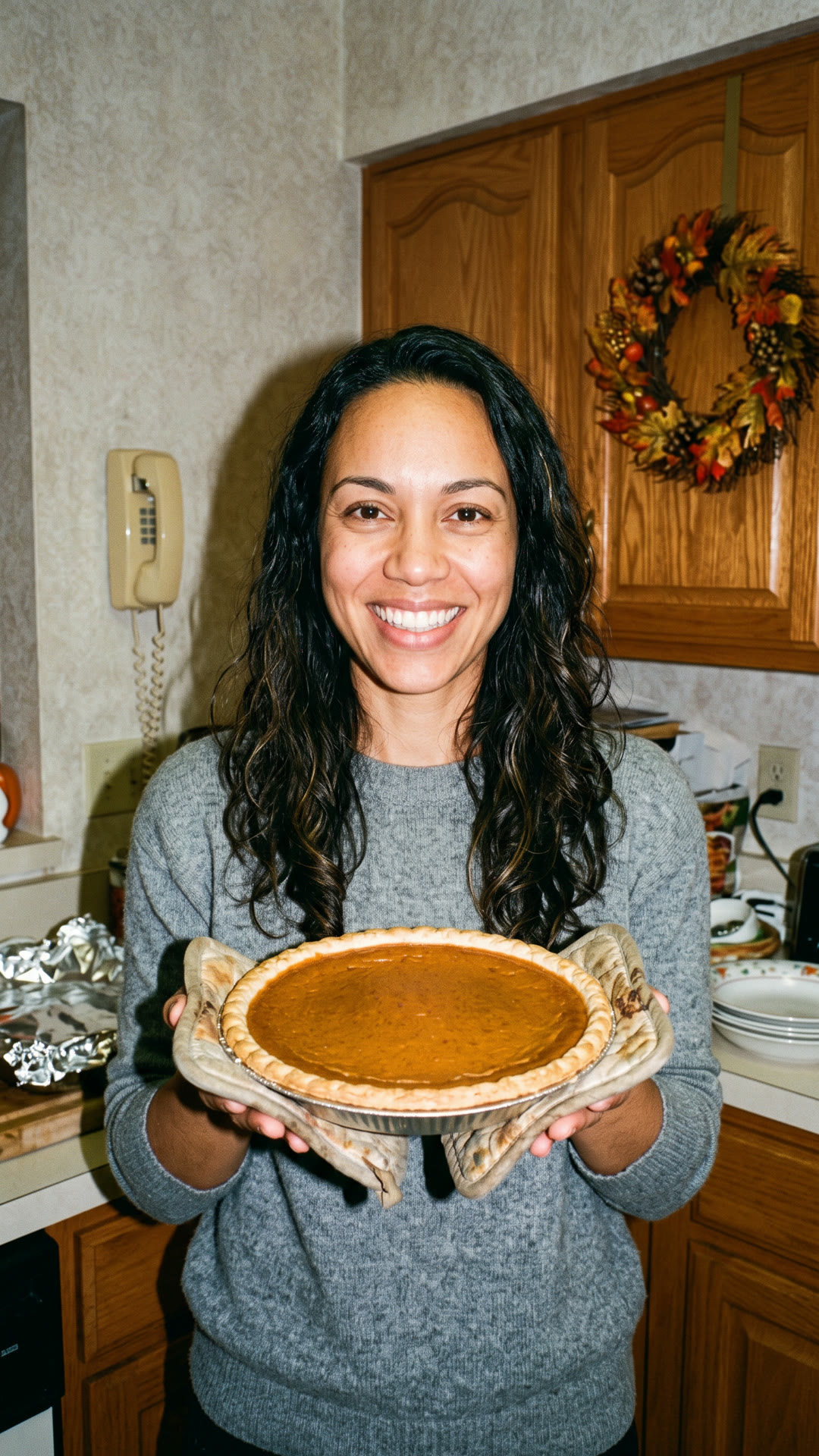
Thanksgiving PFP

AI Christmas Photoshoot
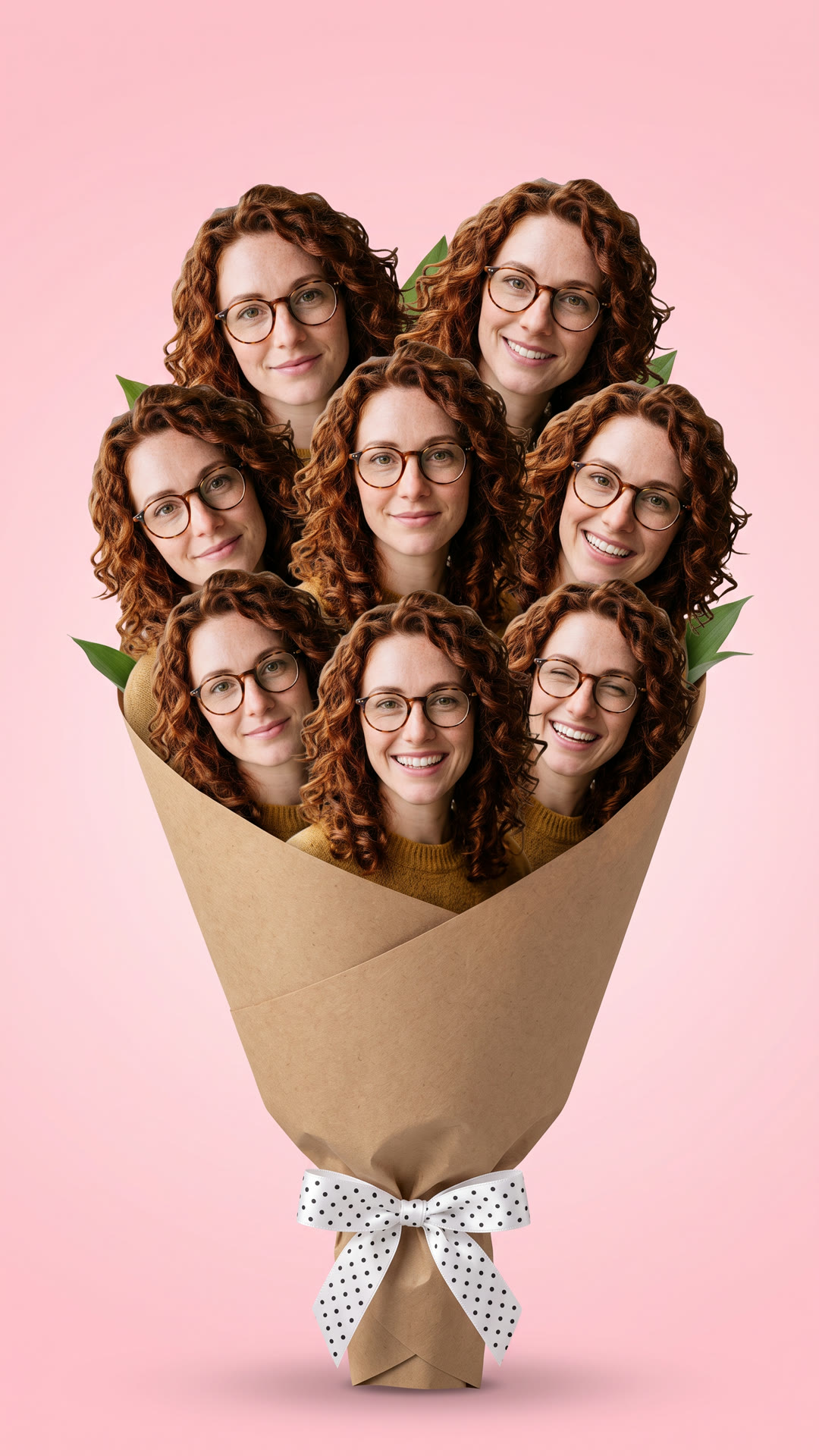
Flower Bouquet of Me
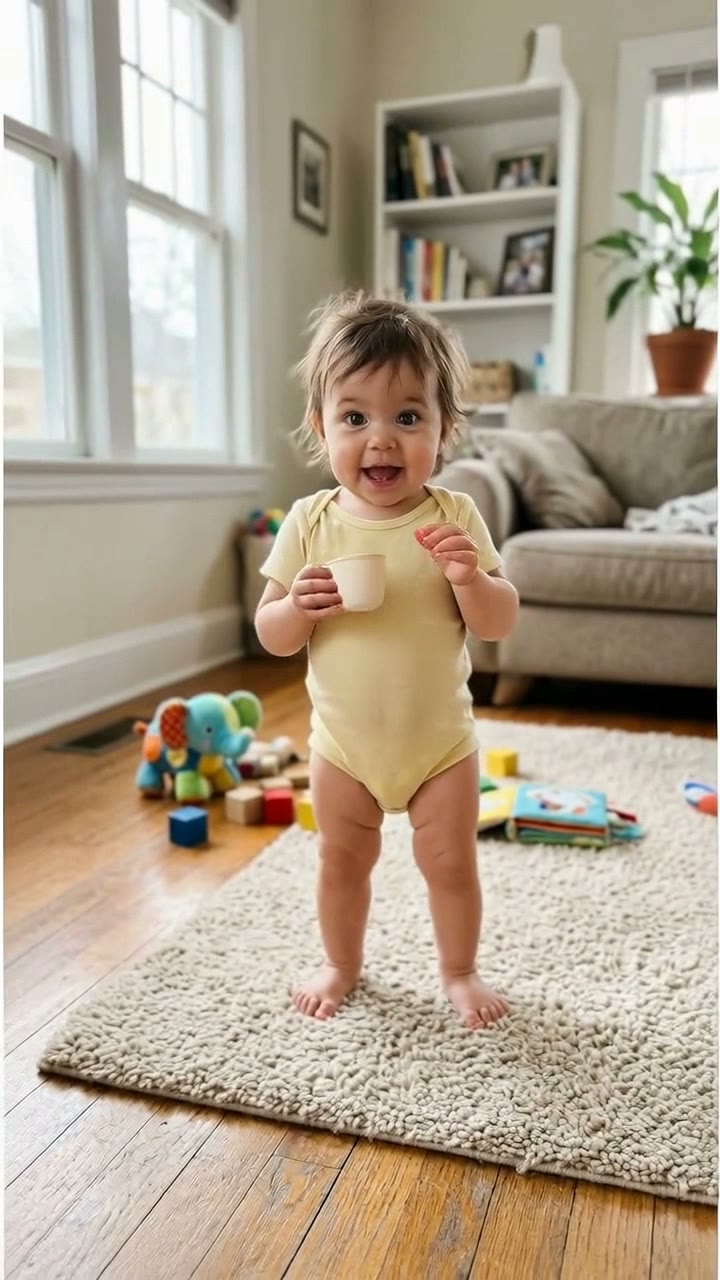
Bonito Bonito Baby
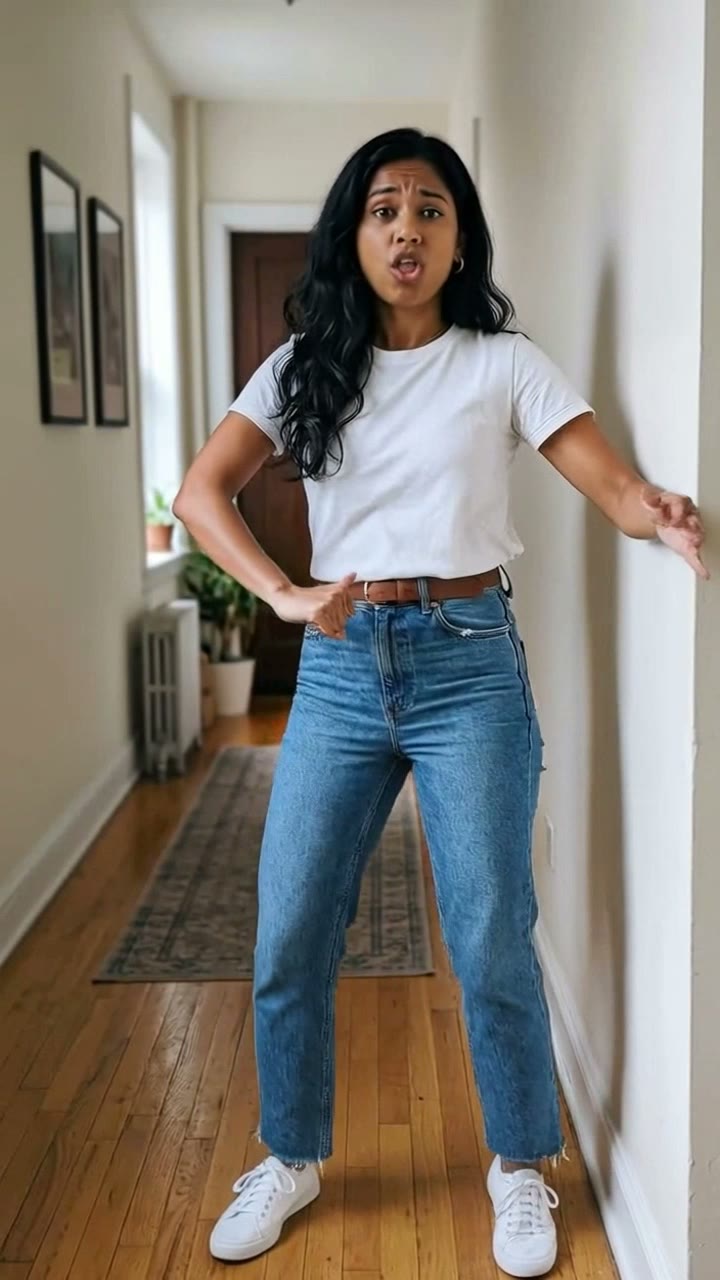
I'm So In Love With You
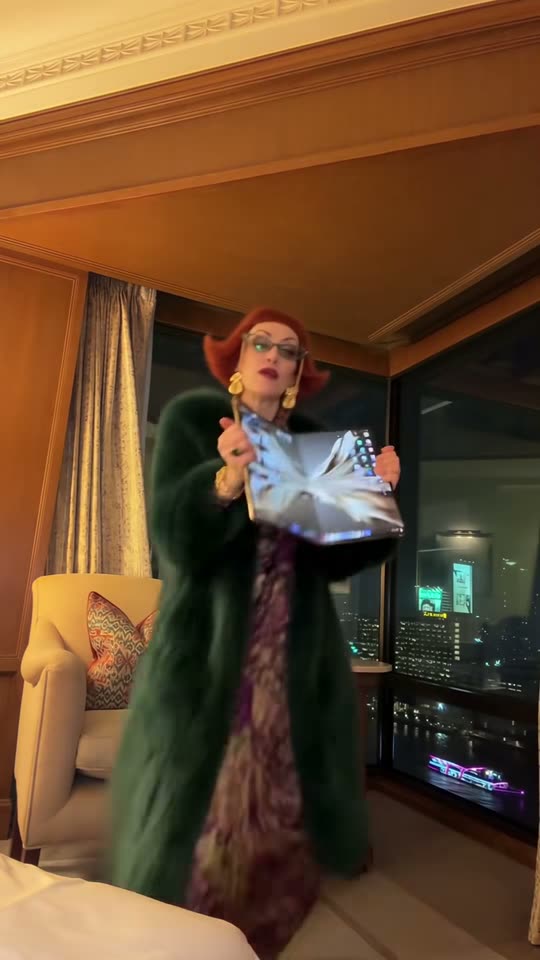
iPhone Kupi Dance
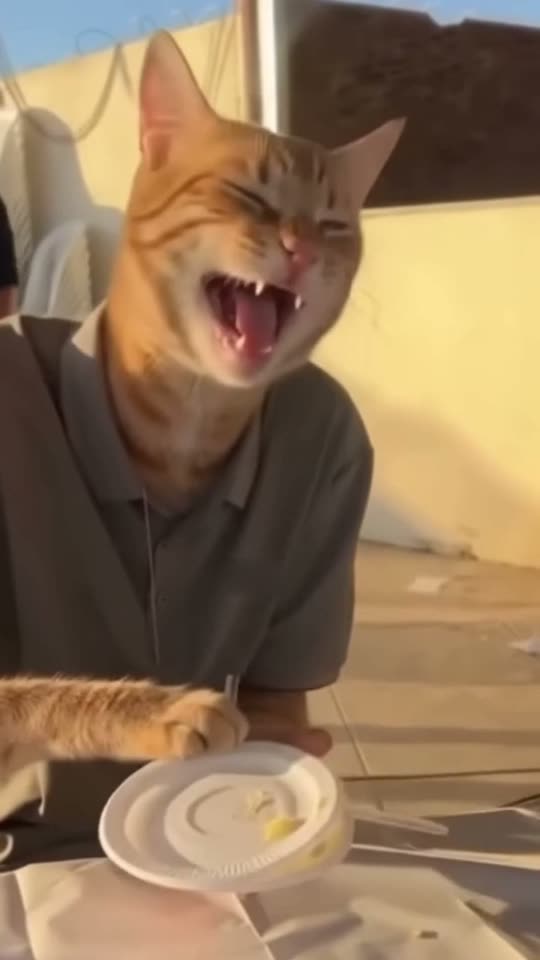
Cat Human
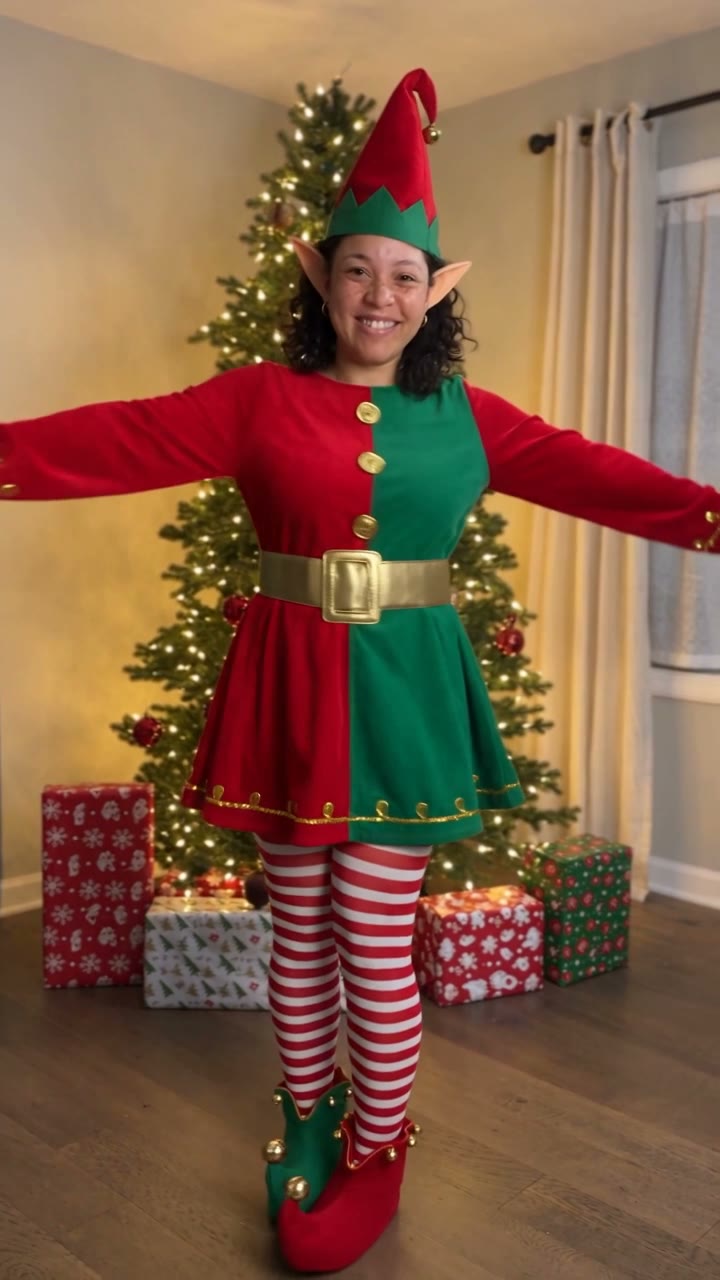
AI Elf Dance
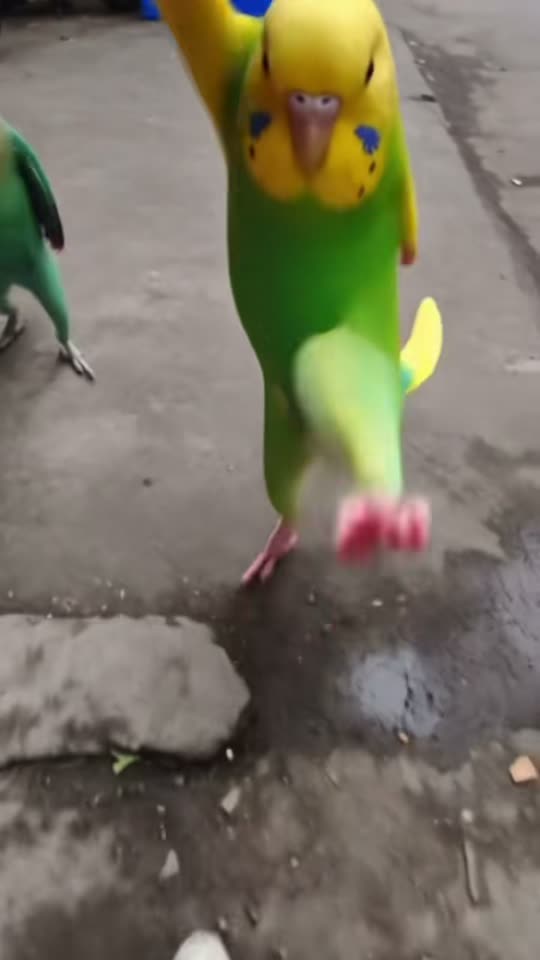
Bing Bing Bing Kicking
Choosin' Texas Emo
- 01Upload your photoClear face, good light.
- 02We render in 3–8 minNo prompt to write.
- 03Download or share9:16 vertical, no watermark.
The Diwali fireworks AI transition is a scarf-wipe effect that turns daylight into a festive night scene. ViralVideoAI uses one adult portrait to create an 8-second 9:16 video: a red dupatta covers the lens, clears into golden fireworks and reveals the same subject in an ivory festive outfit. One render costs 130 credits and is ready to post before Diwali on November 8, 2026. You do not need to film a twirl or own the outfit; the generator stages the motion around your photo with newly generated audio.
About $5.55 per render on our best-value plan. See plans
Also called Diwali 2026 reel · Diwali reel maker · Diwali video maker · Diwali Instagram reel · Deepavali transition · dupatta twirl transition · Diwali patakha transition · Diwali fireworks reel · दिवाली ट्रांजिशन
Example
What the Diwali Fireworks Transition video looks like
A sheer red dupatta sweeps across the lens; as it clears, you twirl in an ivory festive outfit beneath golden fireworks. You turn back toward the camera as the scarf settles and the final fireworks glow behind you.
Effect example
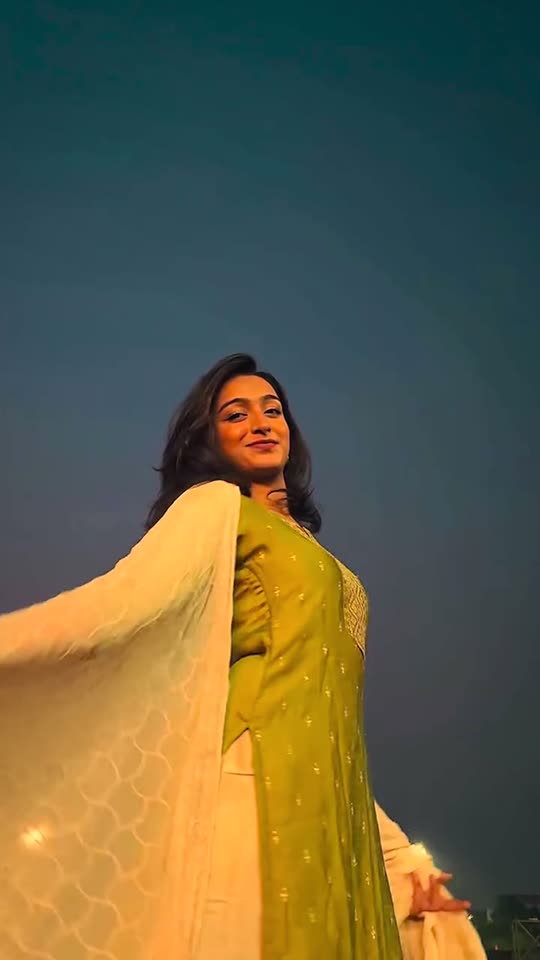
Diwali Fireworks Transition: the scene, the motion and the payoff.
What is the Diwali Fireworks Transition trend?
The Diwali fireworks AI transition uses a dupatta as a visual wipe: a daytime portrait disappears behind the fabric, then reappears as a festive twirl under a night sky of fireworks.
Step by step
How to make the Diwali Fireworks Transition video on ViralVideoAI
No prompt to write. Choose one clear photo, check the price and create your version.
Add your photo
Upload one clear adult portrait from the waist up or head to knees, with face, hair and shoulders visible. Avoid sunglasses and heavy face filters.
Create your video
Confirm 130 credits to generate a 8-second 9:16 clip. Stay on the page to watch progress, or return to My videos.
Download and share
Check the result, download it and add a licensed track in your posting app if you want a specific song.
Which photo works best?
For the clearest Diwali Fireworks Transition result:
- Upload one clear adult portrait from the waist up or head to knees, with face, hair and shoulders visible. Avoid sunglasses and heavy face filters.
- Use sharp, evenly lit images without heavy face filters or sunglasses.
- Use your own photos or photos of adults who agreed to participate.
Where did the Diwali Fireworks Transition trend start?
Diwali outfit transitions combine festive clothing with a reveal timed to a camera movement or covered lens. The fireworks variation uses the dupatta to connect daytime preparation with a night-time celebration, and the format travels well on Reels and Shorts because the covered-lens moment hides the day-to-night cut, so one photo can stand in for two separate shoots. Earlier Diwali reels needed a videographer, an outfit change and a reliable firework backdrop; this template focuses on that visual sequence, keeping the grammar and removing the production, rather than copying a creator’s face, footage or soundtrack.
Diwali dupatta-wipe transitions gain traction on Instagram Reels and TikTok, usually filmed in two takes with a real outfit change.
AI photo-to-video tools begin offering outfit-transition presets tuned for festive scenes, removing the second take.
ViralVideoAI publishes the one-photo Diwali fireworks transition with a scarf wipe, twirl and generated night sky from a single adult portrait.
Diwali 2026 — the seasonal window peaks.
The seasonal boost on this template ends after today.
One-tap version
Which Diwali Fireworks Transition version do you get?
The one-tap flow writes and runs the prompt for you, so there is nothing to copy or edit. You get the version below.
Diwali Fireworks Transition
8 s · 9:16 · one clear photo
8 s · 9:16 · 130 credits
How many credits does it cost?
The one-tap generator currently runs the Diwali Fireworks Transition version for 130 credits. The Generate button confirms the price before you spend anything. A failed render returns its credits. See pricing.
What happens in the Diwali Fireworks Transition video, second by second?
The scene has a clear setup, action and finish.
| Beat | What happens |
|---|---|
| Setup | an open festival courtyard in daylight that becomes the same courtyard at night under golden fireworks |
| Action | A sheer red dupatta sweeps across the lens; as it clears, you twirl in an ivory festive outfit beneath golden fireworks. |
| Finish | You turn back toward the camera as the scarf settles and the final fireworks glow behind you. |
What your photo controls in Diwali Fireworks Transition
| Element | What to expect |
|---|---|
| Identity | The face or pet markings from your photo |
| Scene | an open festival courtyard in daylight that becomes the same courtyard at night under golden fireworks |
| Output | 8 seconds, vertical 9:16 |
| Audio | Newly generated audio; no source recording |
| Best input | Upload one clear adult portrait from the waist up or head to knees, with face, hair and shoulders visible. Avoid sunglasses and heavy face filters. |
Diwali Fireworks Transition: timing and motion
0–1.5 s: show face and sweep red fabric across the lens; 1.5–2 s: full fabric cover hides the day-to-night cut; 2–6 s: one smooth twirl under distant golden fireworks; 6–8 s: turn toward the lens and hold the final festive pose.
Get a cleaner result
| If you notice | Try this |
|---|---|
| My face changes when the dupatta leaves the lens | Use a sharp front-facing portrait with clear hair and eyes. Check the first uncovered frame after the wipe; a full lens cover helps the day-to-night change stay clean. |
| Face softens during movement | Use a higher-quality front-facing portrait with even lighting |
| The result differs from the example | AI varies timing and details. Review the clip before sharing |
Caption, sound and hashtags
Add your caption after downloading. For a named song, use a licensed track available in your posting app.
- Caption idea: “My Diwali Fireworks Transition version.”
- Review the result and label AI media where your posting platform requires it.
FAQ
Diwali Fireworks Transition trend questions
How do I make the Diwali fireworks transition?
Upload one clear adult portrait, confirm 130 credits and generate on this page. You receive an 8-second vertical video with a scarf wipe, night reveal, twirl and fireworks, ready to post before Diwali on November 8, 2026.
Can I post this directly to Instagram Reels, TikTok and YouTube Shorts?
Yes. The export is a clean 9:16 1080×1920 MP4 at Reels, TikTok and Shorts native resolution, with no watermark. Upload the downloaded file directly without re-editing to preserve quality and sound. Add a licensed Diwali track from your posting app if you want a specific song.
Will the result still look like me after the dupatta clears?
Yes. The generator keeps the facial features, hair, skin tone and distinguishing details from your source portrait across every frame; it does not swap in another face or celebrity. For the cleanest reveal, use a sharp front-facing photo with even lighting, and check the first uncovered frame after the wipe before posting.
Which Diwali outfit will I wear?
This version adds an ivory festive outfit with gold accents and a sheer red dupatta. It keeps your recognizable face and hair; it does not preserve the outfit from your source photo.
Can I make a couple or pet version?
This page currently accepts one adult portrait for a solo twirl. A couple scene and pet costume version are not selectable here.
Is this a video or a photo filter?
A video. The requested output is an 8-second 9:16 clip, with a covered-lens transition and newly generated fireworks. You do not need a recording of yourself dancing.
Will it use the song from the example?
No source recording is included. Your clip uses newly generated festive instrumental and fireworks ambience. Add a specific song from a licensed library in the app where you post.
Why does my face blur during the spin?
A full turn briefly hides the face. Use a sharp portrait that shows your hair and shoulders, then review the reveal and the ending. Fast fabric and fireworks may vary between runs.
How many credits does the video cost?
One 8-second render costs 130 credits, shown before you generate. Failed renders return credits automatically; queue time varies.
Make your own Diwali Fireworks Transition video
Add one photo and tap once. No prompt to write. 130 credits.
3–8 minNo watermarkRefund if render failsSecure checkout by Stripe