PETS
DJ Cat AI: Put Your Pet Behind the Decks in a Packed Arena
Your pet bobs at the decks, turns toward the crowd and raises a paw under the spotlight. Add one clear photo and make your 15-second video.
- 130 credits
- 15 s video
- 1 photo
See the effect
DJ Cat effect preview: 30 s. Your generation: 15 s, vertical 9:16.
More trends
More Pets scenes to star in
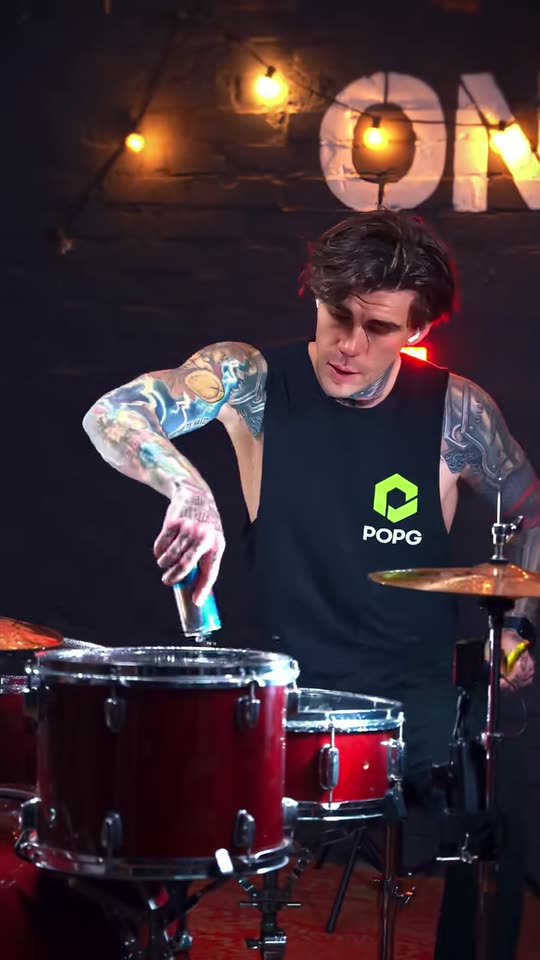
Dog Drummer
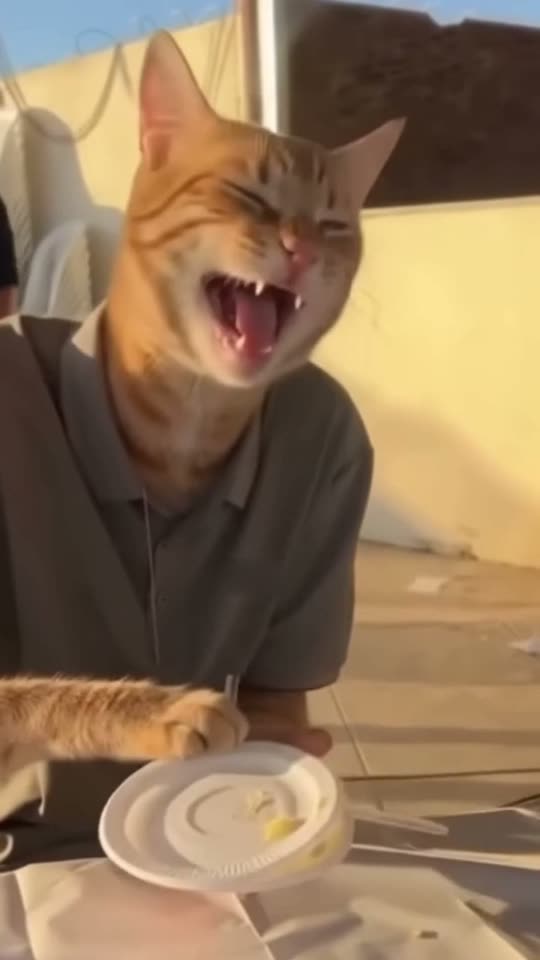
Cat Human
Chiikawa Nokia Dance
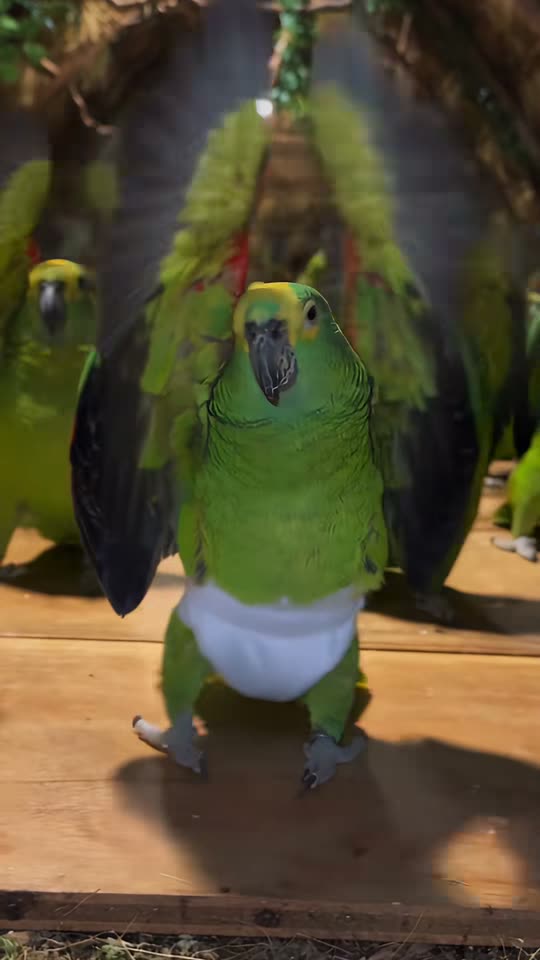
Parrot Dance
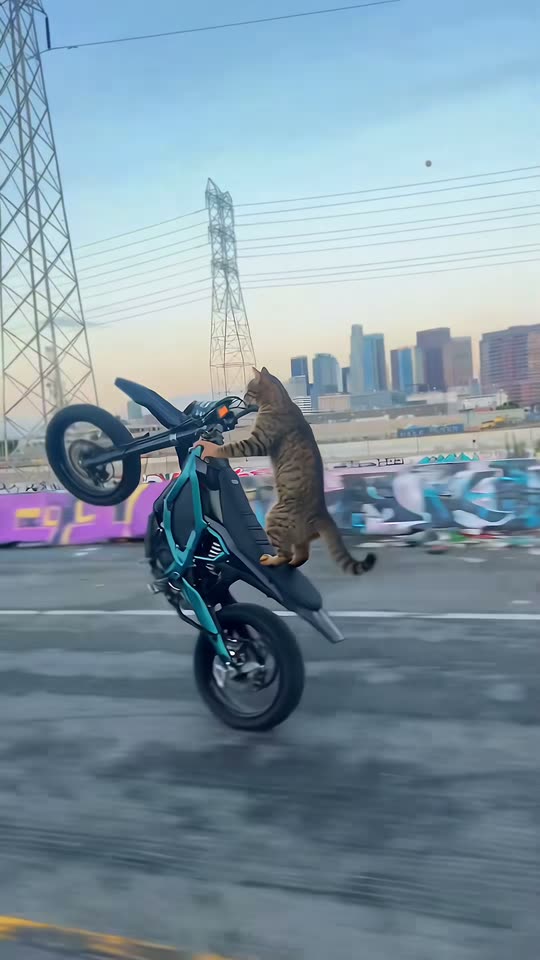
Cat on Ultra Bee
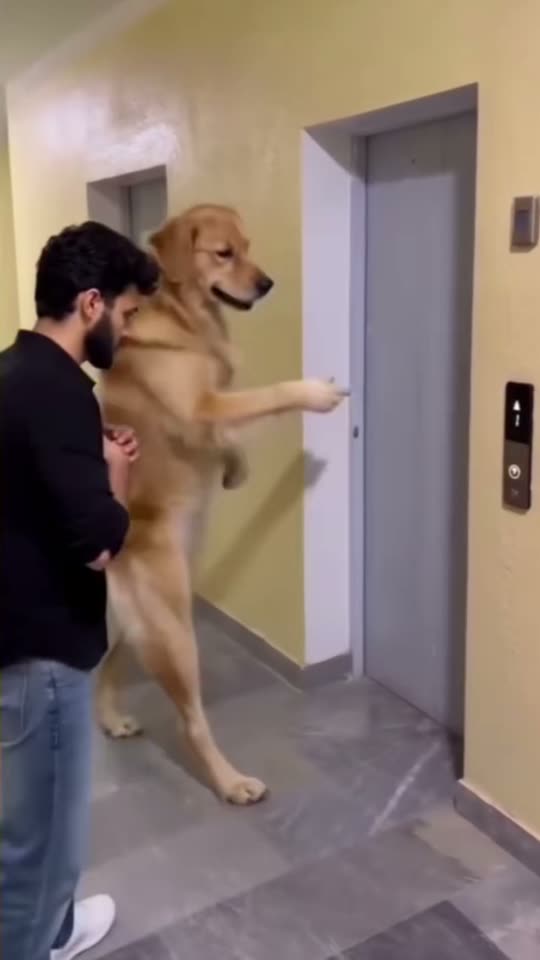
Dog Elevator Prank
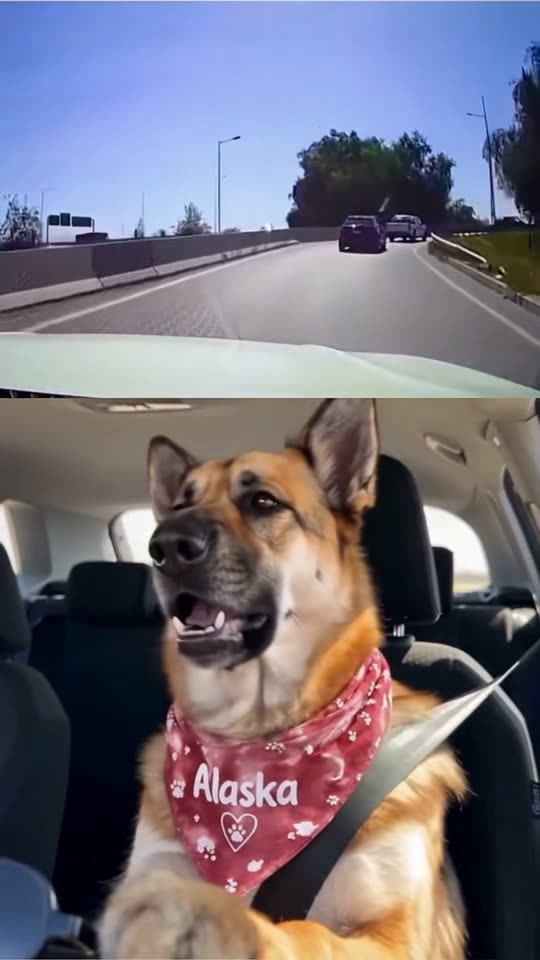
It's My Life Dog
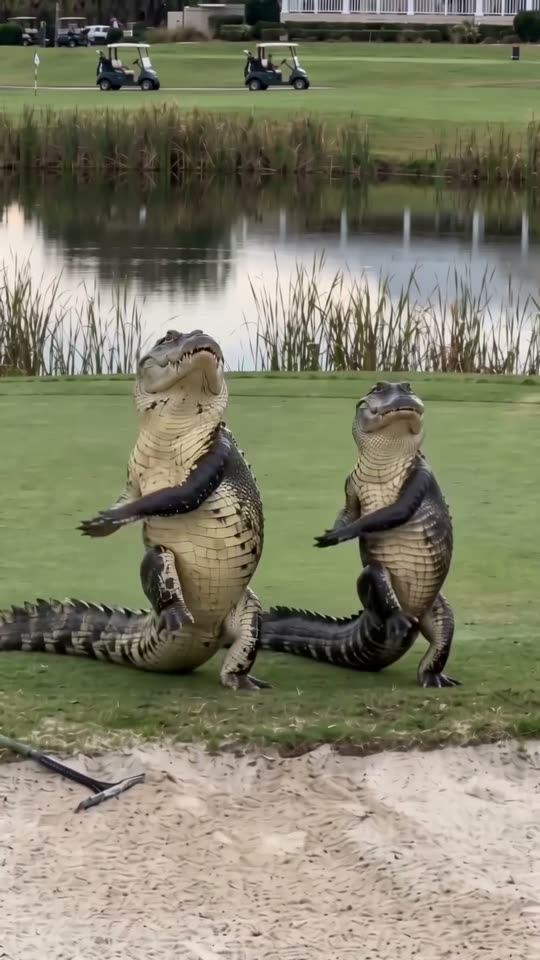
Dancing Crocodiles
Cat Middle Finger
Car Alarm Dance
- 01Upload your photoClear face, good light.
- 02We render in 3–8 minNo prompt to write.
- 03Download or share9:16 vertical, no watermark.
DJ Cat is an AI pet-performance format in which a cat or dog runs a DJ booth before a huge arena crowd, with close-ups, a rear crowd view and a wide spotlight shot. ViralVideoAI turns 1 photo into a 15-second vertical video for 130 credits. Your pet bobs at the decks, turns toward the crowd and raises a paw under the spotlight. The final wide shot makes your pet the tiny headliner in a huge glowing arena. Alternating the close-up and arena scale is what makes the pet feel like a real headliner; one static pet portrait misses that payoff.
About $5.55 per render on our best-value plan. See plans
Also called cat DJ AI · DJ dog video · pet arena DJ generator
Example
What the DJ Cat video looks like
Your pet bobs at the decks, turns toward the crowd and raises a paw under the spotlight. The final wide shot makes your pet the tiny headliner in a huge glowing arena.
Effect example
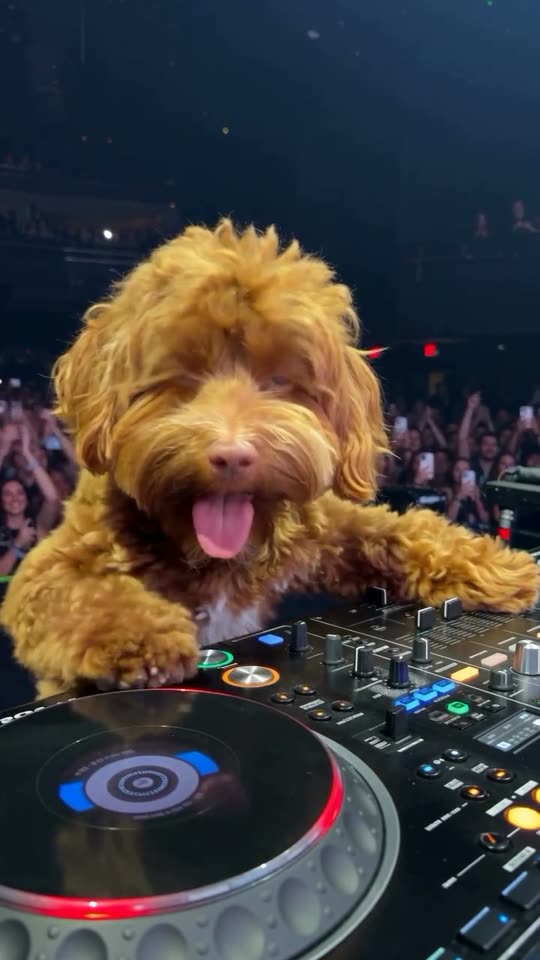
DJ Cat effect preview: 30 s. Your generation: 15 s, vertical 9:16.
What is the DJ Cat trend?
DJ Cat is an AI pet-performance format in which a cat or dog runs a DJ booth before a huge arena crowd, with close-ups, a rear crowd view and a wide spotlight shot.
Step by step
How to make the DJ Cat video on ViralVideoAI
No prompt to write. Choose one clear photo, check the price and create your version.
Add your photo
Upload one clear cat or dog photo, ideally whole body with ears, muzzle, coat markings and front paws visible. Keep other animals and people out of the image.
Create your video
Confirm 130 credits to generate a 15-second 9:16 clip. Stay on the page to watch progress, or return to My videos.
Download and share
Check the result, download it and add a licensed track in your posting app if you want a specific song.
Which photo works best?
For the clearest DJ Cat result:
- Upload one clear cat or dog photo, ideally whole body with ears, muzzle, coat markings and front paws visible. Keep other animals and people out of the image.
- JPG, PNG or WebP, up to 10 MB per image. Use the original sharp image rather than a compressed screenshot.
- Keep eyes, head outline and identifying details visible. Avoid face filters, group photos and objects covering the subject.
- Use your own pet photo; preserve its natural coat markings and species.
Where did the DJ Cat trend start?
DJ Cat is an AI pet-performance format in which a cat or dog runs a DJ booth before a huge arena crowd, with close-ups, a rear crowd view and a wide spotlight shot. The recognizable visual structure is the starting point: Alternating the close-up and arena scale is what makes the pet feel like a real headliner; one static pet portrait misses that payoff. This page creates a personalized AI scene from still photos; no dance recording, costume shoot or editing timeline is required.
The original "DJ Cat" image macro — a cat perched behind a mixer with raised paws — circulates on Reddit and Imgur as an animated reaction GIF.
Short-video creators restage the pet-DJ joke with real decks and phone-light crowds; the cat-behind-the-decks framing becomes the entity's identifying shot.
AI pet videos push the format into packed-arena territory, with close-up, rear-of-crowd and wide-spotlight views as the standard three-beat edit.
ViralVideoAI publishes the one-tap DJ Cat generator: one cat-or-dog photo produces a 15-second 9:16 arena video with original EDM instrumental and no sampled commercial track.
One-tap version
Which DJ Cat version do you get?
The one-tap flow writes and runs the prompt for you, so there is nothing to copy or edit. You get the version below.
DJ Cat
15 s · 9:16 · one clear photo
15 s · 9:16 · 130 credits
How many credits does it cost?
The one-tap generator currently runs the DJ Cat version for 130 credits. The Generate button confirms the price before you spend anything. A failed render returns its credits. See pricing.
What happens in the DJ Cat video, second by second?
The scene has a clear setup, action and finish.
| Beat | What happens |
|---|---|
| Setup | a sold-out indoor arena with a DJ booth, dark audience tiers, thousands of phone lights and a bright white stage spotlight |
| Action | Your pet bobs at the decks, turns toward the crowd and raises a paw under the spotlight. |
| Finish | The final wide shot makes your pet the tiny headliner in a huge glowing arena. |
What your photo controls in DJ Cat
| Element | What to expect |
|---|---|
| Identity | The face or pet markings from your photo |
| Scene | a sold-out indoor arena with a DJ booth, dark audience tiers, thousands of phone lights and a bright white stage spotlight |
| Output | 15 seconds, vertical 9:16 |
| Audio | Newly generated audio; no source recording |
| Best input | Upload one clear cat or dog photo, ideally whole body with ears, muzzle, coat markings and front paws visible. Keep other animals and people out of the image. |
DJ Cat: timing and motion
0–4.5 s: front close-up, paws at the decks and joyful head bob. 4.5–8.3 s: rear view toward phone lights, then a turn to the booth. 8.3–15 s: wide crowd view, dancing and one paw raised under the white spotlight.
Get a cleaner result
| If you notice | Try this |
|---|---|
| The paws merge with the mixer or the pet changes breed | Use a clear whole-body pet photo with distinctive markings visible. Check the paw-to-deck contact and face in all three camera views. |
| Face softens during movement | Use a higher-quality front-facing portrait with even lighting |
| The result differs from the example | AI varies timing and details. Review the clip before sharing |
Caption, sound and hashtags
Add your caption after downloading. For a named song, use a licensed track available in your posting app.
- Caption idea: “Sold out. Headliner: the cat who sleeps on my keyboard.”
- Review the result and label AI media where your posting platform requires it.
FAQ
DJ Cat trend questions
What is the DJ Cat AI effect?
DJ Cat is an AI pet-performance format in which a cat or dog runs a DJ booth before a huge arena crowd, with close-ups, a rear crowd view and a wide spotlight shot.
Can I make a DJ dog instead of a DJ cat?
Yes. This pet version supports a cat or dog from one clear photo. Its species, muzzle, ears and coat markings guide the DJ; the booth, crowd and lighting are generated.
How do I make a DJ Cat video from photos?
Upload one clear cat or dog photo, ideally whole body with ears, muzzle, coat markings and front paws visible. Keep other animals and people out of the image. Upload on this page, check the 130-credit price and press Generate. You get a 15-second vertical AI video; no written prompt is required.
Which image formats and file sizes are accepted?
Upload JPG, PNG or WebP images, up to 10 MB per photo. Choose sharp, well-lit files with one subject per image and keep the required upload order.
What does the DJ Cat generator change?
Your pet bobs at the decks, turns toward the crowd and raises a paw under the spotlight. The final wide shot makes your pet the tiny headliner in a huge glowing arena. Your photo guides identity and appearance; the scene and motion are generated. Fine details can vary between runs.
How much does generation cost, and what if it fails?
One 15-second video costs 130 credits. The Generate button confirms the charge first. Failed renders return their credits automatically. Sign in to generate and find completed videos in My videos.
Is the original viral song included?
The generator requests new audio for the scene. It does not supply a licensed copy of a named commercial track. If you want a specific song, add an available licensed sound in your posting app after downloading.
How can I improve a result that looks wrong?
Use a clear whole-body pet photo with distinctive markings visible. Check the paw-to-deck contact and face in all three camera views. AI motion and likeness can vary; review the complete video before posting.
Do I need CapCut, a costume or a filmed dance?
No. This browser-based generator builds the motion and scene from still photos. You can optionally use an editor after downloading to add captions or adjust the sound.
Make your own DJ Cat video
Add one photo and tap once. No prompt to write. 130 credits.
3–8 minNo watermarkRefund if render failsSecure checkout by Stripe