CINEMATIC
Mafia Boss AI Filter: Your Noir Restaurant Entrance
Look up from a restaurant table, then walk through the room with bodyguards behind.
- 130 credits
- 10 s video
- 1 photo
The result
A real ViralVideoAI render. Yours stars you.
More trends
More Cinematic scenes to star in
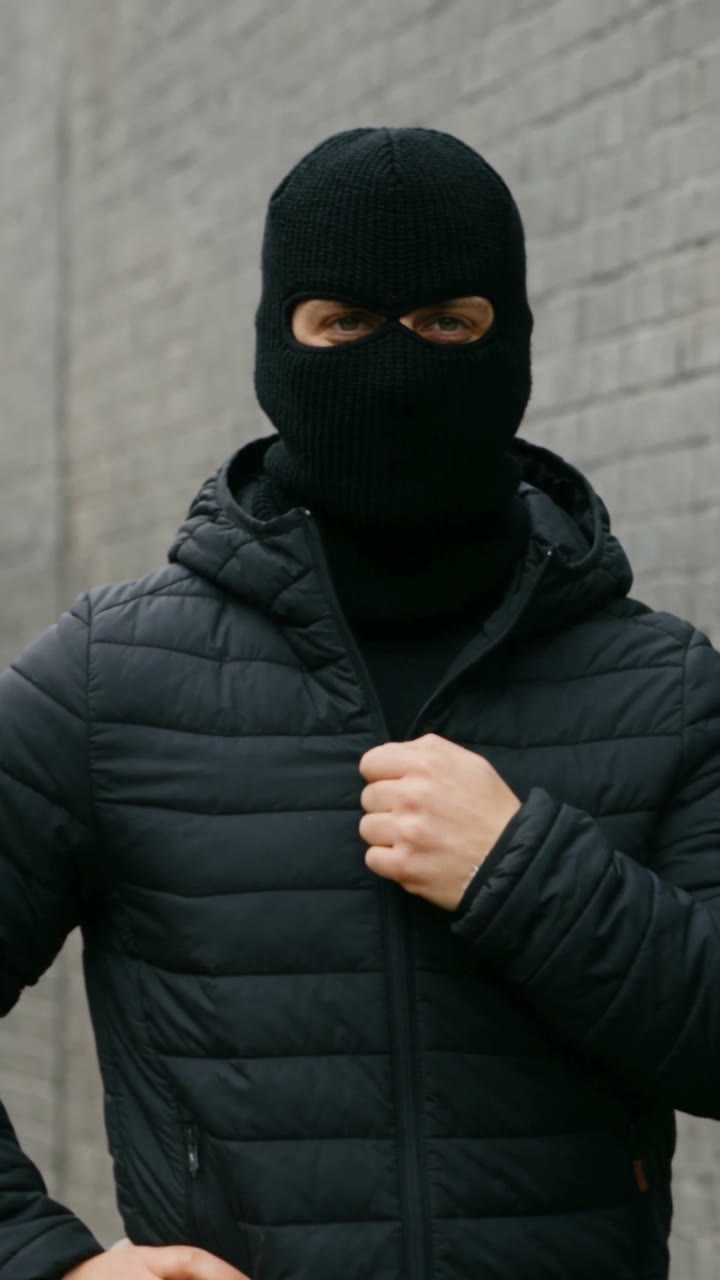
Mandem in Disguise
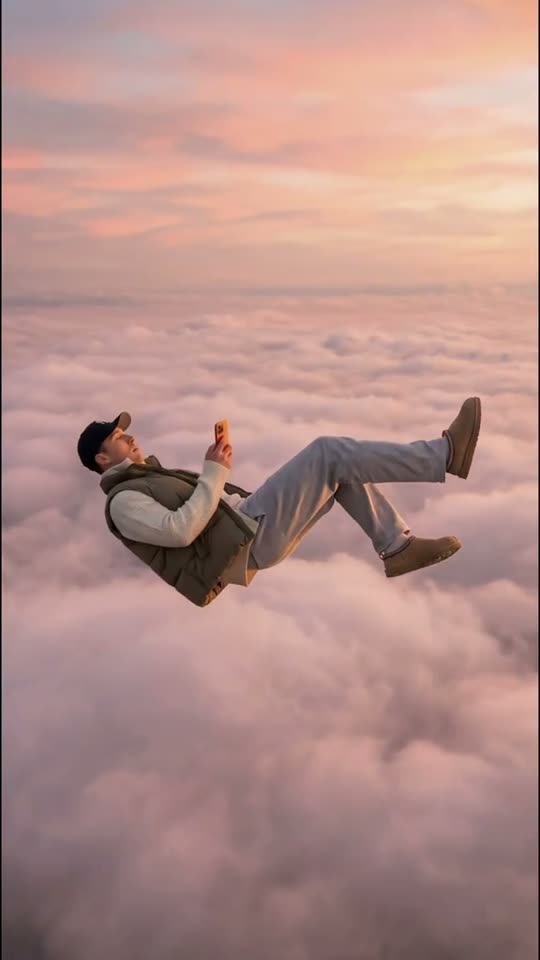
Skyfall AI
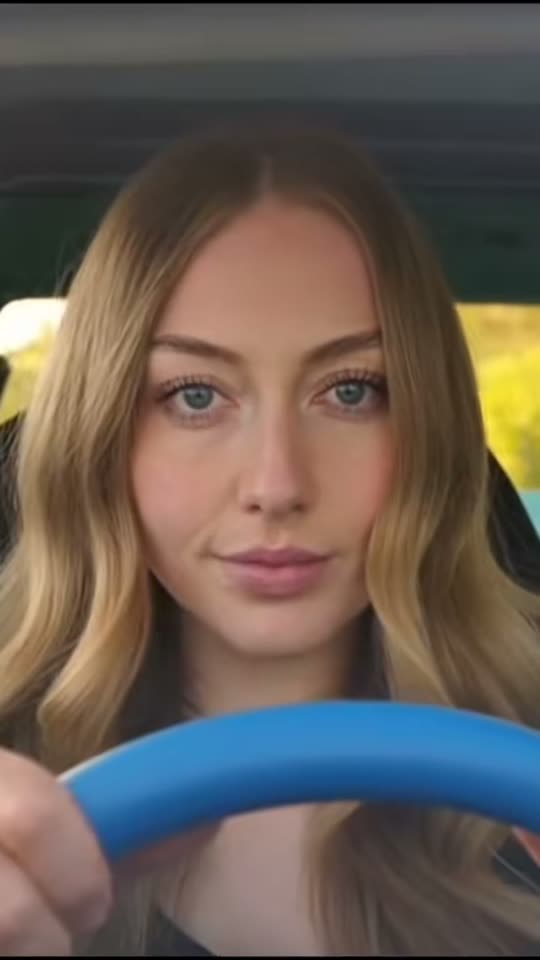
Ali G Driving Scene
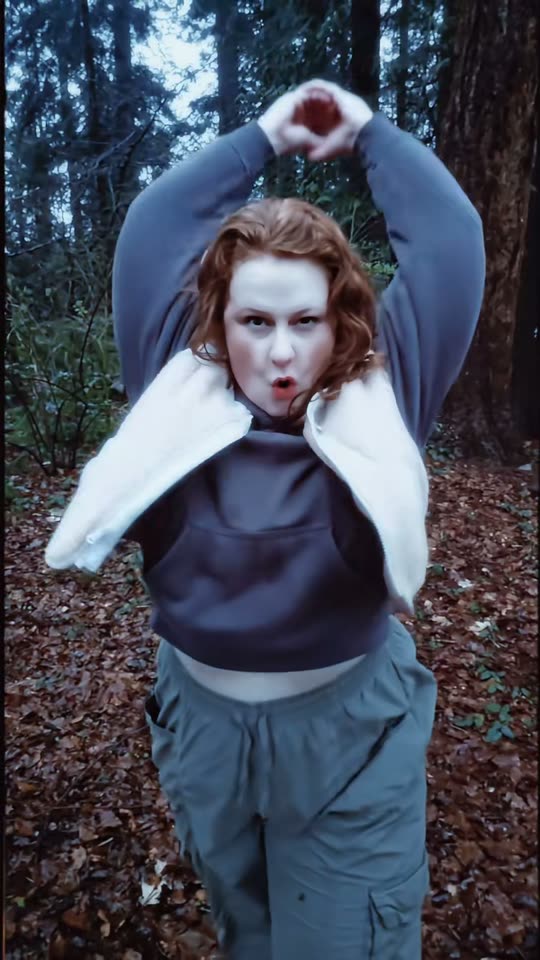
Twilight Baseball Scene
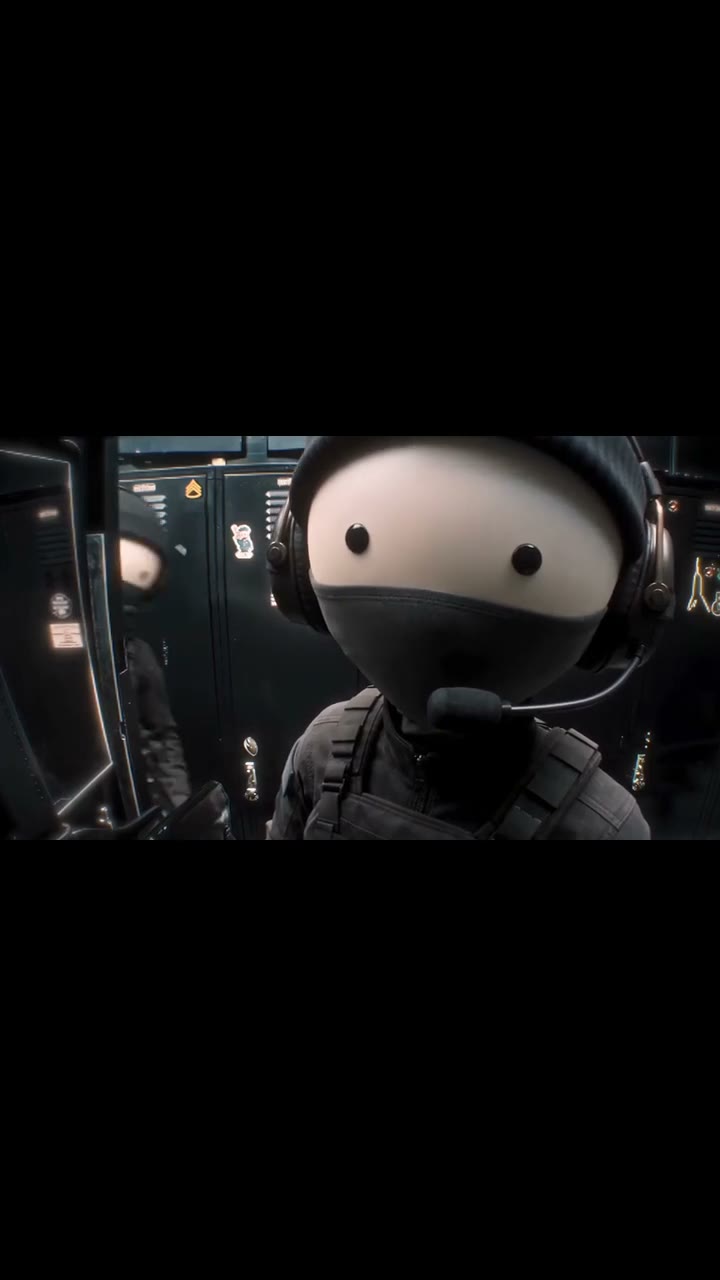
End of Watch Locker
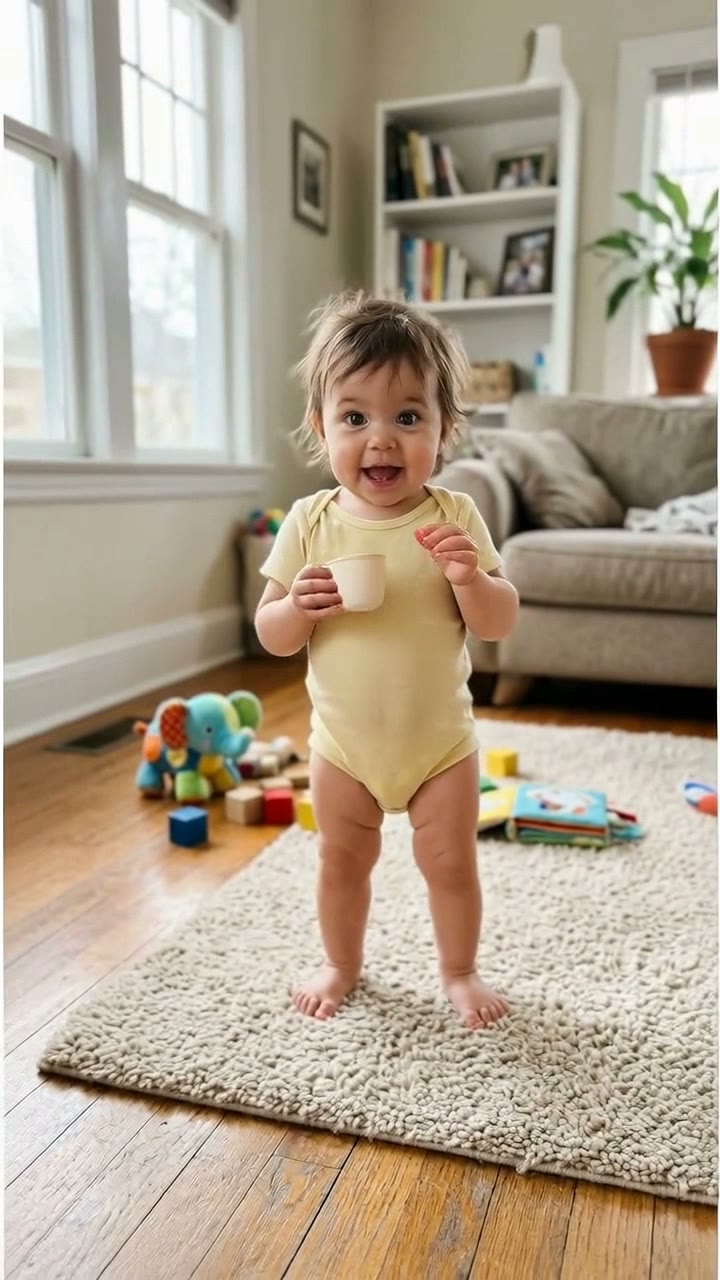
Bonito Bonito Baby
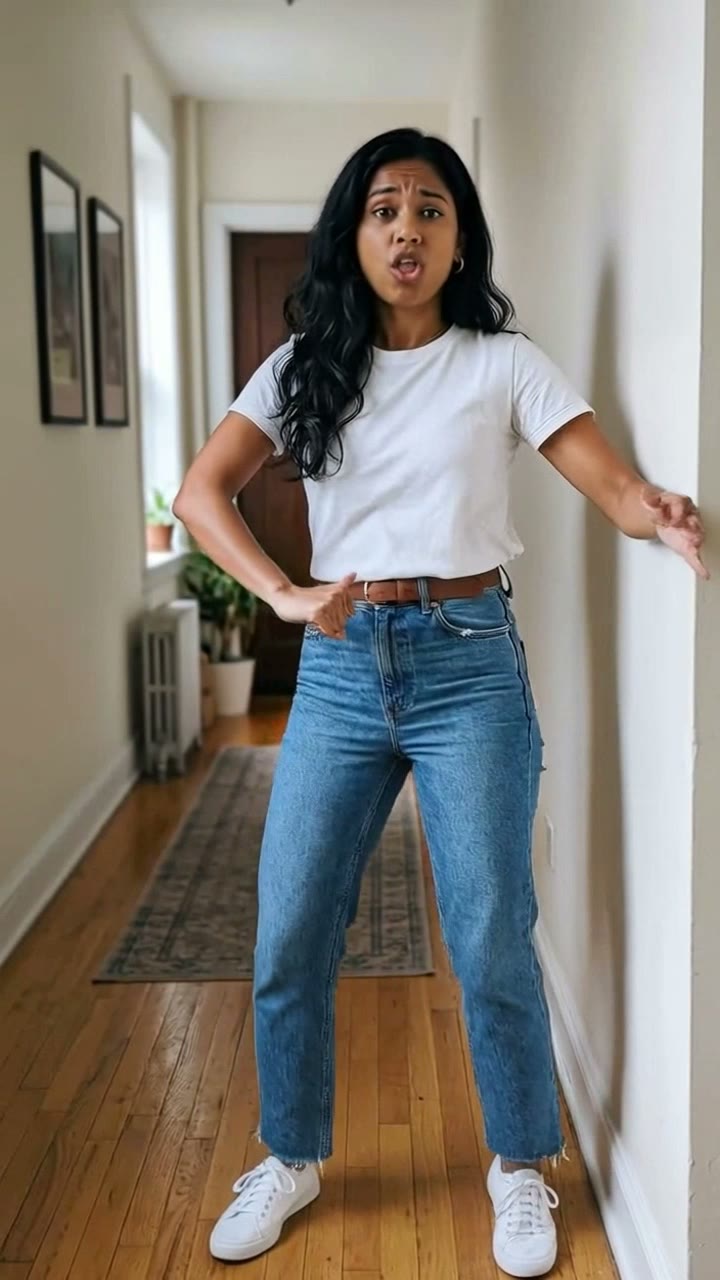
I'm So In Love With You
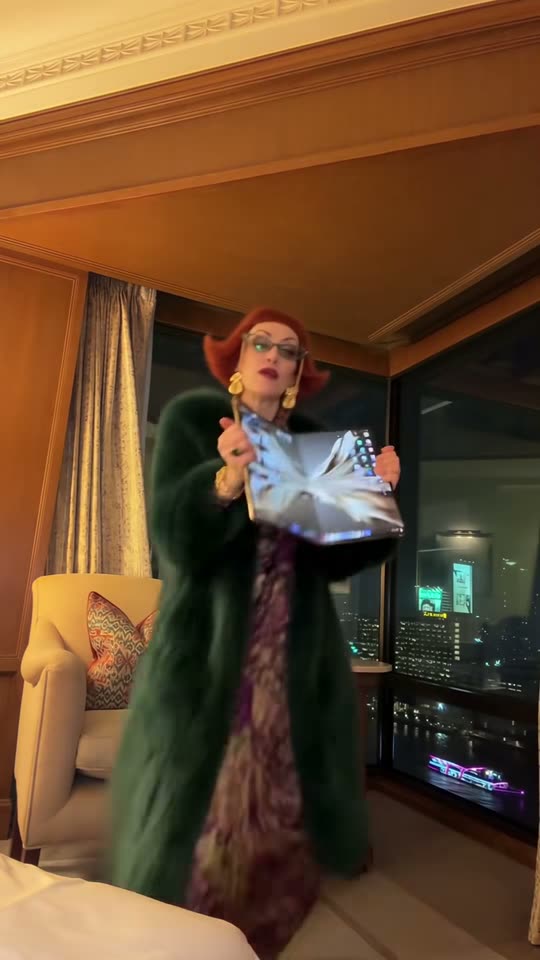
iPhone Kupi Dance
Cat Human
AI Elf Dance
- 01Upload your photoClear face, good light.
- 02We render in 3–8 minNo prompt to write.
- 03Download or share9:16 vertical, no watermark.
Mafia Boss Filter is a black-and-white crime-film-style AI video in which the lead sits at a restaurant table, looks up with a cool stare and walks through the room with two invented bodyguards behind. The visual language echoes the Godfather / Goodfellas school of noir restaurant staging without reproducing any film's likeness, actor or score. ViralVideoAI generates a fictional 10-second 9:16 vertical clip from one adult portrait for 130 credits; failed renders refund automatically.
Also called black and white mafia AI · mafia boss video filter · noir boss entrance · Godfather-style AI filter · crime boss restaurant trend · boss walk filter · don filter AI · mafia filter TikTok
Example
What the Mafia Boss Filter video looks like
This is how the Mafia Boss Filter trend reads at phone size. Upload your own photo below to generate your own version.
Result, 10 s, with sound
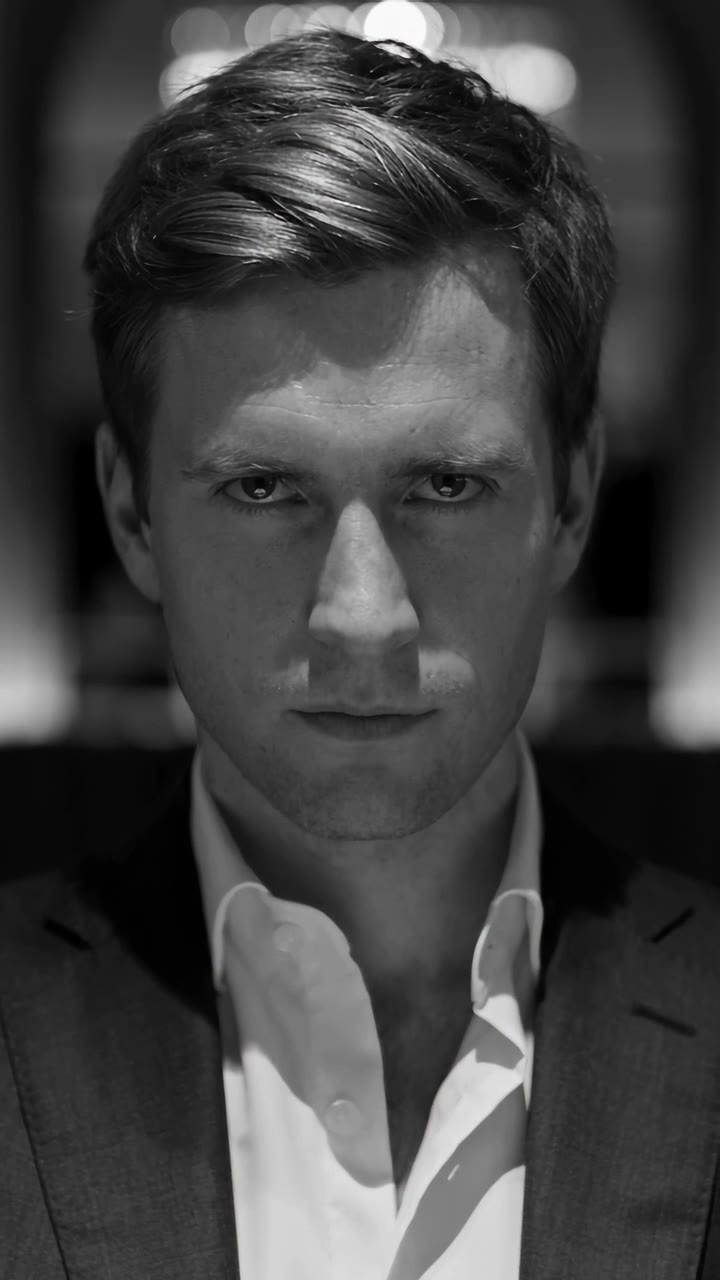
Reference clip illustrating the Mafia Boss AI filter. ViralVideoAI generates a separate scene from your photo.
What is the Mafia Boss Filter trend?
The Mafia Boss filter is a monochrome restaurant-entrance video with three visual anchors: a seated close-up in low light, two suited supporting figures flanking a walk toward the camera, and a final held stare on the lens. It is a mood-and-staging template, not a reproduction of any specific film character.
Step by step
How to make the Mafia Boss Filter video on ViralVideoAI
Upload your photo, generate a new clip and review the result before sharing.
Prepare the source photo
Use one sharp, front-facing adult portrait; the suit, the restaurant and the two guards are all generated. Even lighting and no sunglasses help the model render the stare cleanly.
Generate your video
Confirm the 130-credit price and start a new vertical render. A monochrome close-up gives way to a tracking shot through a dim restaurant, with two invented suited guards keeping their distance. The grading, the depth of field and the stare on the camera carry the beat — the generated extras in the background stay soft to avoid any specific likeness.
Review before posting
Check the likeness, motion and final frame. The lead reaches the camera and holds a steady final stare.
Which photo works best?
Source-photo checklist:
- Use one sharp, front-facing adult portrait; the suit, the restaurant and the two guards are all generated. Even lighting and no sunglasses help the model render the stare cleanly.
- Use photos you own or have explicit permission to use. Never upload a child or a non-consenting adult.
- Review faces, hands and fine details at phone size before sharing. Each render is a fresh interpretation — retry with a cleaner source photo if the output drifts.
Where did the Mafia Boss Filter trend start?
Restaurant-entrance noir scenes drawn from The Godfather, Goodfellas and The Sopranos have been short-video shorthand for "cool arrival" since at least 2020. Through late October 2026 template apps packaged the visual as a one-photo AI filter — monochrome lighting, two generated guards, a locked stare — and it travelled across TikTok under the #MafiaBoss and #BossFilter tags. The joke is the mismatch between an ordinary face and the cinematic staging around it.
Noir-restaurant AI entrance filters surface on TikTok via template apps.
The two-bodyguard monochrome variant stabilises as the dominant version of the filter.
ViralVideoAI publishes a one-photo 10-second video version for 130 credits.
One-tap version
Which Mafia Boss Filter version do you get?
The one-tap flow writes and runs the prompt for you, so there is nothing to copy or edit. You get the version below.
Mafia Boss Filter
10 s · 9:16 · one photo
10 s · 9:16 · 130 credits
How many credits does it cost?
The one-tap generator currently runs the Mafia Boss Filter version for 130 credits. The Generate button confirms the price before you spend anything. A failed render returns its credits. See pricing.
What happens in the Mafia Boss Filter video, second by second?
The reference reads as three visual beats:
| Beat | What happens |
|---|---|
| Setup | Look up from a restaurant table, then walk through the room with bodyguards behind. |
| Movement | A monochrome close-up gives way to a tracking shot through a dim restaurant, with two invented suited guards keeping their distance. The grading, the depth of field and the stare on the camera carry the beat — the generated extras in the background stay soft to avoid any specific likeness. |
| Finish | The lead reaches the camera and holds a steady final stare. |
How to make a stronger Mafia Boss Filter edit
A recognizable opening frame, a clean subject and a deliberate payoff make the format understandable even with sound off.
- Use one sharp, front-facing adult portrait; the suit, the restaurant and the two guards are all generated. Even lighting and no sunglasses help the model render the stare cleanly.
- Check the first frame at phone size: the subject and setting should be obvious.
- Keep captions clear of the face and the bottom interface area.
Caption, sound and hashtags
Caption idea: "My take on Mafia Boss Filter." Add any song through your platform's licensed music library and disclose AI-generated visuals where the platform requires it.
The Godfather, Goodfellas, The Sopranos and other crime-film scenes this filter evokes are owned by their respective rights holders. This template produces a stylized AI entrance from your own portrait — it does not reproduce the likeness of any actor, any specific film character, any film soundtrack or any real crime figure. Add music through your posting platform's licensed library.
FAQ
Mafia Boss Filter trend questions
What is the Mafia Boss Filter trend?
Look up from a restaurant table, then walk through the room with bodyguards behind. A monochrome close-up gives way to a tracking shot through a dim restaurant, with two invented suited guards keeping their distance. The grading, the depth of field and the stare on the camera carry the beat — the generated extras in the background stay soft to avoid any specific likeness.
Can I generate this effect on ViralVideoAI?
Yes. Upload one photo and generate a new video for 130 credits. Each render is a fresh interpretation of the trend, and failed renders refund their credits automatically.
What photo works best?
Use one sharp, front-facing adult portrait; the suit, the restaurant and the two guards are all generated. Even lighting and no sunglasses help the model render the stare cleanly.
Does the filter use a real mafia figure?
No. It casts the person from your photo as the lead in a fictional noir scene. No real crime figure, any actor's likeness or any film character is reproduced.
Do I need to wear a suit?
No. A clear front-facing face matters most; the suit and the restaurant are generated. A plain T-shirt photo works as well as a dressed-up one.
Is the clip in colour or black-and-white?
Black-and-white, with low-key noir lighting. That monochrome grade is the filter's signature — a colour version would read as a different template entirely.
Can two people share the scene?
The template is tuned for one lead face. For a two-person crime-film entrance, use the Mandem in Disguise guide instead.
Can I post my own version?
Yes, subject to the rights in your photos, video and soundtrack, and the rules of your posting platform. See the disclaimer for the specific rights involved in this trend.
Make your own Mafia Boss Filter video
Add one photo and tap once. No prompt to write. 130 credits.
3–8 minNo watermarkRefund if render failsSecure checkout by Stripe