PRANK
Spider Filter Prank AI: One Photo, One Big Reaction
A clearly fictional hairy spider crawls from the cheek toward the forehead; the adult notices it, startles and swats at empty air. Add one clear photo and make your 10-second video.
- 130 credits
- 10 s video
- 1 photo
See the effect
Spider Filter Prank: the scene, the motion and the payoff.
More trends
More Prank scenes to star in
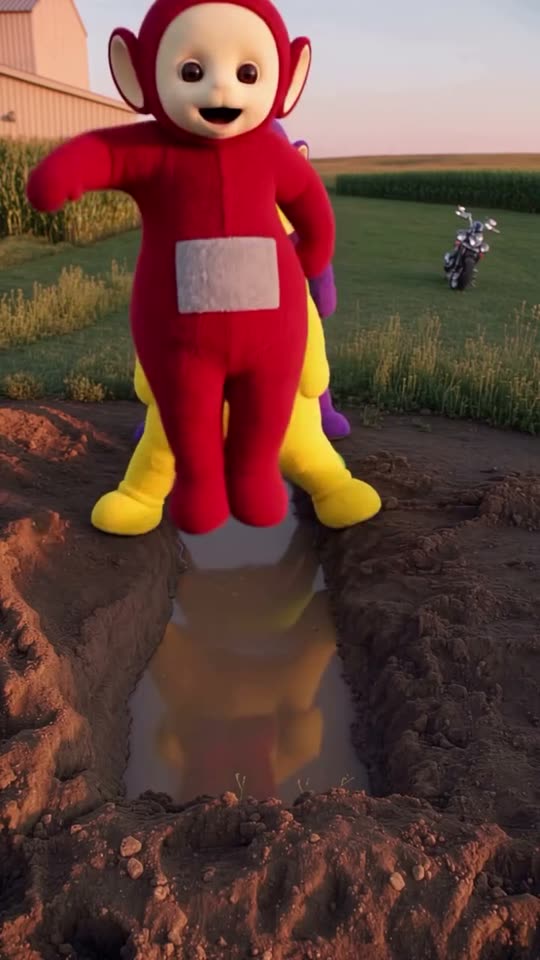
Teletubbies Mud Fall

Flamingo Float

Golden Ball Prank

Shaving Cream Trend
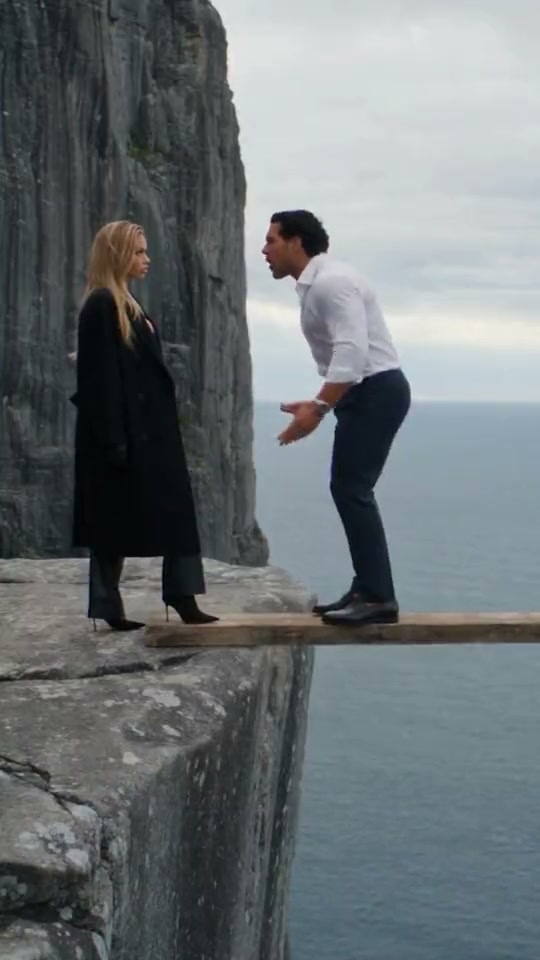
AI Couple Prank

Bonito Bonito Baby

I'm So In Love With You
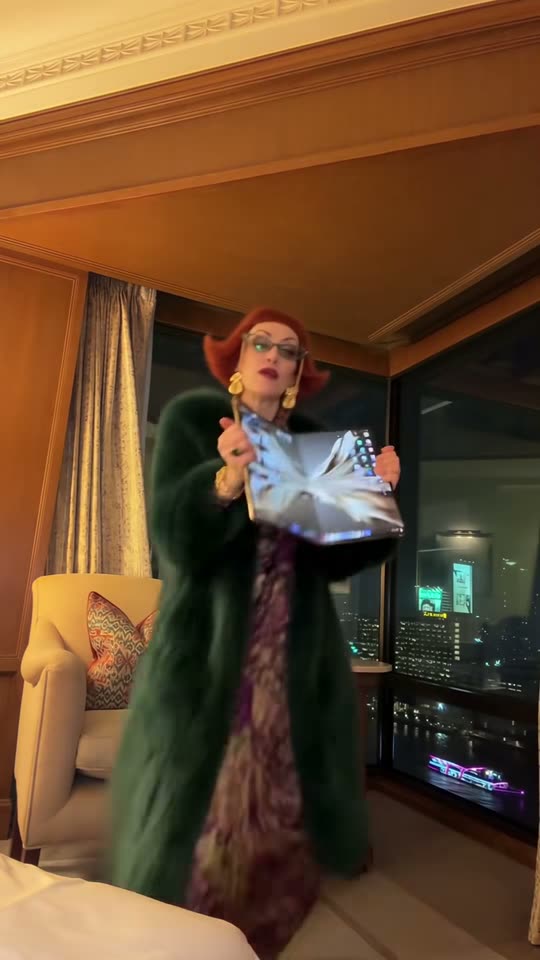
iPhone Kupi Dance
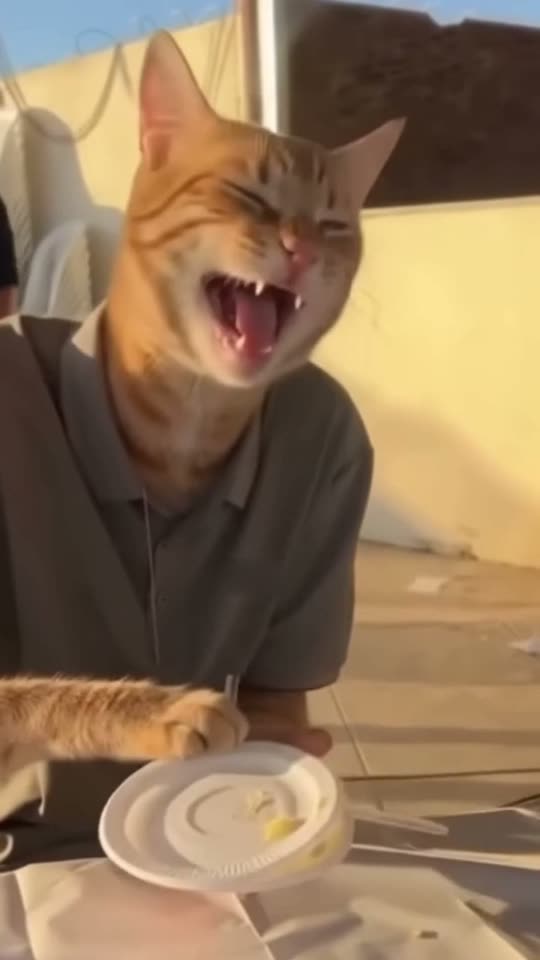
Cat Human

AI Elf Dance
- 01Upload your photoClear face, good light.
- 02We render in 3–8 minNo prompt to write.
- 03Download or share9:16 vertical, no watermark.
Spider Filter Prank is the phone-effect gag where a fictional spider appears to crawl across someone’s face and triggers a startled reaction. ViralVideoAI turns one adult portrait into a 10-second 9:16 video with a clearly cartoonish spider, a comic swat and a ‘spider gone’ reveal — no real spider, no Marvel Spider-Man character and no live filter are involved. One render costs 130 credits; failed renders refund automatically. Ready to post to TikTok, Reels and Shorts.
About $5.55 per render on our best-value plan. See plans
Also called Spider on face filter · spider crawl prank · spider face AI · cartoon spider reaction · broma araña IA · 蜘蛛 AI 恶搞 · クモ フィルター · spider filter challenge
Example
What the Spider Filter Prank video looks like
A clearly fictional hairy spider crawls from the cheek toward the forehead; the adult notices it, startles and swats at empty air. The spider vanishes and the subject looks back at the camera in disbelief.
Effect example

Spider Filter Prank: the scene, the motion and the payoff.
What is the Spider Filter Prank trend?
Spider Filter Prank is a phone-effect gag in which a large spider appears to crawl across someone’s face. This photo-to-video version generates both the spider and the surprised reaction.
Step by step
How to make the Spider Filter Prank video on ViralVideoAI
No prompt to write. Choose one clear photo, check the price and create your version.
Add your photo
Use one consenting adult’s chest-up portrait, front-facing, with eyes and forehead clear and some space above the head.
Create your video
Confirm 130 credits to generate a 10-second 9:16 clip. Stay on the page to watch progress, or return to My videos.
Download and share
Check the result, download it and add a licensed track in your posting app if you want a specific song.
Which photo works best?
For the clearest Spider Filter Prank result:
- Use one consenting adult’s chest-up portrait, front-facing, with eyes and forehead clear and some space above the head.
- Use sharp, evenly lit images without heavy face filters or sunglasses.
- Use your own photos or photos of adults who agreed to participate.
About the Spider Filter Prank reference
Spider Filter Prank is a phone-effect gag in which a large spider appears to crawl across someone’s face. This photo-to-video version generates both the spider and the surprised reaction. This generator stages a new scene around your upload. It does not require a recording of the original post.
One-tap version
Which Spider Filter Prank version do you get?
The one-tap flow writes and runs the prompt for you, so there is nothing to copy or edit. You get the version below.
Spider Filter Prank
10 s · 9:16 · one clear photo
10 s · 9:16 · 130 credits
How many credits does it cost?
The one-tap generator currently runs the Spider Filter Prank version for 130 credits. The Generate button confirms the price before you spend anything. A failed render returns its credits. See pricing.
What happens in the Spider Filter Prank video, second by second?
The scene has a clear setup, action and finish.
| Beat | What happens |
|---|---|
| Setup | the indoor table or sofa setting suggested by the uploaded portrait |
| Action | A clearly fictional hairy spider crawls from the cheek toward the forehead; the adult notices it, startles and swats at empty air. |
| Finish | The spider vanishes and the subject looks back at the camera in disbelief. |
What your photo controls in Spider Filter Prank
| Element | What to expect |
|---|---|
| Identity | The face or pet markings from your photo |
| Scene | the indoor table or sofa setting suggested by the uploaded portrait |
| Output | 10 seconds, vertical 9:16 |
| Audio | Newly generated audio; no source recording |
| Best input | Use one consenting adult’s chest-up portrait, front-facing, with eyes and forehead clear and some space above the head. |
Spider Filter Prank: timing and motion
0–3: relaxed portrait; 3–5: spider crawl; 5–8: startle and swat; 8–10: spider gone, reaction.
Get a cleaner result
| If you notice | Try this |
|---|---|
| The hand covers the entire face | Use a chest-up image with space around the shoulders. Review the swat and eye region before posting. |
| Face softens during movement | Use a higher-quality front-facing portrait with even lighting |
| The result differs from the example | AI varies timing and details. Review the clip before sharing |
Caption, sound and hashtags
Add your caption after downloading. For a named song, use a licensed track available in your posting app.
- Caption idea: “My Spider Filter Prank version.”
- Review the result and label AI media where your posting platform requires it.
The spider rendered in this template is a clearly fictional cartoon, not a photorealistic depiction and not a Marvel Spider-Man character. The effect produces a comic reaction video from a still photo; no live camera filter, no real spider and no Spider-Man intellectual property is used.
FAQ
Spider Filter Prank trend questions
What is Spider Filter Prank?
Spider Filter Prank is a phone-effect gag in which a large spider appears to crawl across someone’s face. This photo-to-video version generates both the spider and the surprised reaction.
Is this a live camera filter?
No. It generates a new video from a still photo. You do not need a real spider or a live recording, and the reaction is AI-created.
Which photos should I upload?
Use one consenting adult’s chest-up portrait, front-facing, with eyes and forehead clear and some space above the head.
How much does Spider Filter Prank cost?
One 10-second vertical render costs 130 credits. The button confirms the price before generation. Failed renders return credits automatically.
Do I need to write a prompt or install an app?
No. Upload directly on this page and generate in the browser. The scene instructions are already built in.
Is the original song or voice included?
No source recording or voice clone is included. Audio is newly generated. Add a named song only from a licensed library available to your account.
What should I do if the motion looks wrong?
Use a chest-up image with space around the shoulders. Review the swat and eye region before posting. Check the action and final frame before posting.
Make your own Spider Filter Prank video
Add one photo and tap once. No prompt to write. 130 credits.
3–8 minNo watermarkRefund if render failsSecure checkout by Stripe