CINEMATIC
90s Rom-Com AI Video
Two portraits. Wet city lights. A phone number with a plot twist.
- 130 credits
- 15 s video
- 2 photos
See the effect
90s Rom-Com effect preview: 25.1 s. Your generation: 15 s, vertical 9:16.
More trends
More Cinematic scenes to star in
Love Me Trend
Bruno Window Serenade
Manhattan FPV Drone
Come and Get It
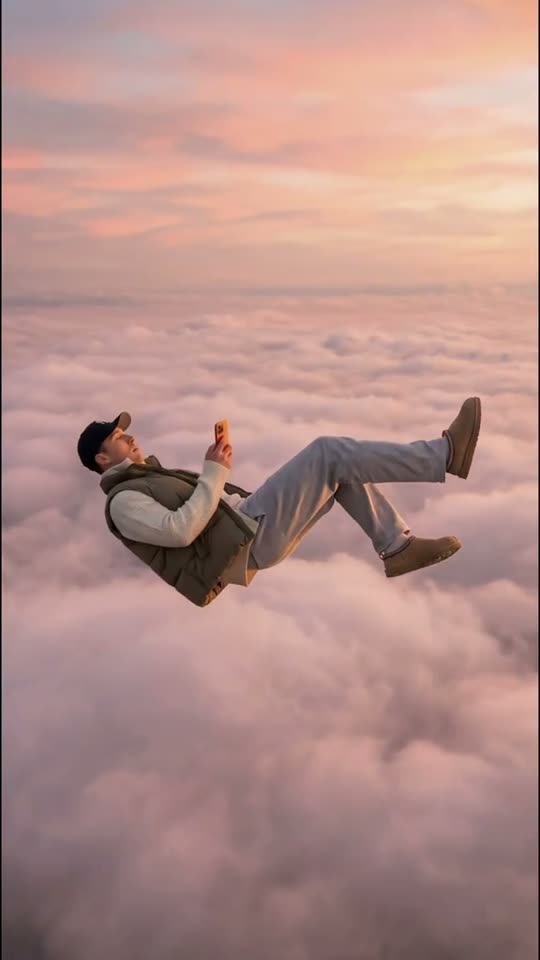
Skyfall AI
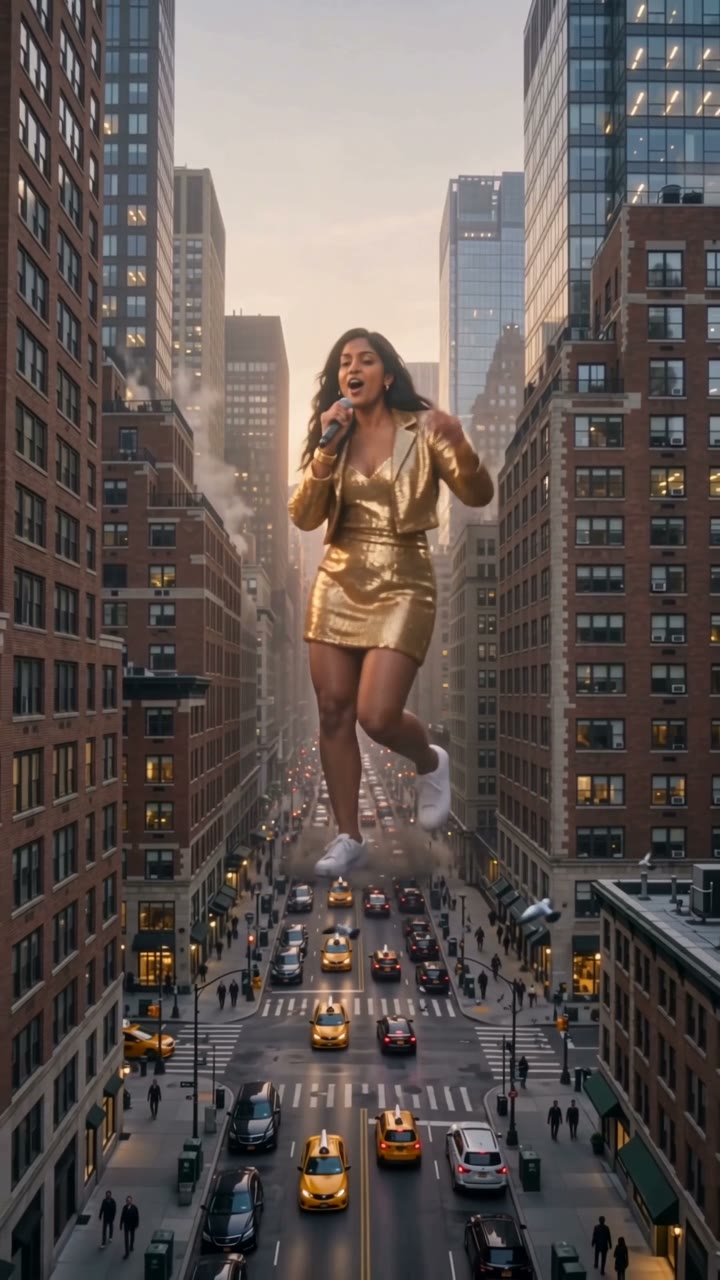
Hippo Pathway Giant
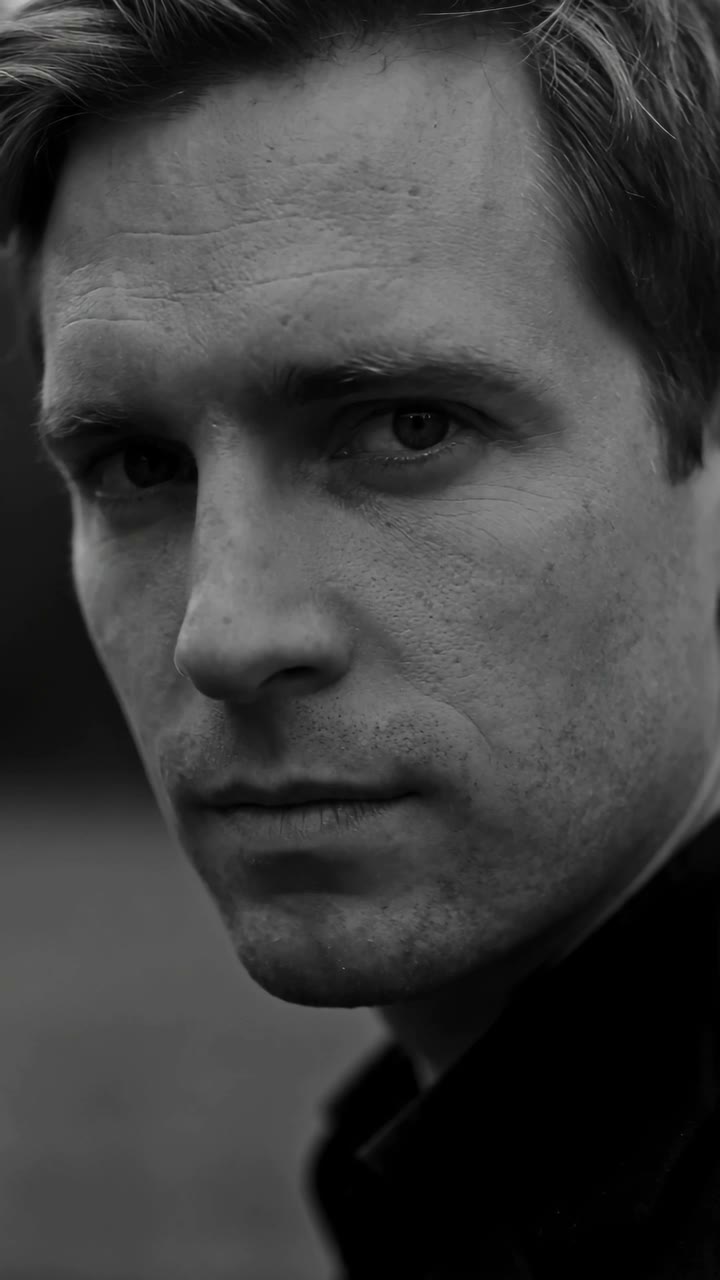
Noir Hotel Exit (Eşref Tek Caption)
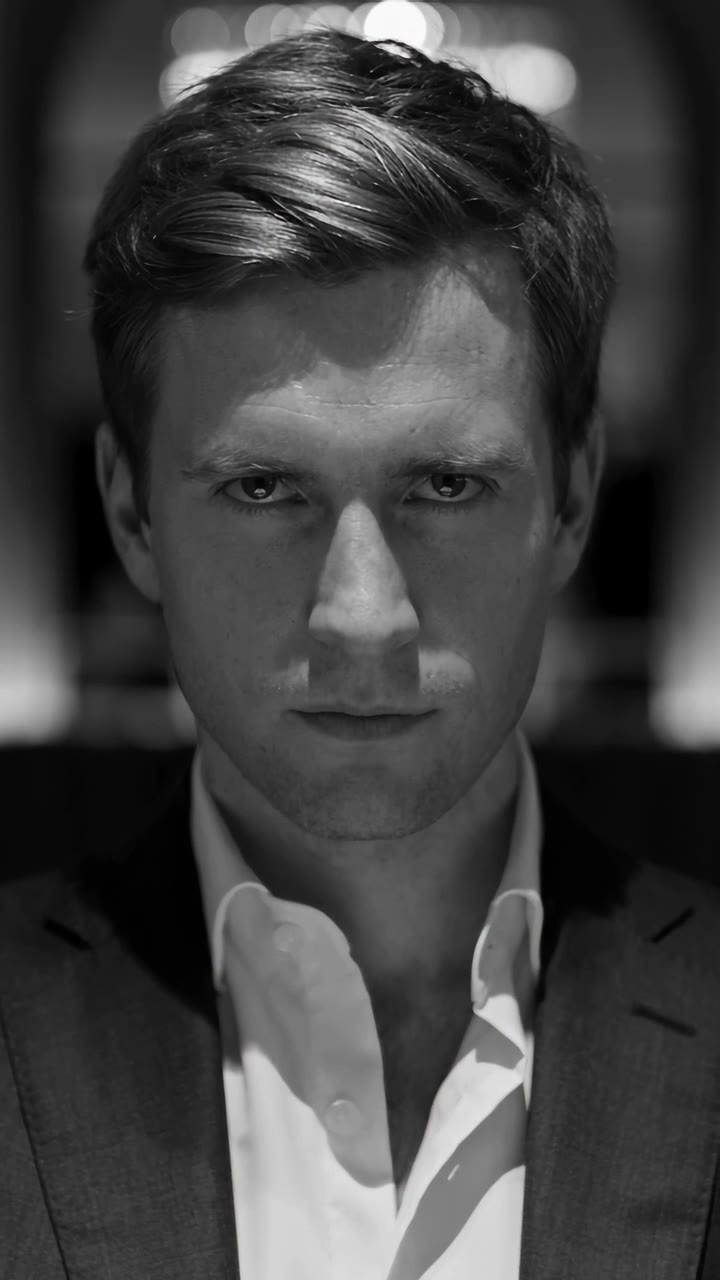
Mafia Boss Filter
Twilight Baseball Scene
End of Watch Locker
- 01Upload 2 photosClear face, good light.
- 02We render in 3–8 minNo prompt to write.
- 03Download or share9:16 vertical, no watermark.
90s Rom-Com AI is a short romantic-comedy scene built from still portraits, with rainy night lighting, film grain, long coats and a wrong-number meet-cute. ViralVideoAI makes a 15-second vertical 9:16 video from 2 separate portraits for 130 credits. Two separate adult portraits: photo 1 gives the number; photo 2 makes the call. Show one sharp, front-facing face in each image. The number giver leaves with the amused third guest while the caller holds the phone in disbelief. The preset builds the scene and motion; no filmed performance or written prompt is required.
About $5.55 per render on our best-value plan. See plans
Also called 90s movie AI · Wrong Number AI scene · 1990s romantic comedy generator
Example
What the 90s Rom-Com video looks like
The caller asks for a number, makes a call and realizes the person who answers is standing nearby. The number giver leaves with the amused third guest while the caller holds the phone in disbelief.
Effect example
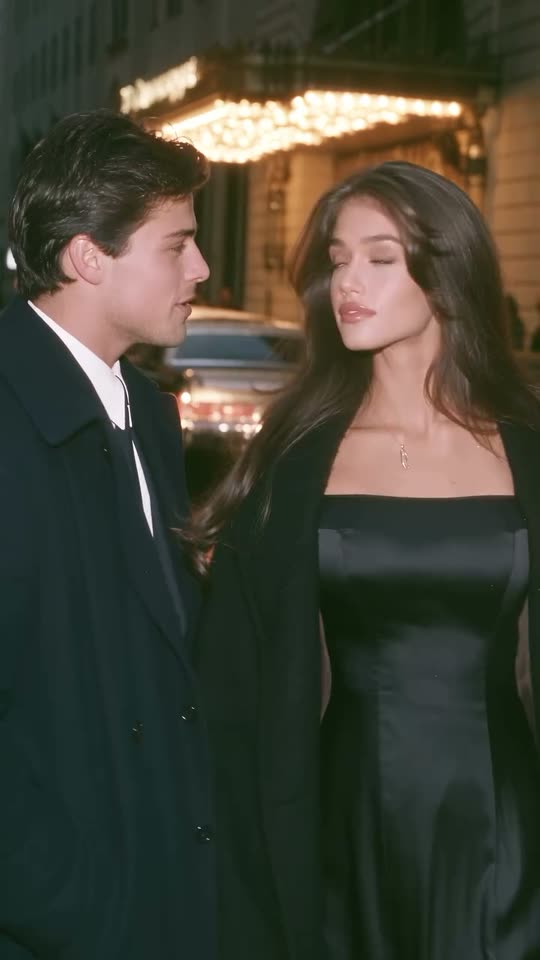
90s Rom-Com effect preview: 25.1 s. Your generation: 15 s, vertical 9:16.
What is the 90s Rom-Com trend?
90s Rom-Com AI is a short romantic-comedy scene built from still portraits, with rainy night lighting, film grain, long coats and a wrong-number meet-cute.
Step by step
How to make the 90s Rom-Com video on ViralVideoAI
Upload 2 separate portraits, confirm the 130-credit price and create the scene directly in your browser.
Add photos in role order
Two separate adult portraits: photo 1 gives the number; photo 2 makes the call. Show one sharp, front-facing face in each image.
Generate the scene
Check the 130-credit price before starting. The preset creates a 15-second vertical video with the scene and motion described here. Follow task progress or return to My videos.
Review and download
Watch the complete result, check the identity and key action, then download the video. Add captions or an available licensed song in your posting app if needed.
Which photo works best?
Choose a photo that supports the 90s Rom-Com effect.
- Two separate adult portraits: photo 1 gives the number; photo 2 makes the call. Show one sharp, front-facing face in each image.
- JPG, PNG or WebP, up to 10 MB per image. Use sharp, evenly lit photos with one subject per image.
- Keep the face or muzzle unobstructed. Avoid strong beauty filters, motion blur, sunglasses and group pictures.
- Use your own photos or consenting adults; upload a pet only where this preset accepts one. No filmed performance or matching location is required.
About the 90s Rom-Com effect
90s Rom-Com AI is a short romantic-comedy scene built from still portraits, with rainy night lighting, film grain, long coats and a wrong-number meet-cute. The identifying visual beats are the scene setup, the action and the final reveal. This page uses those beats to stage a personalized video from still photos. The preset described here determines the available roles and output; it does not require a CapCut link, an existing performance recording or a named soundtrack.
One-tap version
Which 90s Rom-Com version do you get?
The one-tap flow writes and runs the prompt for you, so there is nothing to copy or edit. You get the version below.
90s Rom-Com
2 separate portraits · 15 s · 9:16
15 s · 720p · 9:16 · 130 credits
How many credits does it cost?
The one-tap generator currently runs the 90s Rom-Com version for 130 credits. The Generate button confirms the price before you spend anything. A failed render returns its credits. See pricing.
What happens in the 90s Rom-Com video, second by second?
The preset uses the following shot order. Exact motion and timing may vary between generations.
| Beat | What happens |
|---|---|
| Setup | a glowing hotel entrance on a rainy city night, wet pavement, warm marquee lights and soft 35 mm-style grain |
| Action | The caller asks for a number, makes a call and realizes the person who answers is standing nearby. |
| Payoff | The number giver leaves with the amused third guest while the caller holds the phone in disbelief. |
90s Rom-Com: timing and camera direction
0–3 s: two leads meet under a hotel awning. 3–6 s: the caller asks for a number; the number giver gestures toward the phone. 6–10 s: the caller dials and a nearby third guest answers. 10–15 s: the number giver leaves with that guest; close on the caller’s surprised reaction.
Which parts come from your photos?
| Element | What to expect |
|---|---|
| Identity | Two separate adult portraits: photo 1 gives the number; photo 2 makes the call. Show one sharp, front-facing face in each image. |
| Setting | a glowing hotel entrance on a rainy city night, wet pavement, warm marquee lights and soft 35 mm-style grain |
| Movement | The caller asks for a number, makes a call and realizes the person who answers is standing nearby. |
| Ending | The number giver leaves with the amused third guest while the caller holds the phone in disbelief. |
| Audio | Newly generated scene audio; no licensed copy of a commercial recording |
| Output | 15 seconds, 720p, vertical 9:16 video |
What to know before making 90s Rom-Com
This version makes the two-photo Wrong Number scene. Photo 1 gives a number and photo 2 calls it; a generated guest answers nearby. It does not currently offer a separate rainy-splash scene or solo mode.
Common problems and how to improve the result
| If you notice | What to try |
|---|---|
| The caller and number giver swap faces between cuts | Use separate sharp portraits with distinct hairstyles or clothes. Keep the upload order and compare both faces in the final reaction shot. |
| The face or markings drift | Use a sharper image in even daylight and inspect the final close-up. |
| The action differs slightly | The preset directs the sequence; AI can vary small gestures, timing and props. Review the entire video before sharing. |
Photo-to-video generation versus a manual edit
| Task | This preset | Manual editing |
|---|---|---|
| Starting material | 2 separate portraits | A filmed performance or a collection of scene clips |
| Motion | Generated from still photos | Record it yourself or animate the scene |
| Scene control | The specific preset described above | Choose and edit every shot yourself |
| Sound | Newly generated scene audio | Supply a track you have permission to use |
| Best use | A quick personalized scene | Frame-by-frame editing or exact timing requirements |
Caption, sound and hashtags
Review the result before posting. If you want a particular commercial song, use a licensed sound available to your account in the posting app.
- Caption idea: “We finally got our own 90s movie. The plot did not cooperate.”
- Add readable captions after download rather than relying on AI-rendered text.
- Keep the AI label where your posting platform requires it.
FAQ
90s Rom-Com trend questions
What is 90s Rom-Com AI?
90s Rom-Com AI is a short romantic-comedy scene built from still portraits, with rainy night lighting, film grain, long coats and a wrong-number meet-cute.
Which version of the 90s rom-com does this page make?
This version makes the two-photo Wrong Number scene. Photo 1 gives a number and photo 2 calls it; a generated guest answers nearby. It does not currently offer a separate rainy-splash scene or solo mode.
How do I make a 90s Rom-Com video?
Two separate adult portraits: photo 1 gives the number; photo 2 makes the call. Show one sharp, front-facing face in each image. Upload on this page, check the 130-credit cost and press Generate. The preset builds the 15-second scene, so you do not need to write a prompt or record the performance.
Which image formats and sizes are accepted?
JPG, PNG and WebP are accepted, up to 10 MB per image. Use a sharp photo in even light with one subject per file. For multi-photo scenes, keep the role order shown above the upload slots.
Do I need a costume or the same location in my photo?
No matching location or filmed scene is required. a glowing hotel entrance on a rainy city night, wet pavement, warm marquee lights and soft 35 mm-style grain is generated for the preset. Your photo guides the person or pet; wardrobe may change as the scene description explains.
What is the price and video format?
One render costs 130 credits and produces a 15-second, 720p, vertical 9:16 video. The price is shown before generation. Failed renders return their credits automatically.
Does it include the original viral soundtrack?
The video requests newly generated audio for its scene. It does not supply a licensed copy of a named commercial recording or clone a singer’s voice. For a specific song, add an available licensed sound after downloading.
How long does generation take, and where is my video?
Generation can take a few minutes depending on the queue. Follow progress on this page or return to My videos after signing in. Download only after the task finishes successfully.
What should I do if the result looks wrong?
Use separate sharp portraits with distinct hairstyles or clothes. Keep the upload order and compare both faces in the final reaction shot. Exact gestures, timing and fine details can differ between renders. A completed render with an imperfect artistic detail is different from a task that fails to render.
Do I need CapCut or a separate editing app?
No. Upload and generate in the browser. You may optionally use an editor after downloading to add captions, trim the ending or choose a licensed soundtrack.
Make your own 90s Rom-Com video
Add 2 photos and tap once. No prompt to write. 130 credits.
3–8 minNo watermarkRefund if render failsSecure checkout by Stripe