CARS
AI Car Edit: Turn One Car Photo Into a Night Garage Reel
Low camera passes, a wheel detail and a smooth orbit reveal the same car from several angles. Start with one photo and make your own 15-second vertical edit.
- 130 credits
- 15 s video
- 1 photo
Reference clip
Reference clip. Your render stars you and may differ.
More trends
More Cars scenes to star in
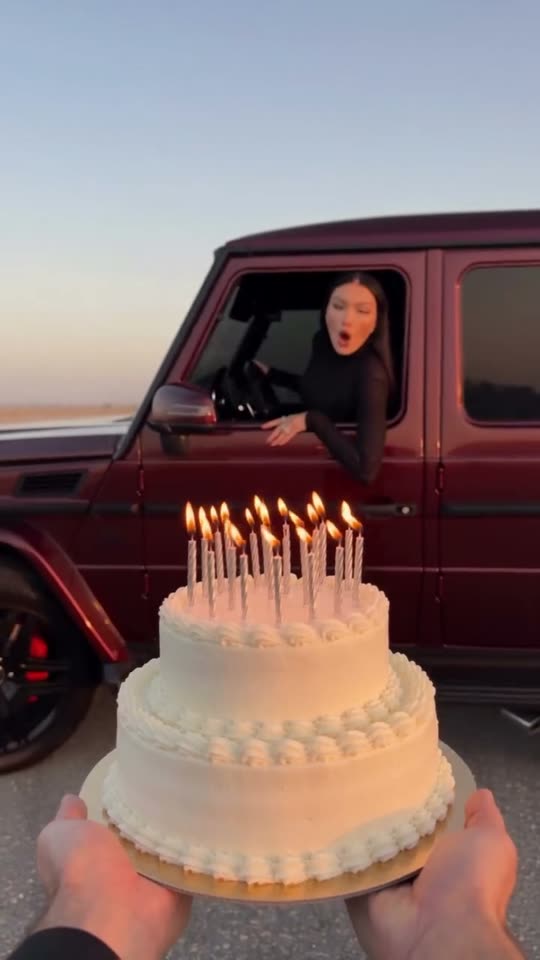
Birthday Car
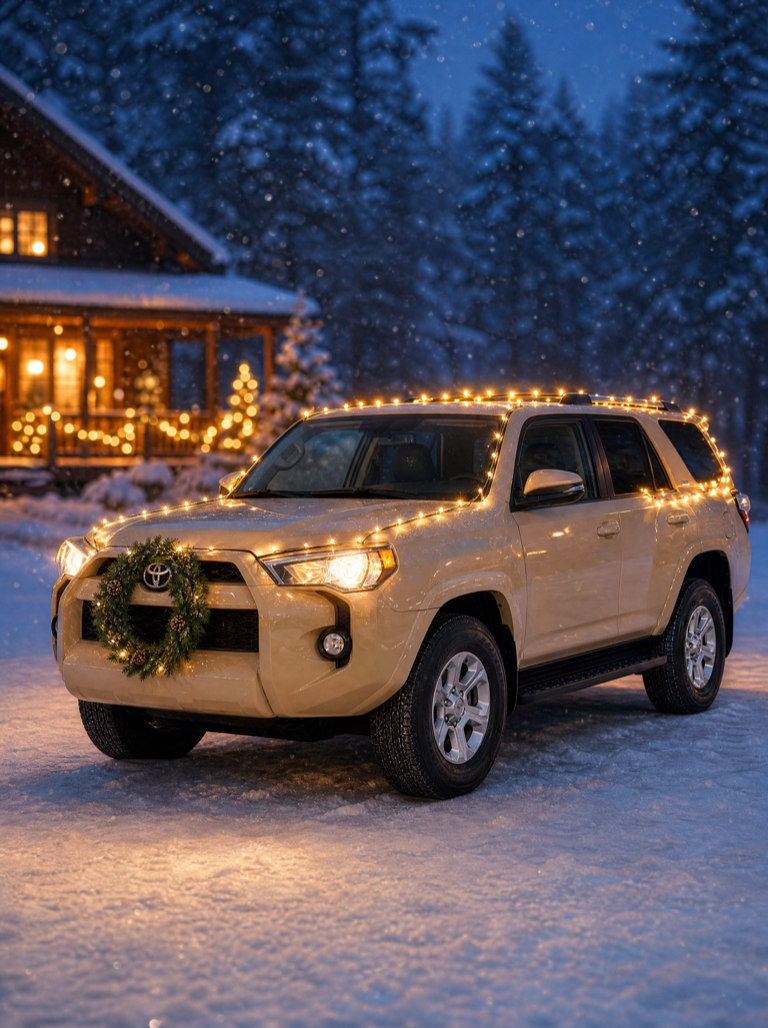
Christmas Car Lights
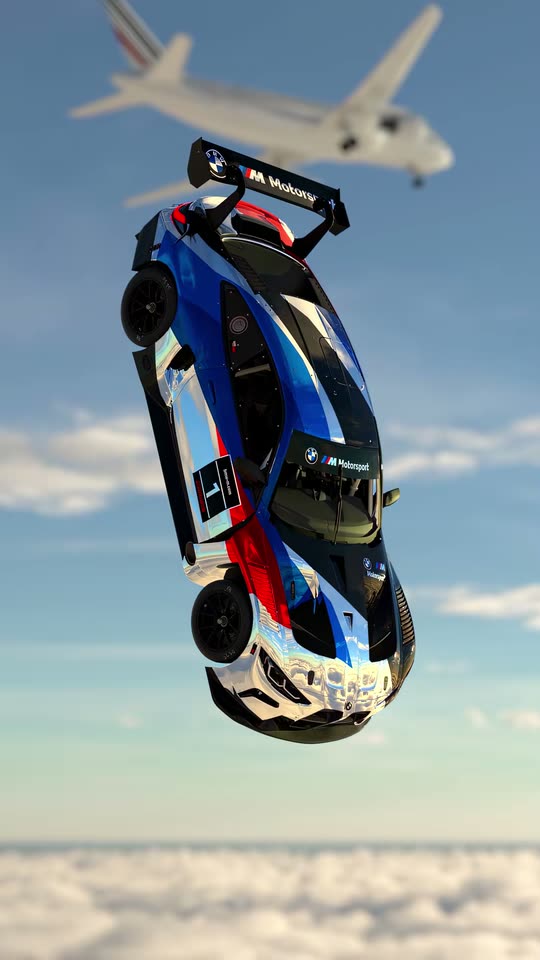
Car Falling From Sky
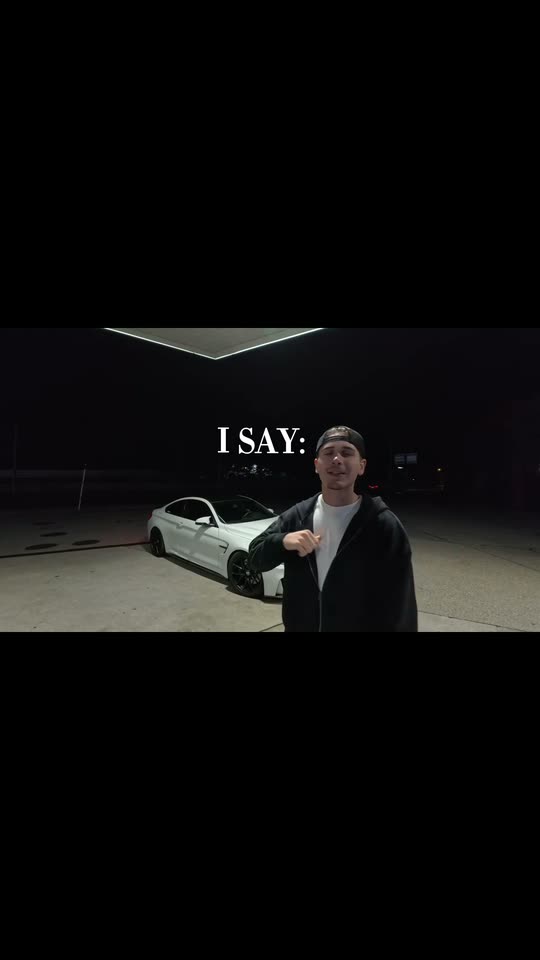
Take Me Home (Luxury Car-Roof Tap)

Bonito Bonito Baby
I'm So In Love With You
iPhone Kupi Dance
Cat Human
AI Elf Dance
Bing Bing Bing Kicking
- 01Upload your photoClear face, good light.
- 02We render in 3–8 minNo prompt to write.
- 03Download or share9:16 vertical, no watermark.
An AI car edit is a short cinematic automotive showcase generated from a single still vehicle photo. ViralVideoAI stages the uploaded car in a dark parking garage lit by pools of white light, cycles through low camera passes, a wheel detail and a smooth orbit, and ends on a front three-quarter hero shot — 15 seconds, 9:16 vertical, 130 credits. Body shape, paint and wheel style stay consistent across the cuts; failed renders refund their credits automatically.
About $5.55 per render on our best-value plan. See plans
Also called car edit AI · AI car reel · car video from photo · night garage car edit · AI car showcase · edit de carro IA · vídeo de carro IA · 車 動画 AI · 汽車 剪輯 AI
Example
What the AI Car Edit video looks like
The reference shows the pacing and framing of AI Car Edit. Your render uses your uploaded one photo to create a new clip.
Reference clip
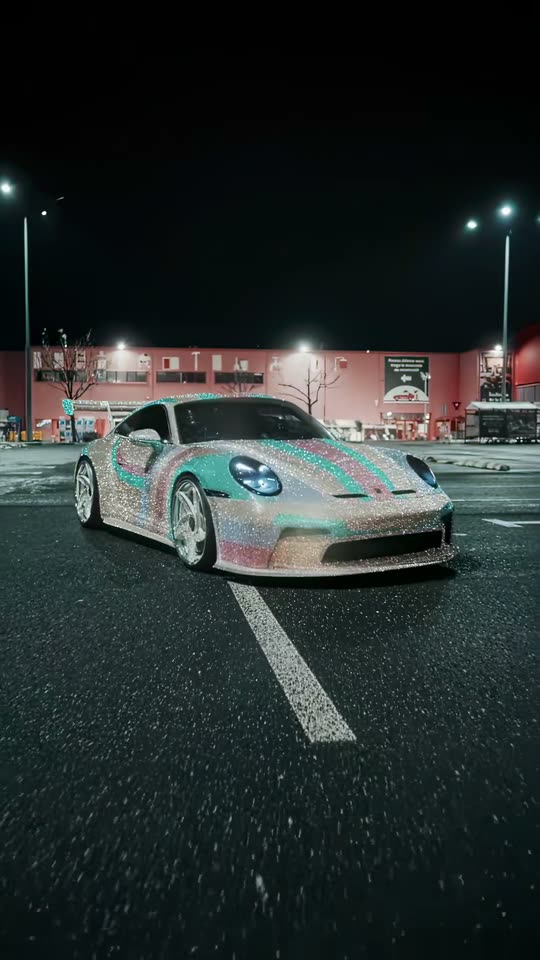
Reference footage illustrates the format. Your output is newly generated and may differ from this example.
What is the AI Car Edit trend?
An AI car edit is a photo-to-video automotive reel that keeps one uploaded vehicle recognizable across several camera angles and lighting setups. The format is a short cinematic showcase — orbits, low passes, wheel close-ups and a hero shot — delivered as a vertical video sized for TikTok, Reels and YouTube Shorts.
Step by step
How to make the AI Car Edit video on ViralVideoAI
Make AI Car Edit in three steps, directly in your browser.
Choose your source photo
Upload a sharp front three-quarter photo showing the full car, paint and wheels. Blur the plate before uploading.
Generate the video
Upload one photo and confirm the 130-credit price. The generator builds a 15-second 9:16 video in a dark parking garage with pools of white light.
Review and share
Check identity, motion and the final frame: A clean front three-quarter hero shot holds on the car. Add any named track through a licensed music library.
Which photo works best?
Best source image for this effect:
- Upload a sharp front three-quarter photo showing the full car, paint and wheels. Blur the plate before uploading.
- Use images you own or have permission to use. For two-person effects, both adults must consent.
- Avoid heavily filtered faces, cropped limbs and readable private information. Review the result before sharing.
Where did the AI Car Edit trend start?
Car edits have been a TikTok Automotive hashtag staple since 2022, with creators cutting rapid multi-angle reels over electronic and hip-hop tracks. In 2026, AI photo-to-video tools made the format accessible without a camera crew: upload one still vehicle photo and let the generator synthesize the orbits and close-ups. Late October 2026 saw template apps ship their first one-tap car edit filters; ViralVideoAI published its independent 15-second interpretation on November 5, 2026, with an unbranded garage set and a license-plate-safe policy.
TikTok "car edit" hashtag enters regular rotation as creators cut multi-angle reels of personal vehicles.
AI template apps ship one-photo car edit effects that synthesize orbits and close-ups from a single still image.
ViralVideoAI publishes an independent 15-second 9:16 car edit template with an unbranded night-garage set.
One-tap version
Which AI Car Edit version do you get?
The one-tap flow writes and runs the prompt for you, so there is nothing to copy or edit. You get the version below.
AI Car Edit
15 s · 9:16 · one photo
15 s · 9:16 · 130 credits
How many credits does it cost?
The one-tap generator currently runs the AI Car Edit version for 130 credits. The Generate button confirms the price before you spend anything. A failed render returns its credits. See pricing.
What happens in the AI Car Edit video, second by second?
The AI Car Edit edit has three clear beats:
| Beat | Visual action |
|---|---|
| Setting | a dark parking garage with pools of white light |
| Action | Low camera passes, a wheel detail and a smooth orbit reveal the same car from several angles. |
| Payoff | A clean front three-quarter hero shot holds on the car. |
AI Car Edit: framing and identity tips
A car edit is a fast-cut automotive showcase. This version turns one still vehicle photo into a night-garage reel while keeping its body shape and paint consistent. Upload a sharp front three-quarter photo showing the full car, paint and wheels. Blur the plate before uploading.
- Keep the main subject easy to recognize in the first frame.
- Check face, limbs, clothing and vehicle details in the preview.
- Leave space for platform captions above the bottom controls.
Caption, sound and hashtags
Caption idea: “My AI Car Edit version.” The generated audio is original driving electronic instrumental; add a named song only through your platform’s licensed library and label AI media where required.
Blur or remove license plates before uploading. The generated garage is a neutral fictional location — no real storefront, dealership or private garage is reproduced.
FAQ
AI Car Edit trend questions
Will my car keep its exact paint and wheels?
Body shape, color and wheel style stay recognizable across the cuts, but the generator is not a frame-perfect 3D model of your specific car. Expect fidelity to the silhouette and finish, with minor variation in trim, badges and reflections — the kind of difference you would see between two real photo shoots.
What photo works best?
A sharp front three-quarter photo in daylight or clean indoor light, with the full car in frame and the paint and wheels clearly visible. Avoid heavy motion blur, dark shadows and rolling-shot angles. Blur or crop out the license plate before uploading.
Can I use a motorbike or a scooter?
This template is tuned for four-wheeled passenger cars. A motorbike will render but with less convincing orbits because the geometry is different. For a motorcycle reel, try the Grau de Moto AI template instead.
Is the garage a real place?
No. The parking garage is a generic AI-generated environment — no real dealership, storefront or private property is reproduced. Any visible signage is placeholder text and not a real brand.
Make your own AI Car Edit video
Add one photo and tap once. No prompt to write. 130 credits.
3–8 minNo watermarkRefund if render failsSecure checkout by Stripe