CHRISTMAS
Santa Caught on Camera AI Video: Add a Holiday Visitor to Your Porch
A fictional Santa-like visitor enters, sets down a gift and glances toward the lens. Start with one photo and make your own 10-second vertical edit.
- 130 credits
- 10 s video
- 1 photo
Reference clip
Reference clip. Your render stars you and may differ.
More trends
More Christmas scenes to star in
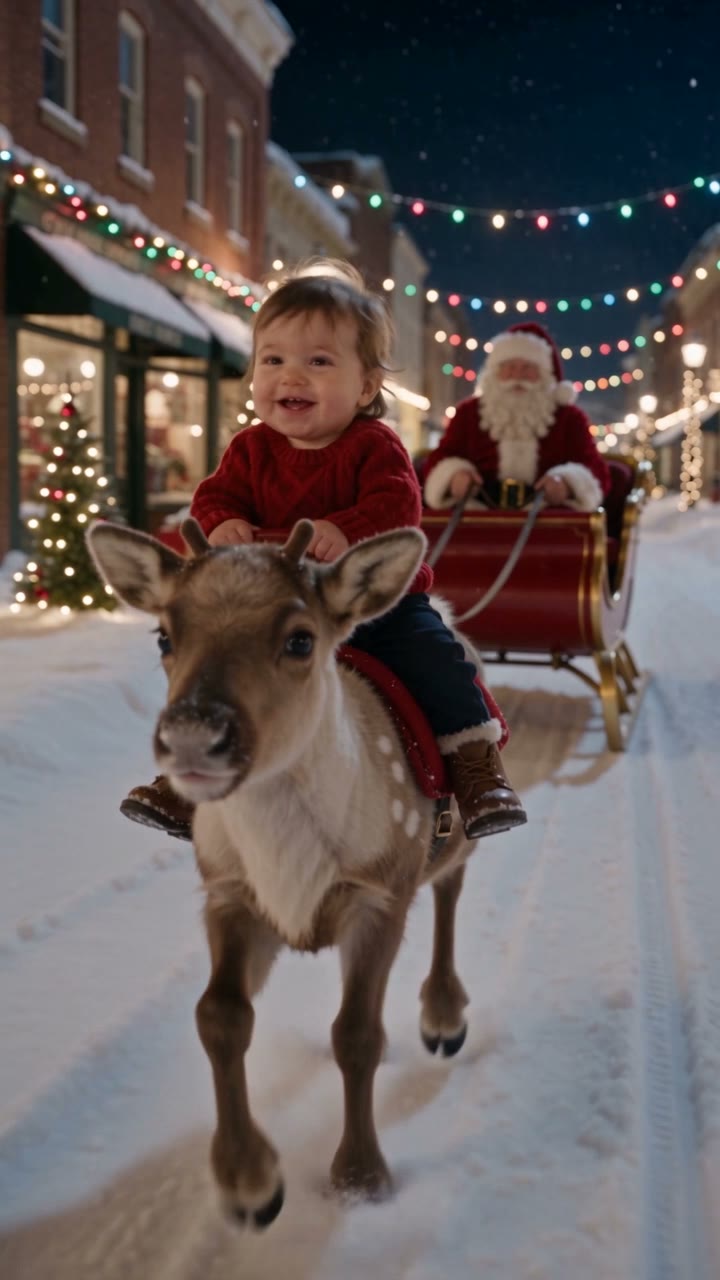
Baby Reindeer Santa

Animated Christmas PFP
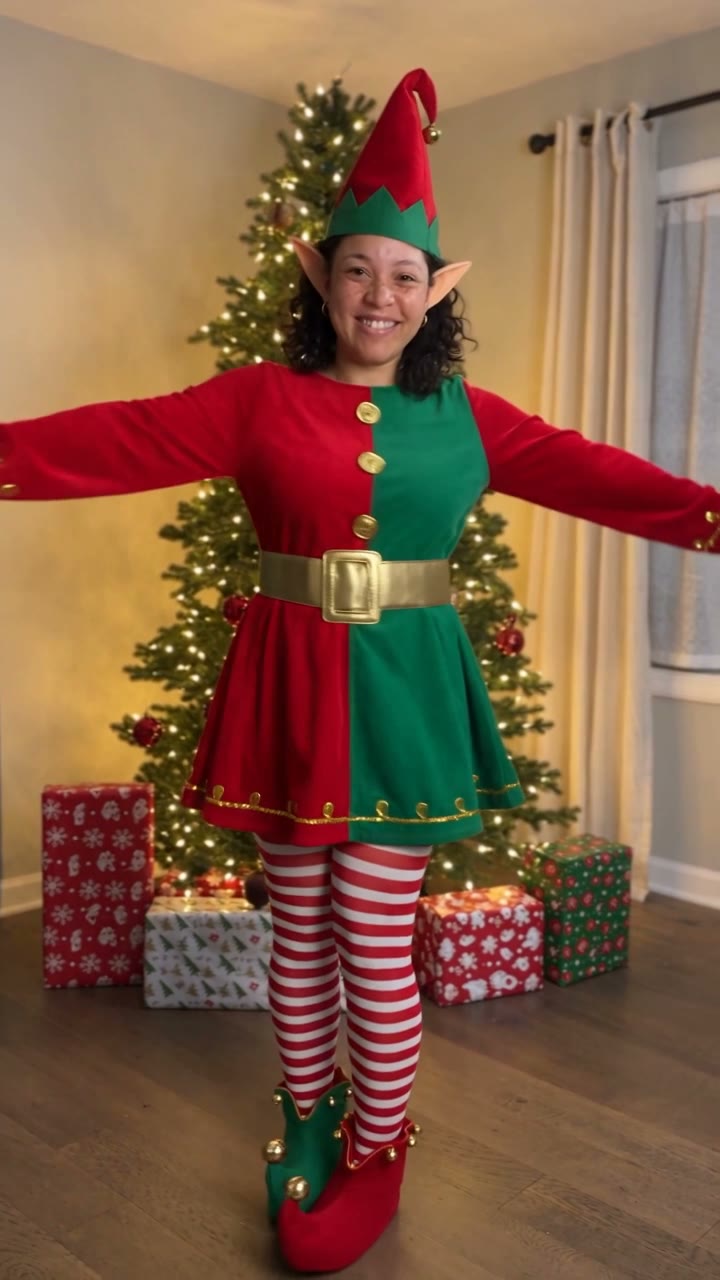
AI Elf Dance
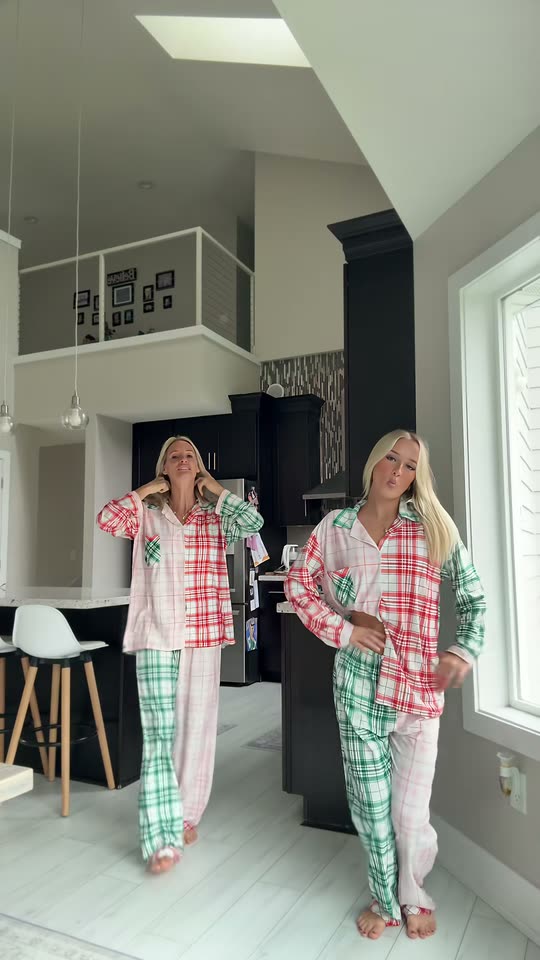
Christmas Dance

AI Christmas Photoshoot
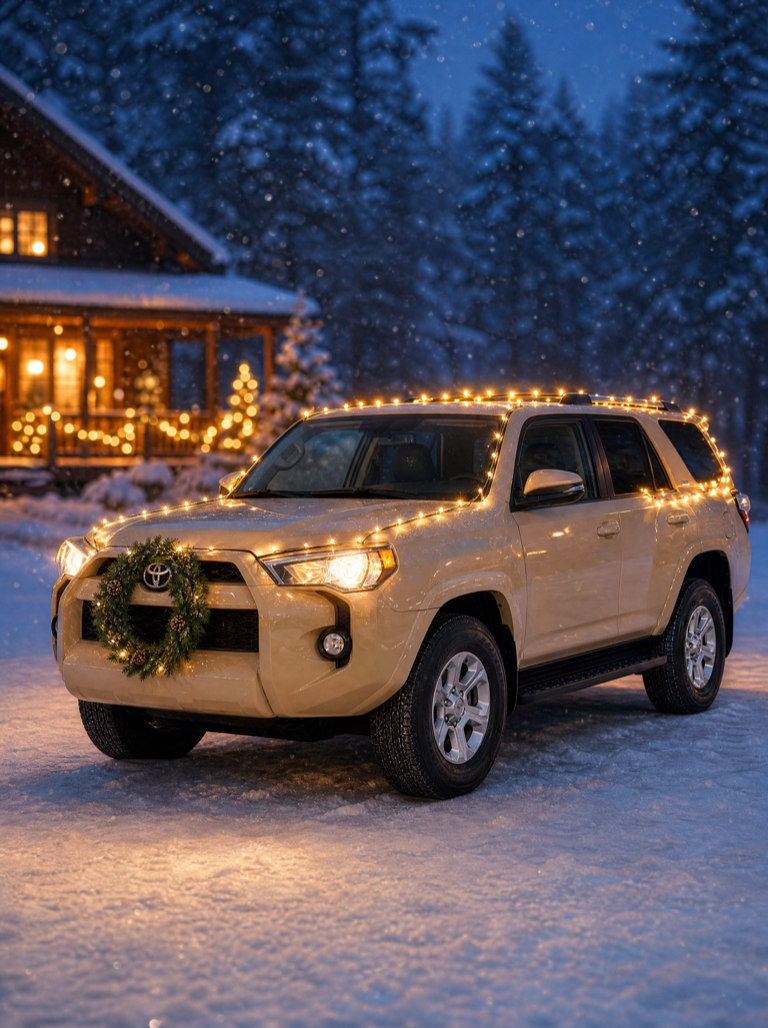
Christmas Car Lights
Bonito Bonito Baby
I'm So In Love With You
iPhone Kupi Dance
Cat Human
- 01Upload your photoClear face, good light.
- 02We render in 3–8 minNo prompt to write.
- 03Download or share9:16 vertical, no watermark.
Santa Caught on Camera is a fictional CCTV-style holiday video in which an invented Santa-like figure visits a porch or living room at night, sets down a gift and waves at the lens. ViralVideoAI turns one photo of your own porch or room into a 10-second 9:16 vertical clip with a desaturated security-camera look for 130 credits. The clip is clearly AI-generated — never real surveillance footage — and refunds credits automatically if the render fails.
About $5.55 per render on our best-value plan. See plans
Also called Santa security camera video · Santa at my house AI · caught Santa on camera · fake Santa CCTV · Papá Noel cámara de seguridad IA · Babbo Natale telecamera · サンタ 監視カメラ AI
Example
What the Santa Caught on Camera video looks like
The reference shows the pacing and framing of Santa Caught on Camera. Your render uses your uploaded one photo to create a new clip.
Reference clip
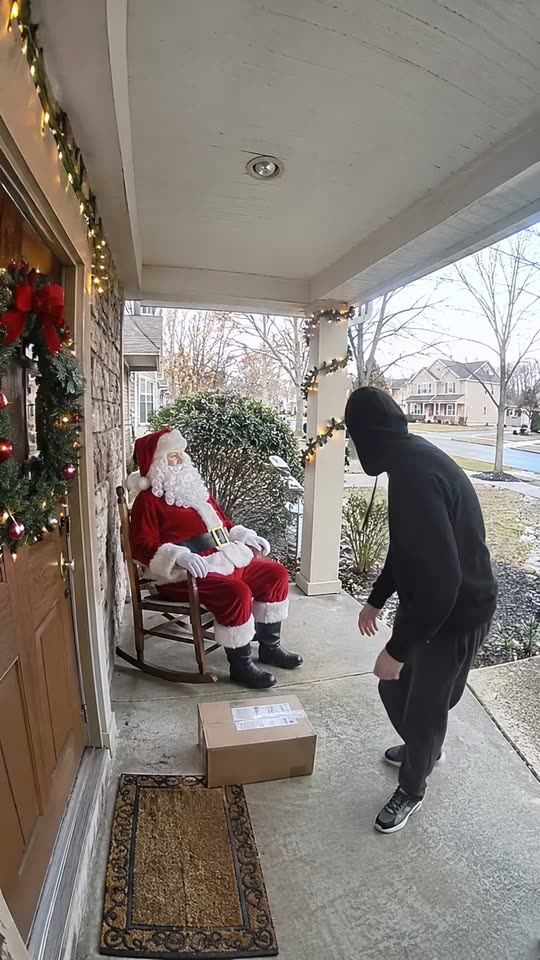
Reference footage illustrates the format. Your output is newly generated and may differ from this example.
What is the Santa Caught on Camera trend?
Santa Caught on Camera is a format that imagines the arrival of a Santa-like visitor on a household security feed. The visual grammar borrows from CCTV — a fixed low-angle frame, a muted palette and a visible timestamp overlay — to sell the idea of an unexpected overnight recording. It is a scripted AI scene, not real footage.
Step by step
How to make the Santa Caught on Camera video on ViralVideoAI
Make Santa Caught on Camera in three steps, directly in your browser.
Choose your source photo
Upload a well-lit photo of your own porch or living room without visible addresses, faces or private details.
Generate the video
Upload one photo and confirm the 130-credit price. The generator builds a 10-second 9:16 video in a quiet home porch at night seen through a fixed security camera.
Review and share
Check identity, motion and the final frame: The visitor waves and leaves the porch as the camera keeps recording. Add any named track through a licensed music library.
Which photo works best?
Best source image for this effect:
- Upload a well-lit photo of your own porch or living room without visible addresses, faces or private details.
- Use images you own or have permission to use. For two-person effects, both adults must consent.
- Avoid heavily filtered faces, cropped limbs and readable private information. Review the result before sharing.
Where did the Santa Caught on Camera trend start?
The idea of catching Santa on a doorbell camera has circulated since smart-home cameras became common around 2018, but the 2025 Christmas season saw it return as a reliable viral template on TikTok and Reels as creators staged doorbell clips with children. For 2026, AI tools gave the format a one-photo variant: upload a porch or room and let the generator stage a clearly AI Santa visit. ViralVideoAI published its independent interpretation on November 5, 2026, as a 10-second vertical video with a built-in CCTV look and no real-footage pretense.
Smart-home doorbell cameras become common in US and EU homes; staged Santa visits begin to circulate every December.
TikTok and Reels "Santa caught on my Ring" clips spread as a holiday format with staged live-action footage.
AI template apps ship one-photo "Santa caught on camera" effects that generate a fictional visit from an uploaded room image.
ViralVideoAI publishes its own 10-second 9:16 version with a built-in AI-generated CCTV look.
One-tap version
Which Santa Caught on Camera version do you get?
The one-tap flow writes and runs the prompt for you, so there is nothing to copy or edit. You get the version below.
Santa Caught on Camera
10 s · 9:16 · one photo
10 s · 9:16 · 130 credits
How many credits does it cost?
The one-tap generator currently runs the Santa Caught on Camera version for 130 credits. The Generate button confirms the price before you spend anything. A failed render returns its credits. See pricing.
What happens in the Santa Caught on Camera video, second by second?
The Santa Caught on Camera edit has three clear beats:
| Beat | Visual action |
|---|---|
| Setting | a quiet home porch at night seen through a fixed security camera |
| Action | A fictional Santa-like visitor enters, sets down a gift and glances toward the lens. |
| Payoff | The visitor waves and leaves the porch as the camera keeps recording. |
Santa Caught on Camera: framing and identity tips
The Santa caught on camera format imagines a holiday visitor appearing on a household security feed. This version uses a room photo and visual storytelling without claiming the event happened. Upload a well-lit photo of your own porch or living room without visible addresses, faces or private details.
- Keep the main subject easy to recognize in the first frame.
- Check face, limbs, clothing and vehicle details in the preview.
- Leave space for platform captions above the bottom controls.
Caption, sound and hashtags
Caption idea: “My Santa Caught on Camera version.” The generated audio is original quiet night ambience; add a named song only through your platform’s licensed library and label AI media where required.
Fictional AI scene only. Do not present the generated video as real security footage, and never upload a photo that shows other people, readable addresses or your door lock.
FAQ
Santa Caught on Camera trend questions
Is this real security footage?
No. The clip is an AI-generated scene with a stylized CCTV look. There is no real surveillance recording, no person in the frame beyond the fictional Santa character, and no claim that the event happened. Never share the clip as if it were real footage.
What photo should I upload?
A well-lit photo of your own porch, hallway or living room — the kind of angle a doorbell or hallway camera would see. Avoid anything with a visible house number, apartment door lock, mailbox name or other people, since those details should not appear in a shared clip.
Can my kids see this?
Treat it like any staged Santa video. The generated figure is clearly animated and the pacing is light. It is a holiday prompt for family humor, not a proof-of-Santa clip; keep the "it is pretend" conversation ready.
Does the clip have sound?
Yes — a quiet night ambience, no copyrighted track. Add any licensed holiday song through your posting platform's music library if you want a stronger musical cue.
Make your own Santa Caught on Camera video
Add one photo and tap once. No prompt to write. 130 credits.
3–8 minNo watermarkRefund if render failsSecure checkout by Stripe