CHRISTMAS
Animated Christmas PFP: Your Santa Hat Portrait in Motion
Keep your familiar face or pet markings while snow and festive lights move around a Santa hat.
- 130 credits
- 10 s video
- 1 photo
The result
A real ViralVideoAI render. Yours stars you.
More trends
More Christmas scenes to star in
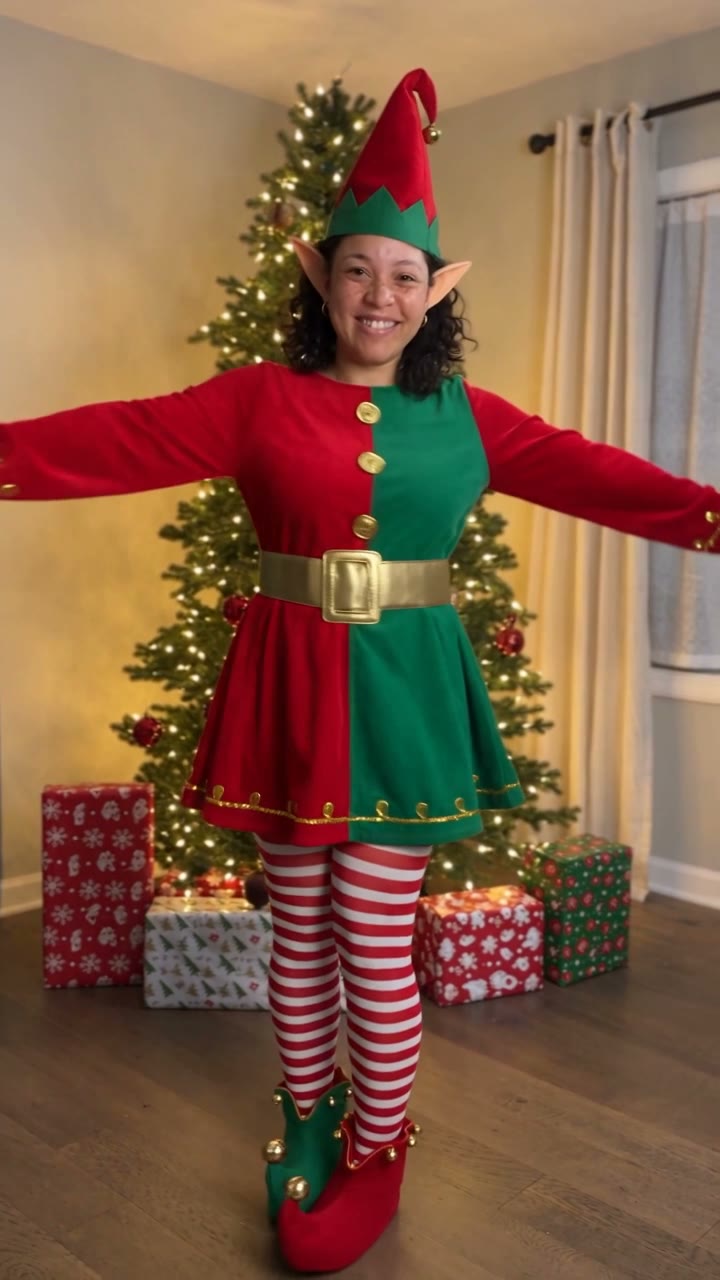
AI Elf Dance
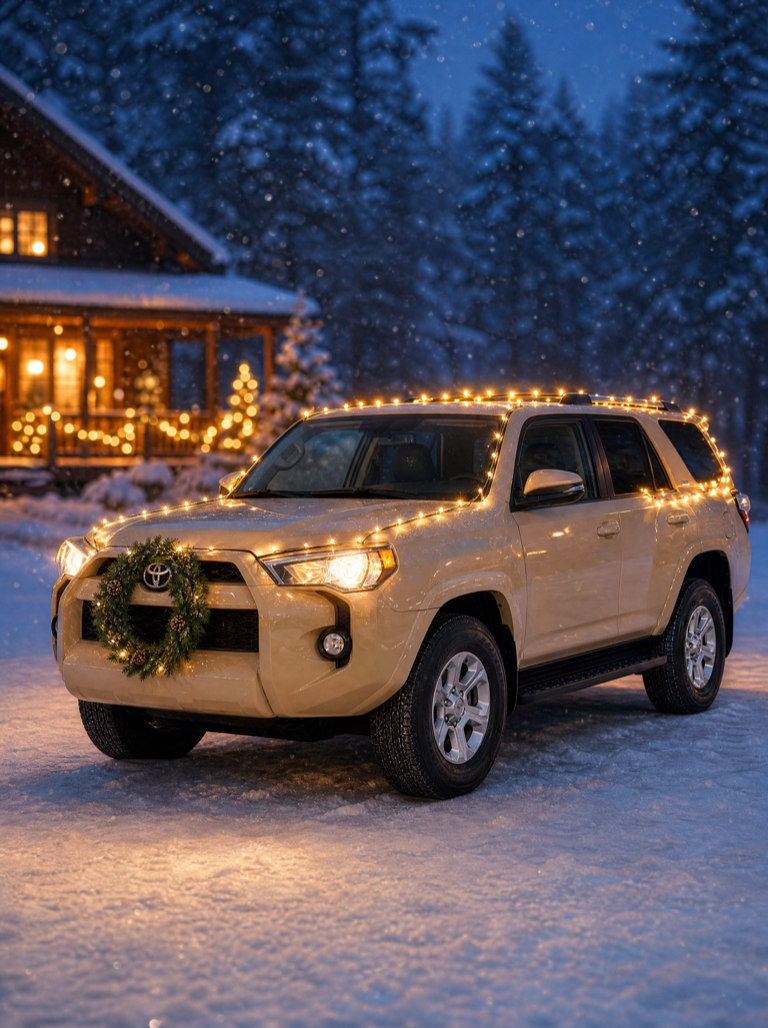
Christmas Car Lights
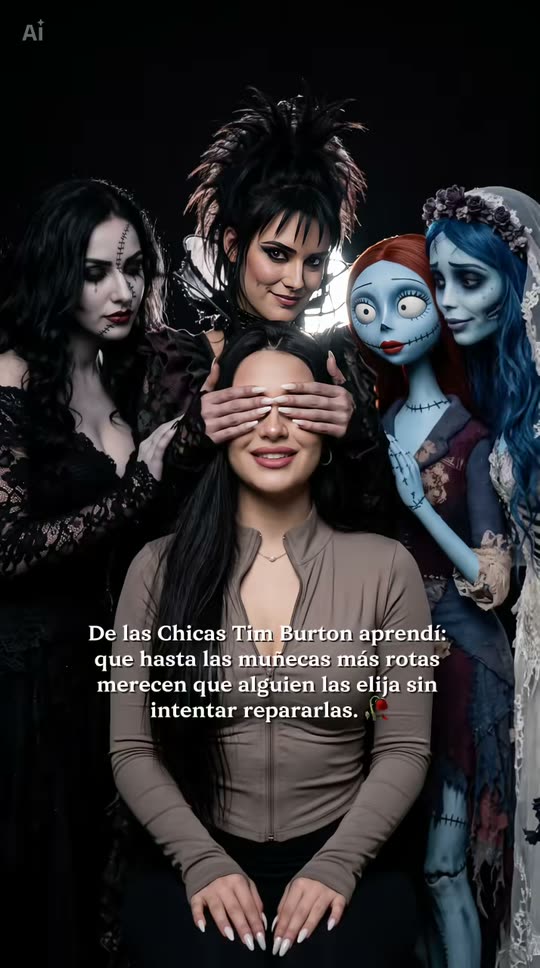
Tim Burton Girls
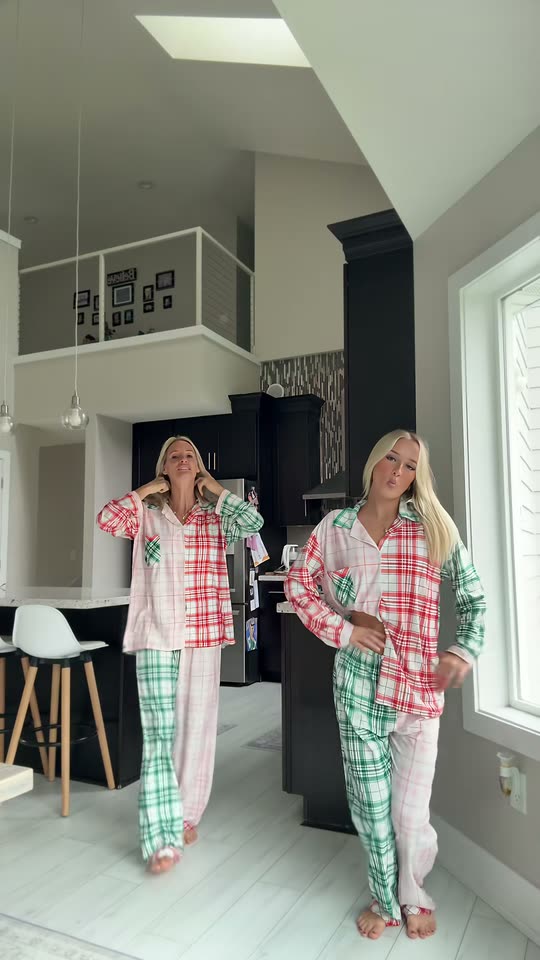
Christmas Dance

AI Christmas Photoshoot
Santa Caught on Camera
Baby Reindeer Santa
Bonito Bonito Baby
I'm So In Love With You
iPhone Kupi Dance
- 01Upload your photoClear face, good light.
- 02We render in 3–8 minNo prompt to write.
- 03Download or share9:16 vertical, no watermark.
An animated Christmas PFP is a short moving profile portrait with the subject centered for a square or circular crop. ViralVideoAI turns one selfie or pet photo into a 10-second 9:16 video with a red Santa hat, gentle falling snow and warm fairy lights for 130 credits. The face or pet markings stay recognizable while the background moves subtly. Static Xmas PFP effects produce a still image; this template creates a video adaptation, so you can post the MP4 directly on TikTok, Instagram and Discord or save a single frame for services that still require a photo.
About $5.55 per render on our best-value plan. See plans
Also called Xmas PFP · Santa hat profile picture · moving Christmas avatar · animated holiday PFP · AI Christmas profile picture · Christmas avatar video · PFP Navidad IA · foto de perfil de Natal animada · クリスマス アイコン AI · 聖誕頭像 AI
Example
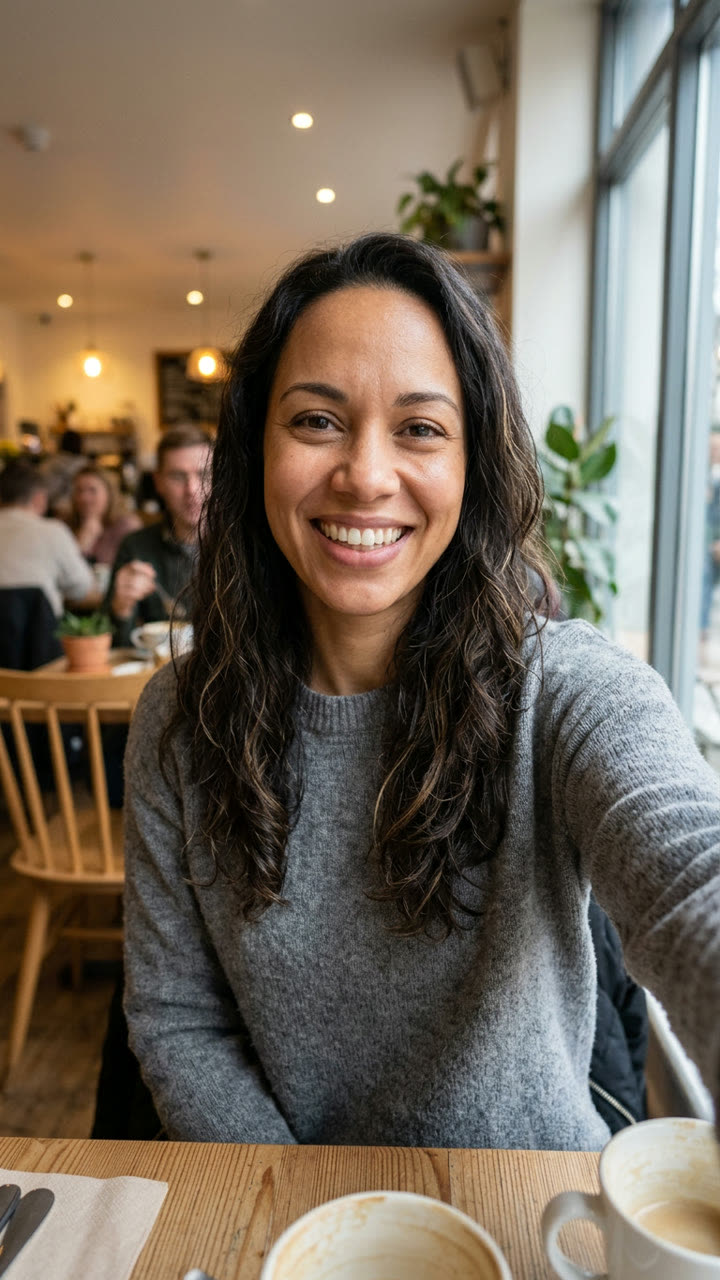
What the Animated Christmas PFP video looks like
This is how the Animated Christmas PFP trend reads at phone size. Upload your own photo below to generate your own version.
Input
Result, 10 s, with sound

MakeViral provides a static Christmas PFP reference; ViralVideoAI creates a separate moving portrait video.
What is the Animated Christmas PFP trend?
An animated Christmas PFP is a holiday profile picture that moves — a Santa hat portrait with gentle snow and warm lights instead of a still image. The format fits square and circular crops on TikTok, Instagram, WhatsApp, Discord and X avatars, and reads as a seasonal badge from the first frame. Because the export is 9:16 video, it also doubles as an Instagram story asset, a Reels loop or a short reaction clip without re-cropping.
Step by step
How to make the Animated Christmas PFP video on ViralVideoAI
Upload your photo, generate a new clip and review the result before sharing.
Prepare the source photo
Upload one front-facing selfie or pet portrait with the whole head visible and room above it for the hat.
Generate your video
Confirm the 130-credit price and start a new vertical render. A centered chest-up portrait holds steady; the subject blinks gently while snow drifts and fairy lights glow behind.
Review before posting
Check the likeness, motion and final frame. A clean centered final frame leaves space around the hat for a circular crop.
Which photo works best?
Source-photo checklist:
- Upload one front-facing selfie or pet portrait with the whole head visible and room above it for the hat.
- Use photos you own or have explicit permission to use. Never upload a child or a non-consenting adult.
- Review faces, hands and fine details at phone size before sharing. Each render is a fresh interpretation — retry with a cleaner source photo if the output drifts.
Where did the Animated Christmas PFP trend start?
Christmas profile-picture swaps return each late November as users refresh their avatars for the holiday season across TikTok, Instagram, WhatsApp, Discord and X. For the 2026 season, template photo apps including MakeViral shipped high-resolution still Xmas PFP effects that place a Santa hat and winter accents onto a single uploaded portrait. ViralVideoAI documents this format as an adjacent video adaptation: the same recognizable Santa hat, falling snow and fairy lights, but as a 10-second 9:16 moving portrait that works as an avatar animation, a Reels loop or a holiday-card share.
Static Santa hat profile picture effects spread on template photo apps during the previous holiday season.
MakeViral and other template apps ship their 2026 Christmas PFP effects as high-resolution still portraits.
Seasonal Christmas profile-picture swaps return across TikTok, Instagram, WhatsApp, Discord and X.
ViralVideoAI publishes a moving portrait interpretation as a 10-second 9:16 video.
One-tap version
Which Animated Christmas PFP version do you get?
The one-tap flow writes and runs the prompt for you, so there is nothing to copy or edit. You get the version below.
Animated Christmas PFP
10 s · 9:16 · one photo
10 s · 9:16 · 130 credits
How many credits does it cost?
The one-tap generator currently runs the Animated Christmas PFP version for 130 credits. The Generate button confirms the price before you spend anything. A failed render returns its credits. See pricing.
What happens in the Animated Christmas PFP video, second by second?
The reference reads as three visual beats:
| Beat | What happens |
|---|---|
| Setup | Keep your familiar face or pet markings while snow and festive lights move around a Santa hat. |
| Movement | A centered chest-up portrait holds steady; the subject blinks gently while snow drifts and fairy lights glow behind. |
| Finish | A clean centered final frame leaves space around the hat for a circular crop. |
How to make a stronger Animated Christmas PFP edit
A recognizable opening frame, a clean subject and a deliberate payoff make the format understandable even with sound off.
- Upload one front-facing selfie or pet portrait with the whole head visible and room above it for the hat.
- Check the first frame at phone size: the subject and setting should be obvious.
- Keep captions clear of the face and the bottom interface area.
Caption, sound and hashtags
Caption idea: "My take on Animated Christmas PFP." Add any song through your platform's licensed music library and disclose AI-generated visuals where the platform requires it.
This template exports a 10-second 9:16 video. Services that accept only still images require you to save a frame from the video before uploading it as a profile picture.
FAQ
Animated Christmas PFP trend questions
What is the Animated Christmas PFP trend?
Keep your familiar face or pet markings while snow and festive lights move around a Santa hat. A centered chest-up portrait holds steady; the subject blinks gently while snow drifts and fairy lights glow behind.
Can I generate this effect on ViralVideoAI?
Yes. Upload one photo and generate a new video for 130 credits. Each render is a fresh interpretation of the trend, and failed renders refund their credits automatically.
What photo works best?
Upload one front-facing selfie or pet portrait with the whole head visible and room above it for the hat.
Does this download a still PFP or a video?
A video. The export is a 10-second 9:16 MP4 with a transparent-feeling background motion (snow and fairy lights). For a still profile picture, pause the MP4 on a centered frame and save a screenshot — the composition already leaves room for a square or circular crop.
Can I use a pet photo for a Christmas PFP?
Yes. A clear front-facing portrait with the face and coat markings visible keeps the pet recognizable, and the Santa hat sizes itself to the head. Dogs, cats and rabbits all work; keep the whole head in frame with a little room above it for the hat.
How do I use the moving PFP on TikTok, Instagram or WhatsApp?
TikTok and Instagram let you set a short vertical video as a profile animation or story — upload the 9:16 MP4 directly. For WhatsApp, Discord and services that accept only a still image, open the video, pause on a centered frame with the hat in view, and save a screenshot as your profile picture.
What photo works best for a Christmas PFP video?
One clear front-facing portrait in warm indoor light or neutral daylight, with the whole head visible and a little room above it for a tall Santa hat. Avoid sunglasses that hide the eyes, heavy filters that smooth out identity and group photos — the trend reads best as one recognizable face or pet.
Can I post my own version?
Yes, subject to the rights in your photos, video and soundtrack, and the rules of your posting platform. See the disclaimer for the specific rights involved in this trend.
Make your own Animated Christmas PFP video
Add one photo and tap once. No prompt to write. 130 credits.
3–8 minNo watermarkRefund if render failsSecure checkout by Stripe